screenpipe
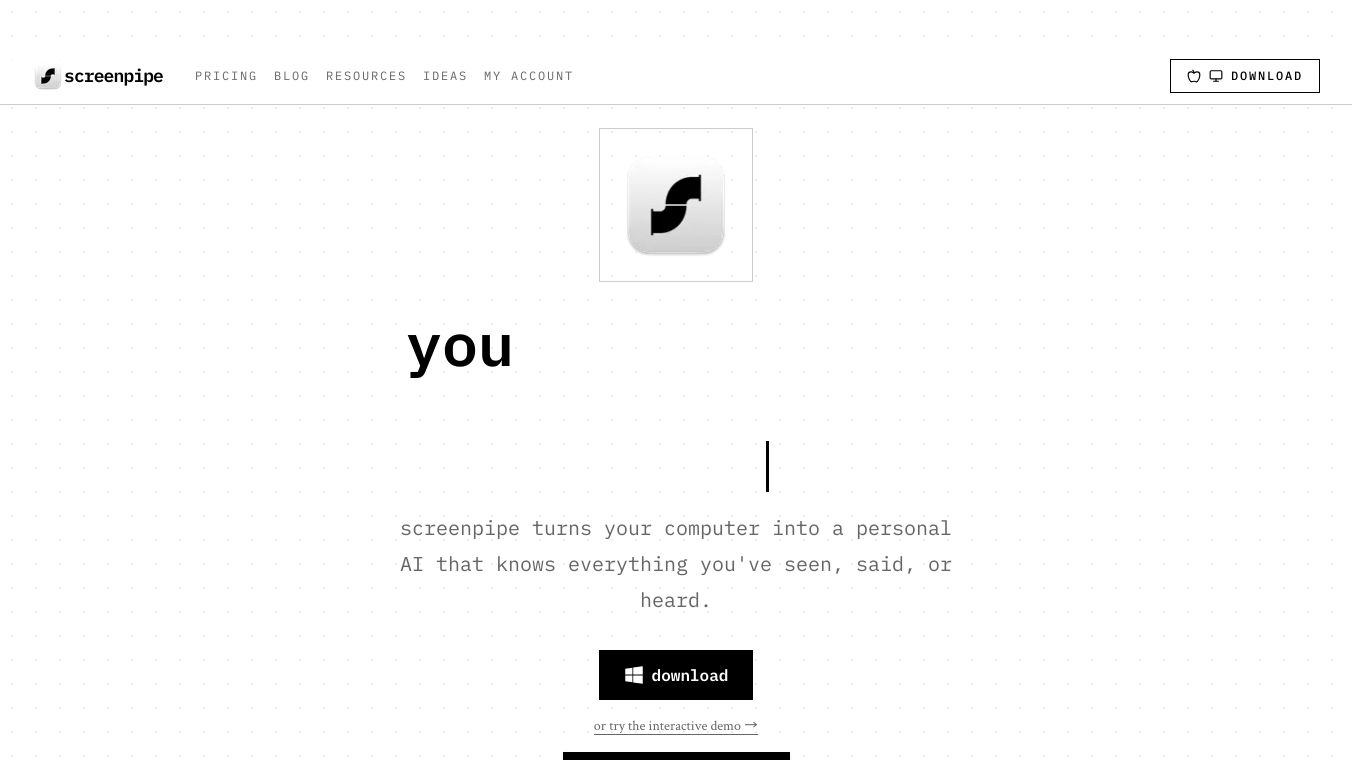





Screenpipe is a free, open-source program that records your computer screen and audio all the time. Think of it as a personal AI assistant that remembers everything you do on your computer. It’s an alternative to tools like Rewind and Microsoft Recall. Screenpipe helps you find information by letting you search your entire screen history using everyday language.
Benefits
Screenpipe offers several advantages. It can automatically transcribe meetings, saving you the trouble of taking notes. It uses AI to let you search through everything you’ve seen and heard on your computer. Because all your data is processed on your own device, your privacy is protected. Screenpipe works on macOS, Windows, and Linux. Its open-source nature means developers can access its full API. It can also work with different AI models, including popular ones like ChatGPT and Claude, as well as local AI models.
Use Cases
This tool has many uses. It can create AI-powered notes and transcriptions for meetings. You can easily search and recall past screen activity. Developers can boost their productivity by using Screenpipe’s full desktop context for coding. It can also help people with ADHD by providing a detailed record of their digital activities. Researchers can use it to manage and access information more effectively.
Vibes
Screenpipe transforms your computer into a personal AI with a strong memory of your digital life. You can look back at your screen history, and the audio is automatically transcribed. You can ask the AI questions to find specific details, and it will give you answers based on everything you’ve seen and done, often showing you where the information came from. This all happens using AI that runs on your computer, keeping your data private.
Additional Information
Screenpipe can generate daily summaries, similar to features in Apple Intelligence. It can connect with tools like Obsidian and Notion to help you keep track of people you meet and set reminders. You can search your data using Claude and get answers that link back to the original source. If you used Rewind, you can move your old timeline to Screenpipe and keep it searchable. Screenpipe guarantees that all your data stays 100% local and private; it’s never sent to the cloud and can be deleted anytime. For example, about one hour of data, including screenshots, audio, and text, uses around 63MB of space. Screenpipe also automatically removes personal information like phone numbers and emails before sending data to the AI, making it more secure. The program is designed to work offline, and you can choose to exclude certain apps from being recorded. You always own your data.
This content is either user submitted or generated using AI technology (including, but not limited to, Google Gemini API, Llama, Grok, and Mistral), based on automated research and analysis of public data sources from search engines like DuckDuckGo, Google Search, and SearXNG, and directly from the tool's own website and with minimal to no human editing/review. THEJO AI is not affiliated with or endorsed by the AI tools or services mentioned. This is provided for informational and reference purposes only, is not an endorsement or official advice, and may contain inaccuracies or biases. Please verify details with original sources.





Comments
Please log in to post a comment.