Rune
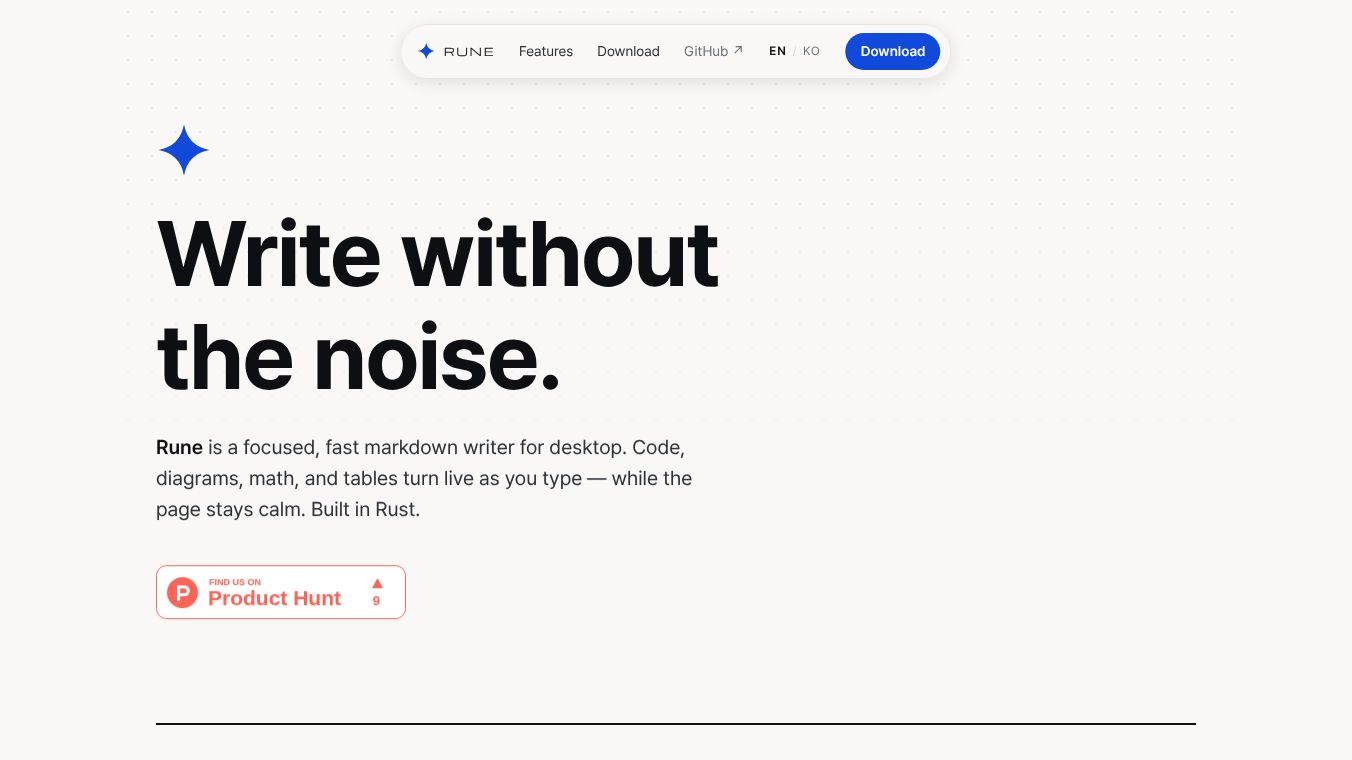





Rune: A Focused, Fast Markdown Writer for Desktop
Research context and background
Rune is a desktop application designed for writing markdown documents. It was built using the Rust programming language and uses a native webview to ensure it runs quickly and uses very little computer memory. The main goal of Rune is to provide a distraction-free environment where the writing process is smooth and the interface stays out of the way. Unlike many other editors that split the screen or require separate windows for editing and viewing, Rune combines everything into one clean canvas. This allows the user to focus entirely on their text without any visual clutter.
Benefits
Rune offers several key advantages for writers and developers who need a reliable tool for documentation.
- Instant Preview:The app features a unique inline preview system. As you type, the document renders immediately. Only the line where your cursor is located shows the raw code, while the rest of the screen displays the formatted result. This removes the need to constantly switch between edit and view modes.
- Rich Content Support:Beyond simple text, Rune can handle complex elements directly within the document flow. It supports syntax-highlighted code blocks, mathematical formulas using KaTeX, diagrams created with Mermaid, and standard tables. Users can also paste or drop images, which are saved next to the file and shown inline.
- Speed and Efficiency:Because it is built with Rust, Rune opens instantly and consumes minimal system resources. This makes it ideal for older computers or users who want a lightweight application that does not slow down their workflow.
- Organization Tools:The app includes a sidebar for managing folders, a tabbed interface similar to a web browser for keeping multiple documents open, and a command palette for searching across all files quickly.
- Multi-Language Support:Rune supports English, Korean, Japanese, and Simplified Chinese. It automatically detects the language based on your operating system settings.
Use Cases
Rune is suitable for anyone who writes technical documentation, blog posts, or personal notes on a desktop computer.
- Technical Writers:Developers and engineers can use Rune to write documentation that includes code snippets and diagrams. The ability to render code and math formulas live makes it perfect for creating technical guides.
- Students and Researchers:Users who need to write papers or notes with mathematical expressions can benefit from the built-in KaTeX rendering. The ability to export to PDF or HTML is also useful for sharing work.
- Bloggers and Content Creators:Writers who prefer markdown can use Rune to draft articles. The clean interface helps maintain focus, and the export features allow for easy publishing to static site generators or other platforms.
- Cross-Platform Users:Since Rune is available on macOS, Windows, and Linux, it is a good choice for users who switch between different operating systems or work in a multi-device environment.
Pricing
Rune is free and open-source software. There are no costs associated with downloading or using the application. Users can access the source code and contribute to the project if they wish.
Vibes
As an open-source project, Rune has gained attention from the developer community for its focus on performance and simplicity. Users appreciate the "quiet tool" philosophy, which means the software works hard to stay out of the way so the user can focus on their writing. Reviews from early adopters highlight the smooth rendering of complex content like diagrams and math formulas. The fast startup time and low memory usage are frequently mentioned as standout features compared to heavier markdown editors. The support for multiple languages has also been welcomed by users in non-English speaking regions.
Additional Information
Rune is currently at version 0.1.3. It is available for macOS (both Apple Silicon and Intel chips), Windows 10 and 11, and Linux x86-64. The project emphasizes a keyboard-centric workflow, providing shortcuts for common actions like creating new documents, saving, searching, and exporting. The development team focuses on a robust rendering engine that classifies input lines in real-time to ensure the document structure remains clear and meaningful.
This content is either user submitted or generated using AI technology (including, but not limited to, Google Gemini API, Llama, Grok, and Mistral), based on automated research and analysis of public data sources from search engines like DuckDuckGo, Google Search, and SearXNG, and directly from the tool's own website and with minimal to no human editing/review. THEJO AI is not affiliated with or endorsed by the AI tools or services mentioned. This is provided for informational and reference purposes only, is not an endorsement or official advice, and may contain inaccuracies or biases. Please verify details with original sources.
 No Info



Comments
Please log in to post a comment.