RemoveBGAI





What is RemoveBGAI
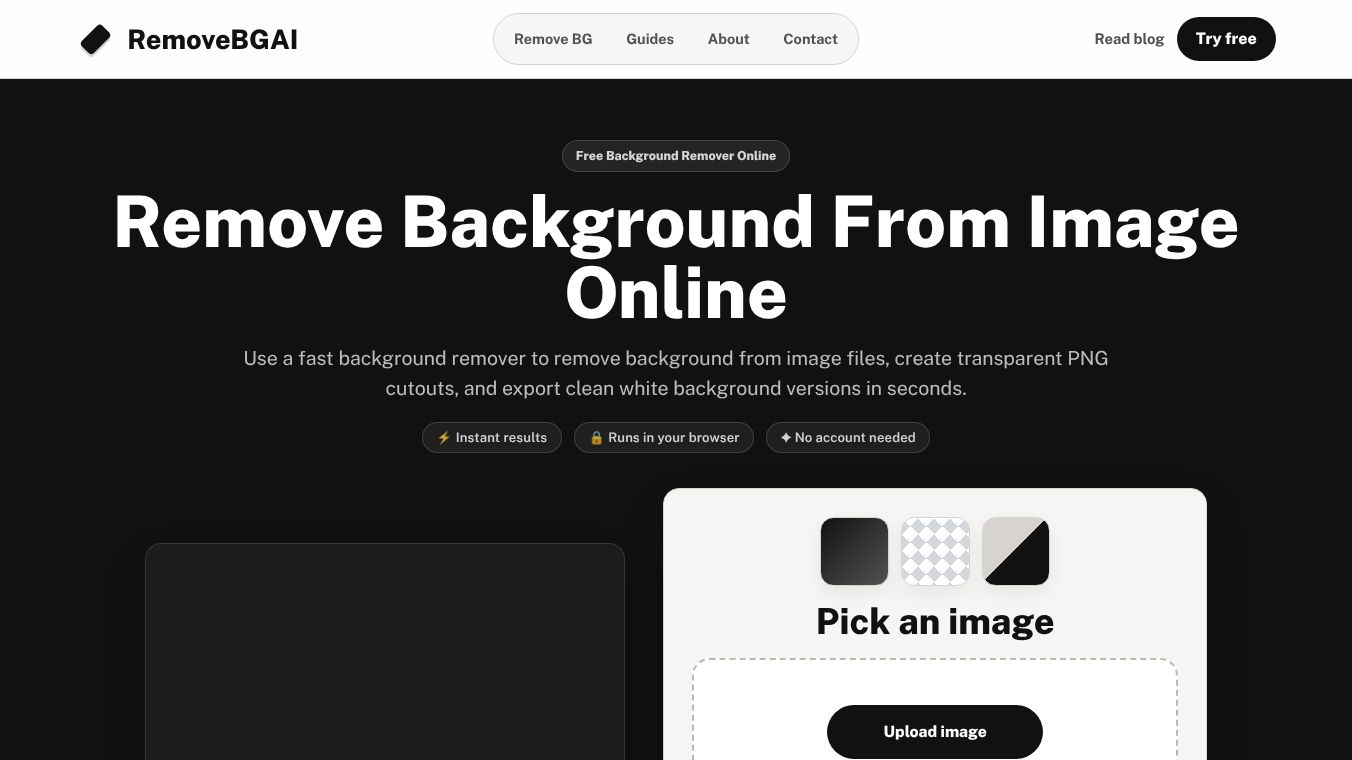
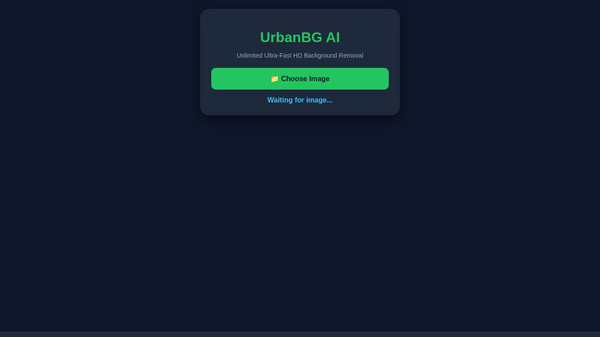
RemoveBGAI is an online tool designed to take images and remove the background automatically. It uses artificial intelligence to identify the main subject of a photo and separate it from the background. This process happens quickly and does not require any special software or skills. Users simply upload an image, and the tool returns a version with a transparent background. This makes it easy to place the subject into new designs or presentations.
Benefits
The main advantage of RemoveBGAI is its speed and ease of use. It processes images in seconds, which saves time compared to manual editing. The tool works well with various types of images, including photos of people, products, and objects. It also provides a high-quality output that keeps the edges of the subject sharp and clean. Another benefit is that it is free to use for basic needs, making it accessible to everyone. Users do not need to install any programs or pay for expensive subscriptions to get started.
Use Cases
RemoveBGAI is useful for many different tasks. Designers can use it to prepare product photos for online stores by removing distracting backgrounds. E-commerce sellers can create better images for their listings without hiring a professional editor. Teachers and students can use the tool to make educational materials more engaging by placing images into custom layouts. Social media managers can create eye-catching posts by isolating subjects from their original photos. Even casual users can use it to fix old family photos or create fun memes by changing the background of an image.
Pricing
RemoveBGAI offers a free version that allows users to remove backgrounds from images up to a certain size. This is enough for most personal and small business needs. For users who need to process larger images or remove watermarks, there are paid options available. These plans usually offer higher resolution downloads and faster processing times. The pricing is flexible, allowing users to choose a plan that fits their budget and requirements.
Vibes
Users generally have a positive experience with RemoveBGAI. Many people appreciate how simple the interface is and how fast the results appear. Reviews often mention that the tool handles complex images well, such as photos with hair or transparent objects. Some users note that the free version has limitations on image size, but they find the paid upgrades worth the cost for professional work. Overall, the community sees it as a reliable and helpful tool for quick image editing tasks.
Additional Information
RemoveBGAI is part of a growing trend of AI-powered tools that simplify everyday digital tasks. It is developed by a team focused on making technology accessible to non-experts. The platform continues to improve its algorithms to handle more types of images and provide even better results. While specific funding details are not widely publicized, the tool has gained popularity through word-of-mouth and online sharing. It stands out as a practical solution for anyone needing to edit images without technical expertise.
This content is either user submitted or generated using AI technology (including, but not limited to, Google Gemini API, Llama, Grok, and Mistral), based on automated research and analysis of public data sources from search engines like DuckDuckGo, Google Search, and SearXNG, and directly from the tool's own website and with minimal to no human editing/review. THEJO AI is not affiliated with or endorsed by the AI tools or services mentioned. This is provided for informational and reference purposes only, is not an endorsement or official advice, and may contain inaccuracies or biases. Please verify details with original sources.
Comments
Please log in to post a comment.