QTune
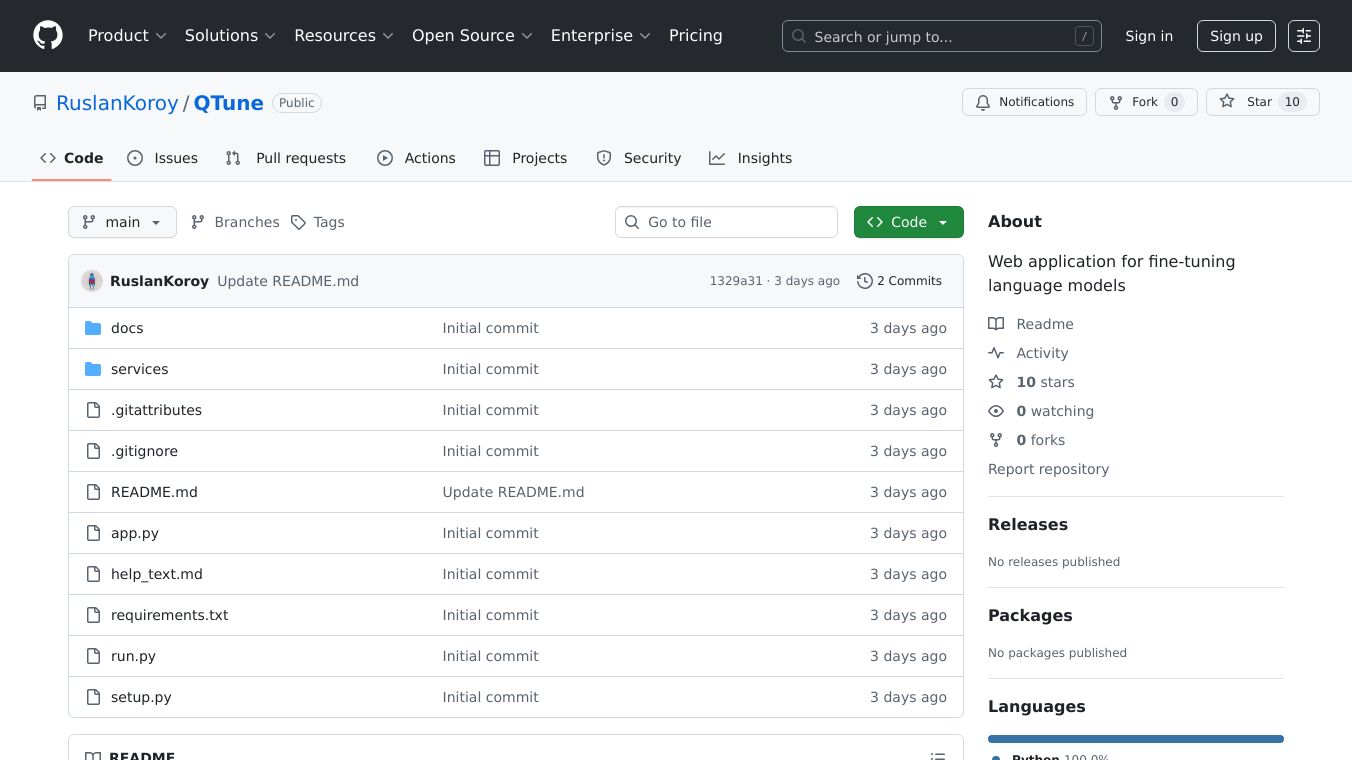





QTune: Fine-Tuning Language Models Made Easy
QTune is a user-friendly web application designed to make fine-tuning language models accessible on consumer GPUs with as little as 8GB of VRAM. Built with Gradio, it offers a comprehensive interface that simplifies the entire fine-tuning workflow, making it easier for users with limited hardware resources to optimize language models for their specific needs.
Benefits
QTune offers several key advantages that make it a valuable tool for anyone looking to fine-tune language models:
- Accessibility: Designed for consumer GPUs with as little as 8GB of VRAM, making it accessible to a wider range of users.
- User-Friendly Interface: Built with Gradio, it provides an intuitive interface for the entire fine-tuning workflow.
- Model Selection: Allows users to automatically fetch models from Hugging Face, including detailed information on VRAM requirements.
- Dataset Preparation: Users can create datasets using larger models via the OpenRouter API or upload their own datasets in JSON format.
- Training Configuration: Enables fine-tuning of QLoRA parameters and training parameters, with memory optimization settings tailored for 8GB VRAM GPUs.
- Model Conversion: After training, users can convert models to GGUF format with multiple quantization options and integrate with Ollama for easy deployment.
- Template Management: Automatically fetches chat templates from models, allowing users to create and save custom templates.
Use Cases
QTune is versatile and can be used in various scenarios:
- Researchers and Developers: Fine-tune language models for specific tasks or applications, such as chatbots, virtual assistants, or content generation.
- Businesses: Customize language models to better suit their specific industry or use case, improving the accuracy and relevance of AI-driven interactions.
- Educators and Students: Experiment with fine-tuning language models to understand the underlying processes and improve their skills in AI and machine learning.
- Hobbyists and Enthusiasts: Explore the capabilities of language models and fine-tune them for personal projects or interests.
Installation
To use QTune, users need Python 3.8 or higher, a CUDA-compatible GPU with at least 8GB VRAM (recommended), and at least 16GB of system RAM. The installation process is straightforward:
- Clone the repository:
git clone https://github.com/RuslanKoroy/QTunecd qtune- Install dependencies:
pip install -r requirements.txt- For GGUF conversion and Ollama integration (optional):
git clone https://github.com/ggerganov/llama.cpp.gitcd llama.cppmakeexport PATH=$(pwd):$PATHcurl -fsSL https://ollama.com/install.sh | shUsage
To start the application, run:
python app.pyThe application will provide a local URL to access the web interface. The workflow is straightforward:
- Select a Model: Choose from popular models on Hugging Face.
- Prepare Dataset: Generate a dataset using larger models or upload your own.
- Configure Training: Adjust QLoRA and training parameters.
- Start Training: Begin the fine-tuning process.
- Convert Model: Export to GGUF format for deployment.
- Deploy: Push to Ollama for easy inference.
API Keys
To use the dataset generation features, users need an OpenRouter API key. Users can sign up at OpenRouter, get the API key from the dashboard, and enter the key in the Settings tab of the application. The key will be saved automatically to api_keys.json and loaded when the application starts.
Troubleshooting
QTune is optimized for 8GB VRAM consumer GPUs. Training on CPU is possible but will be very slow. Some features require additional tools like llama.cpp and Ollama to be installed separately. Common issues include import errors, CUDA issues, memory errors, and model loading issues. Users can troubleshoot these by ensuring all dependencies are installed correctly, verifying the correct CUDA version for their PyTorch installation, reducing batch size or enabling gradient checkpointing, and checking internet connection and Hugging Face credentials.
Additional Information
QTune is a web application designed to make fine-tuning language models accessible and efficient, even on consumer-grade hardware. It streamlines the entire process from model selection to deployment, providing a user-friendly interface and comprehensive features for customization and optimization.
This content is either user submitted or generated using AI technology (including, but not limited to, Google Gemini API, Llama, Grok, and Mistral), based on automated research and analysis of public data sources from search engines like DuckDuckGo, Google Search, and SearXNG, and directly from the tool's own website and with minimal to no human editing/review. THEJO AI is not affiliated with or endorsed by the AI tools or services mentioned. This is provided for informational and reference purposes only, is not an endorsement or official advice, and may contain inaccuracies or biases. Please verify details with original sources.
Comments
Please log in to post a comment.