prompt-to-figma
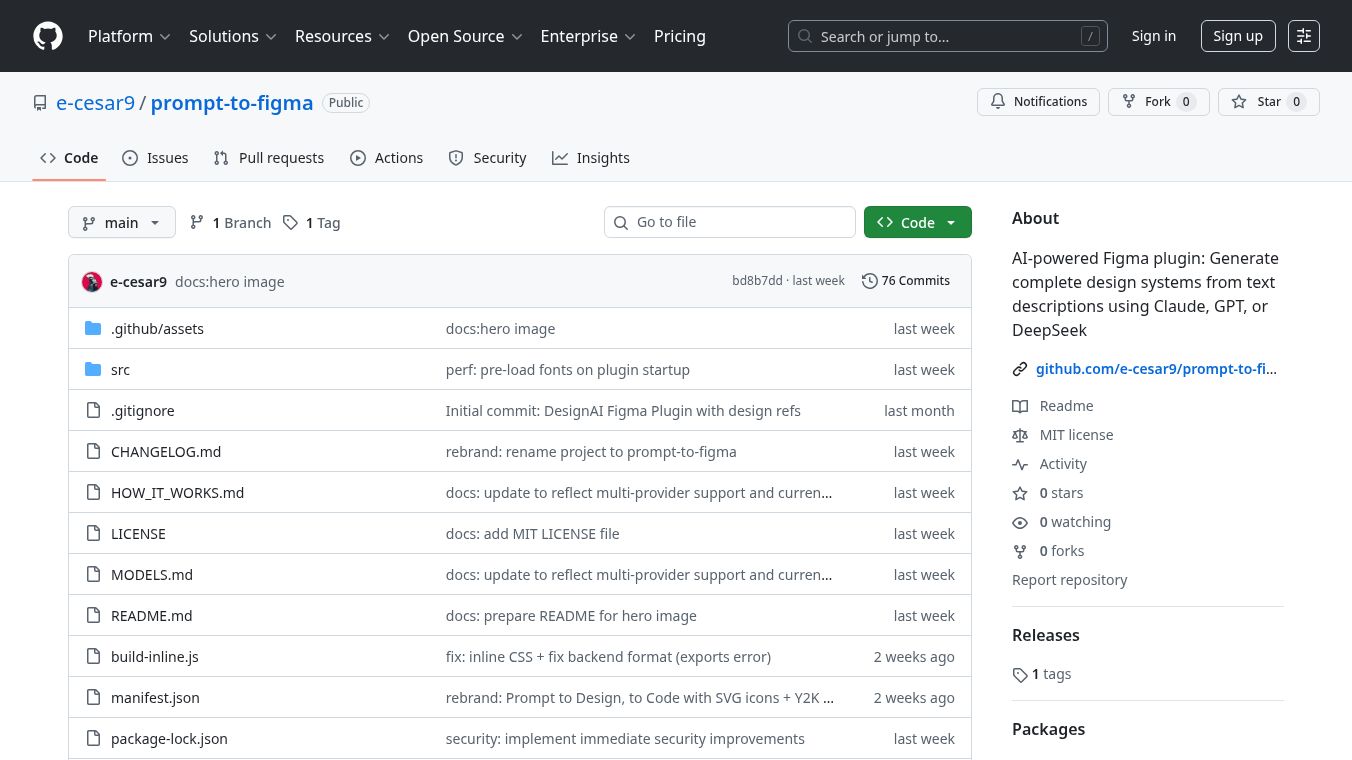





Prompt to Figma is a tool that uses artificial intelligence to help create design systems and export code from Figma. It can turn simple text descriptions into complete design systems and also convert Figma designs into ready-to-use code.
Benefits
This tool helps designers and developers save time and effort. It can automatically generate a full design system, including colors, text styles, spacing, shadows, and over 30 common design components. It also makes it easy to get clean code from Figma designs, supporting popular formats like React, Vue, and HTML/CSS. Users can choose which AI model they prefer to use for generation, allowing for flexibility based on needs for creativity, speed, or cost.
Use Cases
Prompt to Figma is useful for anyone working with design and development in Figma. Designers can use it to quickly generate a starting point for a design system based on a simple idea. Developers can use it to export finished designs from Figma into code that can be directly used in web applications. It's helpful for creating new projects, updating existing ones, or ensuring consistency across a design.
Pricing
Information about specific pricing for Prompt to Figma is not available in the provided text. However, it mentions that users will need API keys from AI providers like Anthropic, OpenAI, or DeepSeek, which may have their own associated costs.
Vibes
The article suggests that different AI providers offer varying strengths. Anthropic Claude is recommended for creative design systems. OpenAI GPT is noted for its fast and structured output. DeepSeek is highlighted for being cost-effective and having good reasoning capabilities. Users are advised to start with DeepSeek for testing, use Claude for creative tasks, and GPT for production work.
Additional Information
Prompt to Figma is an open-source project available under the MIT License, meaning it can be used, modified, and shared freely. To use the tool, users need Node.js, the Figma desktop app, and an API key from their chosen AI provider. The project is structured with specific files for its backend, user interface, and configuration. Security is a key consideration, with API keys stored locally and securely on the user's computer. Troubleshooting steps are provided for common issues like the plugin not loading or API errors.
This content is either user submitted or generated using AI technology (including, but not limited to, Google Gemini API, Llama, Grok, and Mistral), based on automated research and analysis of public data sources from search engines like DuckDuckGo, Google Search, and SearXNG, and directly from the tool's own website and with minimal to no human editing/review. THEJO AI is not affiliated with or endorsed by the AI tools or services mentioned. This is provided for informational and reference purposes only, is not an endorsement or official advice, and may contain inaccuracies or biases. Please verify details with original sources.
 No Info

Comments
Please log in to post a comment.