PopAir
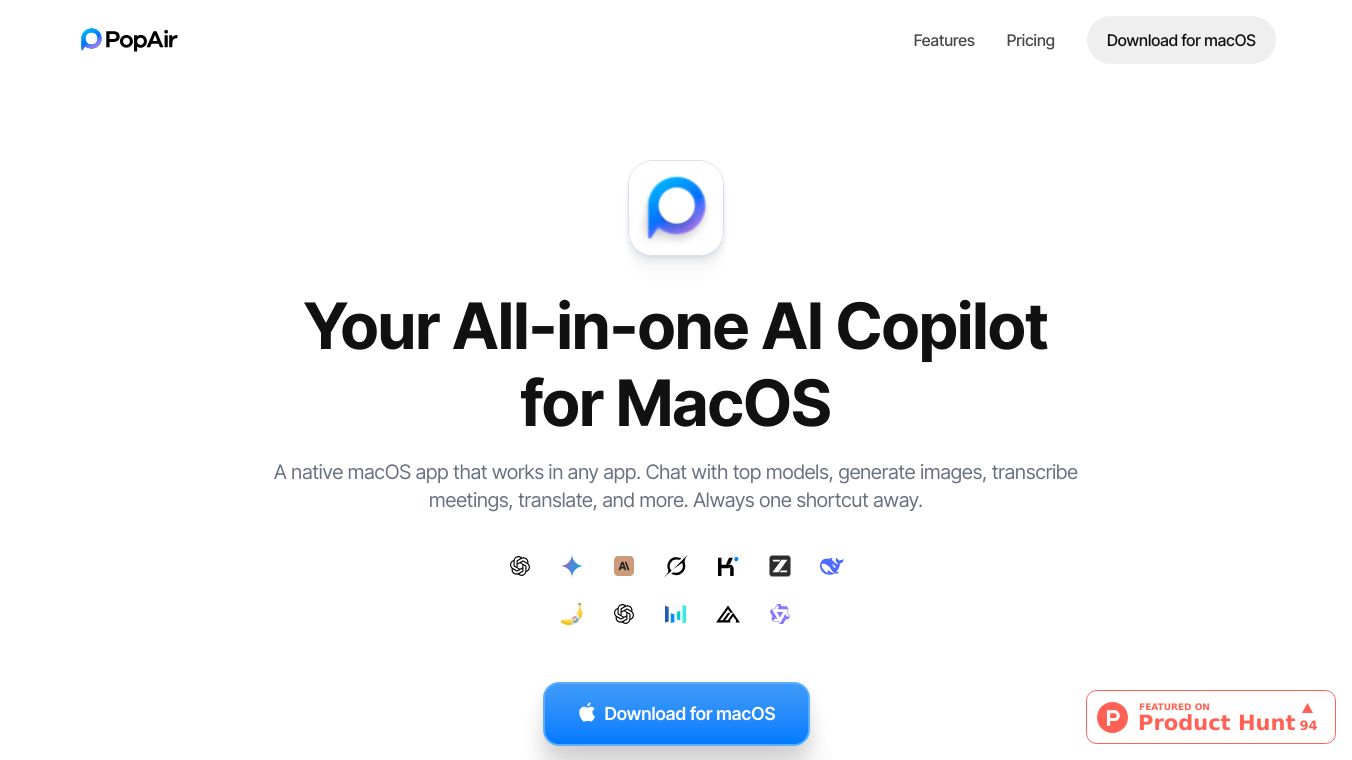





PopAir is a powerful application for macOS that acts as an all-in-one AI assistant. It works directly within any app you are using, making it easy to access advanced AI tools without switching programs. Built with speed and efficiency in mind, PopAir is designed to be a lightweight and deeply integrated part of your Mac experience.
Benefits
PopAir offers several advantages to help you work smarter. It allows you to chat with various AI models, create and edit images, and even summarize your meetings. The app helps you save time by automating tasks like transcription, translation, and extracting text from images. Because it is built natively for macOS, it uses less computer memory than similar apps and has a small file size, ensuring your Mac runs smoothly.
Use Cases
This application is useful for a wide range of tasks. You can use its AI Chat feature to ask questions, search the web, or compare responses from different AI models like ChatGPT, Claude, and Gemini. The Image Studio lets you generate new images from descriptions, edit photos, and improve their quality. For meetings, PopAir can record, transcribe, and summarize discussions, even allowing you to ask questions about the meeting content afterward. It also includes handy productivity tools like instant text translation, text extraction from images using OCR, and content rewriting. PopAir provides multiple ways to access these tools, including a floating bar that appears when you select text, a sidebar for constant access, and custom shortcuts for quick actions.
Pricing
PopAir offers access to many AI models, which can save you money compared to subscribing to each service separately. The pricing starts at $10 per month.
Vibes
Users have found PopAir to be very effective in making their work easier. Testimonials mention that it simplifies workflows, reduces the amount of work needed, and provides quick answers for tasks such as editing text, summarizing meetings, and fixing errors.
This content is either user submitted or generated using AI technology (including, but not limited to, Google Gemini API, Llama, Grok, and Mistral), based on automated research and analysis of public data sources from search engines like DuckDuckGo, Google Search, and SearXNG, and directly from the tool's own website and with minimal to no human editing/review. THEJO AI is not affiliated with or endorsed by the AI tools or services mentioned. This is provided for informational and reference purposes only, is not an endorsement or official advice, and may contain inaccuracies or biases. Please verify details with original sources.


 No Info

Comments
Please log in to post a comment.