PixelForge
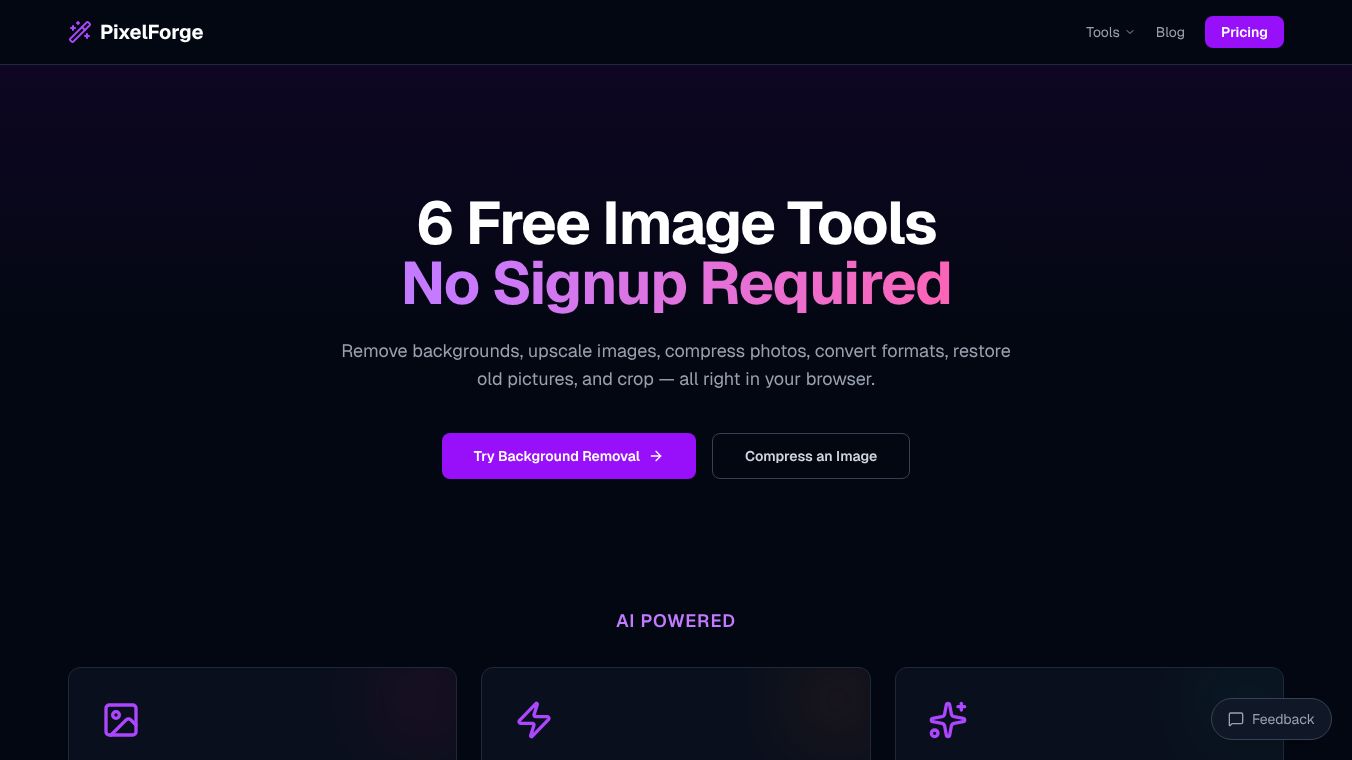





PixelForge: A Complete Browser-Based Game Creation Studio
PixelForge is a powerful tool that lets anyone create video games directly inside a web browser. It requires no software installation and works on any computer with a browser. Users can design levels, draw characters, add music, and share their finished games instantly. The platform is designed to be simple enough for beginners but powerful enough for experienced creators.
Benefits
PixelForge offers several key advantages for game developers of all skill levels.
- No Installation Required:The entire studio runs in the browser, meaning users do not need to download or install any software. This makes it easy to start creating immediately.
- Pixel-Perfect Collision:The engine uses the actual drawing of blocks to determine collisions. This eliminates the need to manually set up hitboxes, saving time and reducing errors.
- Real Physics:The built-in physics engine handles complex interactions like variable-height jumps, swimming in water, bouncing on pads, and falling damage without any extra configuration.
- Unlimited Playtesting:Users can test their games repeatedly to tweak levels and characters before exporting the final version.
- One-Click Export:The entire project is packaged into a single HTML file. This file can be shared via email, uploaded to platforms like itch.io, or opened offline on any device.
- Educational Support:Schools can use the platform with zero IT setup. Teachers receive curriculum slides and lesson plans to help integrate the tool into their classes.
Use Cases
PixelForge is suitable for a wide range of users and environments.
- Classroom Learning:Educators can use the tool to teach computational thinking and digital literacy. Students can build complete platformer games in a single class period. The school licensing options allow for easy access for large groups without technical barriers.
- Casual Hobbyists:Anyone interested in game design can use the free version to create their first game. The intuitive workflow allows users to finish a project before their coffee gets cold.
- Quick Prototyping:Developers can rapidly test game ideas by placing blocks, drawing sprites, and playing tests instantly without setting up a development environment.
- Offline Sharing:Because the exported file is a standalone HTML file, games can be shared with friends who do not have an internet connection or a specific game launcher.
Pricing (ONLY include if available)
PixelForge offers flexible pricing models to suit different needs.
- Free (Starter):This plan requires no credit card. It includes the full level and sprite editor, unlimited playtesting, a save and continue system, and two free game exports.
- Pro (Creator):Priced at $12 per month or $120 per year, this plan includes everything in the Free plan plus unlimited game exports, save and continue in exports, best score tracking, and priority support.
- School Licensing:Designed for educational institutions, these plans require no IT department. Options include Small (up to 100 students for $300/year), Medium (up to 500 students for $600/year), and Large (unlimited students for $1000/year). Schools receive one invoice per license and can cancel anytime.
Vibes (ONLY include if available)
Educators and students have praised the platform for its focus and ease of use.
- "I have never seen students this focused in 40 minutes. They made a working game and immediately wanted to show their friends." — M. Santos, CS Teacher.
- "I made a game during lunch. The sprite editor is actually really fun and my character came out way better than I expected." — Jake R., Student.
- "No IT involvement and it actually teaches real skills. The school license was up in ten minutes. Students love it." — D. Lim, Technology Coordinator.
Additional Information (ONLY include if available)
PixelForge is designed to be accessible to everyone without technical barriers.
- No Coding Required:The editor is entirely visual. Advanced users can inspect the exported HTML code if they wish, but it is not necessary to use the tool.
- Cross-Platform:The tool works on Chromebooks and any computer with a web browser. Note that the editor works best with a mouse, as touch support is limited for pixel art tools.
- Student Safety:Projects remain within each student's account. No student data is shared, sold, or used for advertising.
- Flexible Cancellation:Users can cancel their subscription anytime from account settings. They retain Pro access until the end of their billing period with no fees.
- Curriculum Support:Schools can request teacher curriculum slides, lesson plans, and project ideas upon request to facilitate classroom integration.
This content is either user submitted or generated using AI technology (including, but not limited to, Google Gemini API, Llama, Grok, and Mistral), based on automated research and analysis of public data sources from search engines like DuckDuckGo, Google Search, and SearXNG, and directly from the tool's own website and with minimal to no human editing/review. THEJO AI is not affiliated with or endorsed by the AI tools or services mentioned. This is provided for informational and reference purposes only, is not an endorsement or official advice, and may contain inaccuracies or biases. Please verify details with original sources.



Comments
Please log in to post a comment.