PhotoVideo
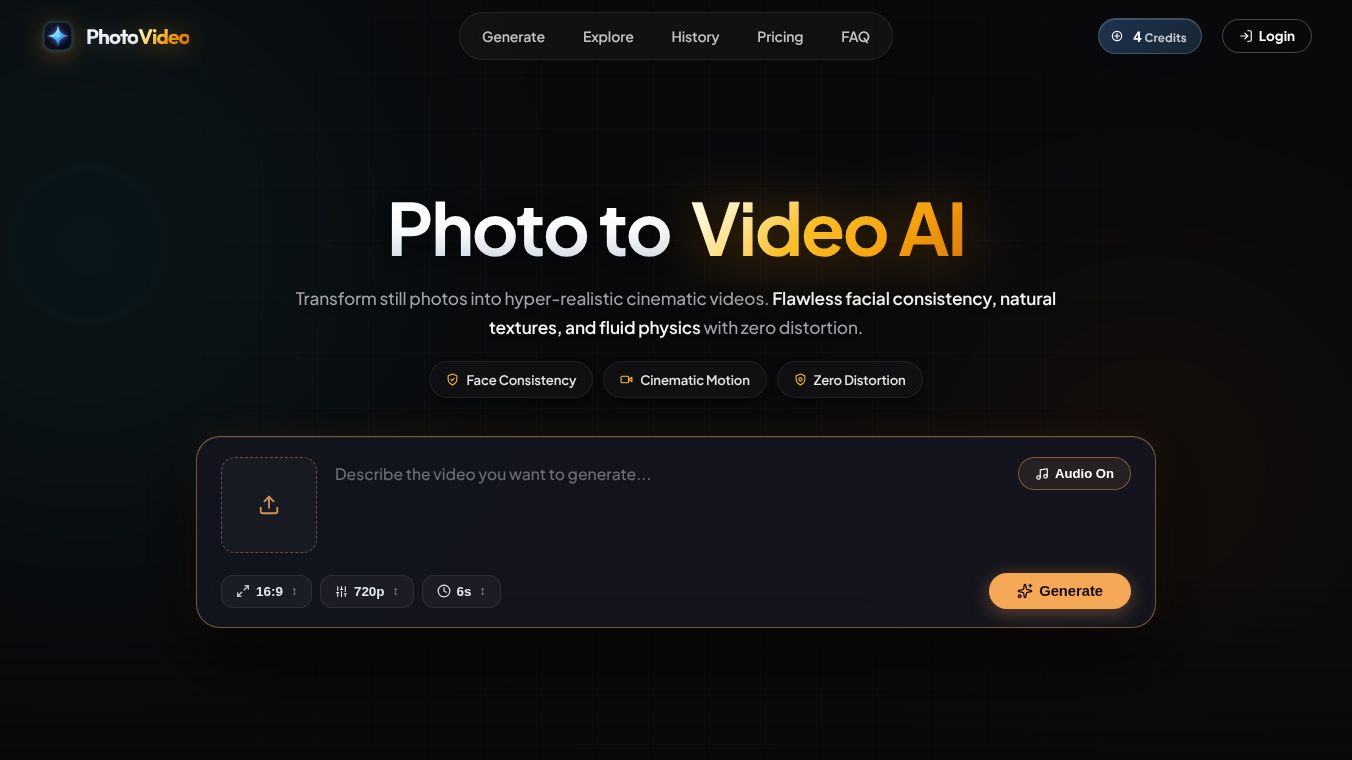





PhotoVideo: Turning Photos into Videos
Introduction
PhotoVideo is a web-based tool designed to help users turn their favorite photos into engaging video clips. It allows people to create short videos from a collection of images without needing advanced editing skills. The platform runs directly in a web browser, making it easy to access from any device with an internet connection. Users can upload their pictures, add music, and apply effects to create a final video that can be shared on social media or saved for personal use.
Benefits
PhotoVideo offers several advantages for users who want to create videos quickly. First, it simplifies the process by providing a user-friendly interface that does not require any technical knowledge. Second, it supports a wide range of file formats, allowing users to upload photos from various sources. Third, the tool includes built-in music libraries and transition effects, which help users add professional touches to their videos. Finally, the ability to edit directly in the browser means users do not need to download heavy software or worry about storage space on their devices.
Use Cases
PhotoVideo is useful for many different situations. Families can use it to create birthday or anniversary videos by combining old photos with new ones. Event organizers can turn event photos into recap videos to share with attendees. Social media users can quickly make content for platforms like Instagram or TikTok by adding trending music to their photo collections. Teachers can also use the tool to create visual summaries of classroom events or student projects. Essentially, anyone who wants to share memories or showcase images in a moving format can find a use for this tool.
Pricing
PhotoVideo operates on a freemium model. Basic features are available for free, allowing users to create videos with standard templates and music. However, advanced features such as high-resolution exports, premium music tracks, and custom branding options require a subscription. The pricing plans are typically offered on a monthly or yearly basis, with discounts available for annual commitments. Specific prices may vary, and users can check the official website for the most current rates.
Vibes
Public reception for PhotoVideo has been generally positive. Users appreciate the ease of use and the speed at which they can create videos. Many reviews highlight the convenience of not needing to install software. Some users have noted that the free version has limitations, but they feel the paid plans offer good value for those who need more features. Overall, the community sees it as a helpful tool for quick video creation, especially for those who are not professional editors.
Additional Information
PhotoVideo is developed by a team focused on making video creation accessible to everyone. The platform has grown in popularity as more people look for simple ways to share visual content online. While specific funding details are not widely publicized, the company continues to update its features based on user feedback. The tool remains a popular choice for casual creators who want to turn static images into dynamic stories.
This content is either user submitted or generated using AI technology (including, but not limited to, Google Gemini API, Llama, Grok, and Mistral), based on automated research and analysis of public data sources from search engines like DuckDuckGo, Google Search, and SearXNG, and directly from the tool's own website and with minimal to no human editing/review. THEJO AI is not affiliated with or endorsed by the AI tools or services mentioned. This is provided for informational and reference purposes only, is not an endorsement or official advice, and may contain inaccuracies or biases. Please verify details with original sources.




Comments
Please log in to post a comment.