PhotoCHAT AI
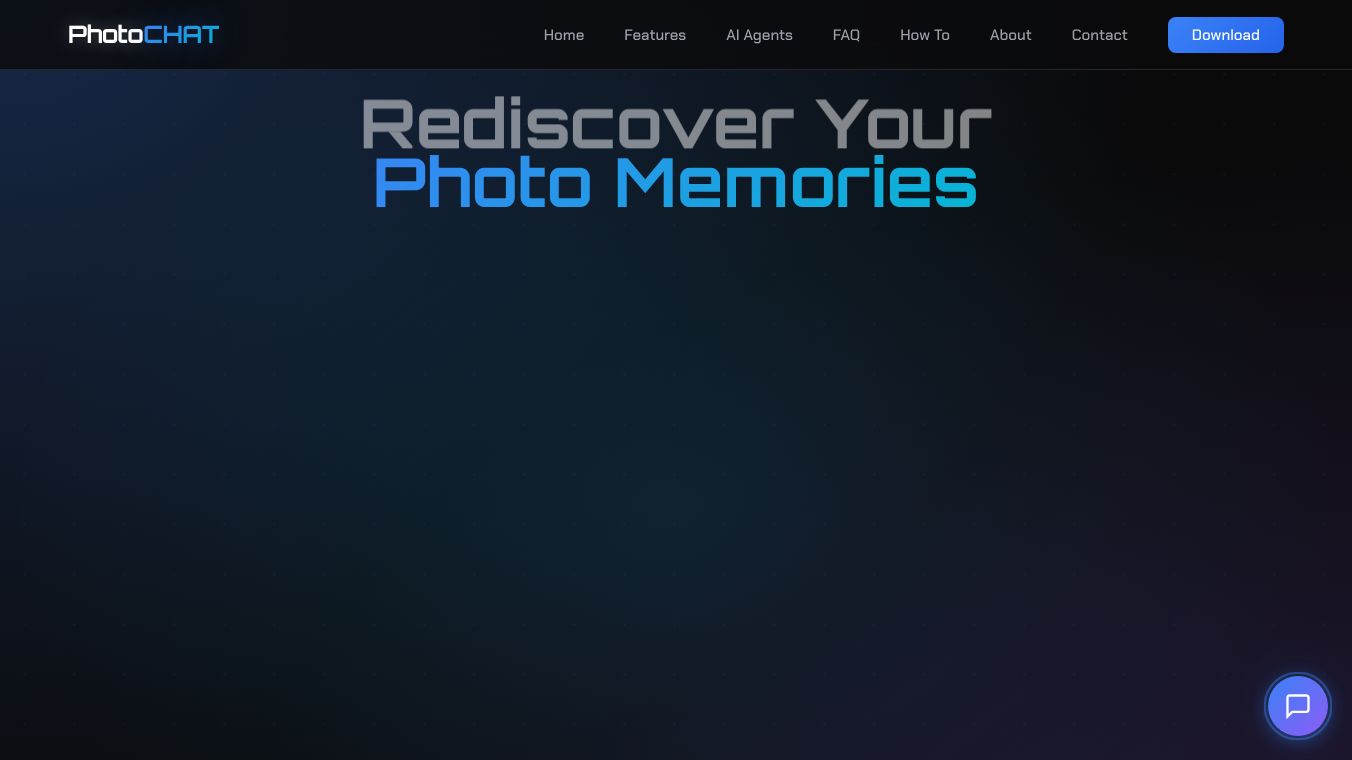





PhotoCHAT AI is a Windows application that uses artificial intelligence to help people organize and rediscover their photo memories. It works entirely on your computer, meaning your photos stay private and never go to the cloud.
Benefits
PhotoCHAT AI makes it easy to find any photo you are looking for. You can search using everyday language, like describing what is in the picture, who is in it, or when it was taken. It can even understand voice commands when you are offline. The app automatically recognizes faces, allowing you to tag people and find all their photos. It also helps you find similar images or variations of a photo. Plus, it includes tools to improve your pictures, like enhancing them, removing unwanted objects, or extracting text from images.
Use Cases
This application is perfect for anyone with a large collection of digital photos who wants a simple way to manage them. Whether you want to quickly find a specific memory from years ago, organize photos of family members, or even edit your pictures with smart tools, PhotoCHAT AI can help. Its offline capabilities and privacy focus make it ideal for users concerned about their data security.
Pricing
PhotoCHAT AI is available for a one-time purchase of $39 USD.
Vibes
Users appreciate that PhotoCHAT AI keeps all their data and AI processing local, ensuring complete privacy. The natural language search and smart face recognition are highlighted as very useful features for managing large photo libraries. The one-time purchase model is also seen as a cost-effective alternative to subscription services.
Additional Information
PhotoCHAT AI is built using advanced AI models that run locally on your machine. It supports Windows 10 and 11 and can use your graphics card for faster performance. The system requires at least 8GB of RAM and 10GB of free disk space, with 16GB of RAM and a good graphics card recommended for the best experience. It works with common image formats like JPG, PNG, and HEIC.
This content is either user submitted or generated using AI technology (including, but not limited to, Google Gemini API, Llama, Grok, and Mistral), based on automated research and analysis of public data sources from search engines like DuckDuckGo, Google Search, and SearXNG, and directly from the tool's own website and with minimal to no human editing/review. THEJO AI is not affiliated with or endorsed by the AI tools or services mentioned. This is provided for informational and reference purposes only, is not an endorsement or official advice, and may contain inaccuracies or biases. Please verify details with original sources.

 No Info



Comments
Please log in to post a comment.