Packforai
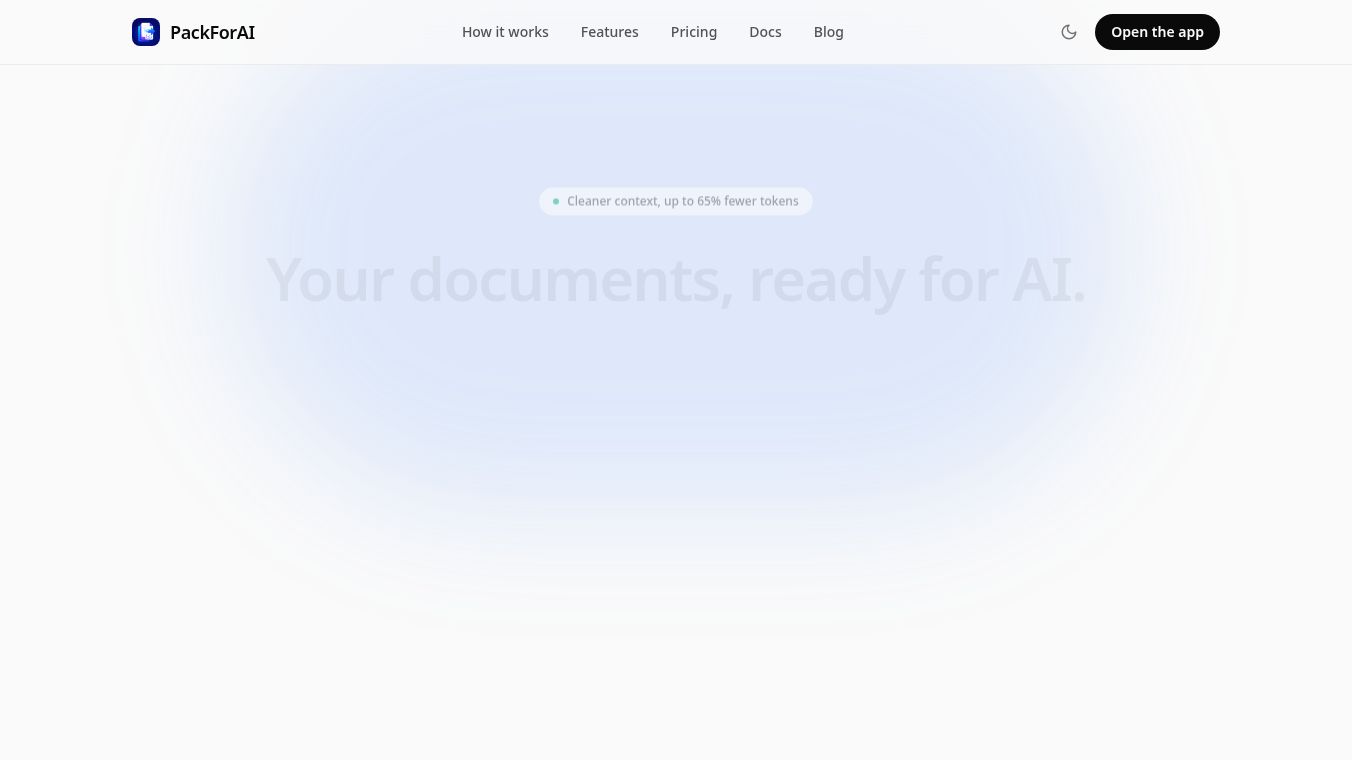





PackForAI: Transforming Messy Documents into AI-Ready Markdown
Overview
PackForAI is a specialized tool designed to convert documents such as PDFs, Word files, Excel spreadsheets, and more into clean, compact Markdown. This transformation ensures that AI models like ChatGPT and Claude can process these documents more effectively, yielding better answers while significantly reducing token usage.
Benefits
PackForAI offers several key advantages for users who work with documents and artificial intelligence. The tool creates a compact version of documents that retains meaning but drops unnecessary noise. This allows users to fit more content into the context window while paying for fewer tokens. The tool displays the exact token savings for every job, with a typical reduction of 65 percent. It accurately converts Excel serial dates, merged cells, and totals into clean Markdown tables, avoiding garbled numbers. Scanned or broken-text PDFs are rebuilt using Google Document AI, ensuring no information is lost during conversion. Users can convert files via an API available on the Pro plan for custom code integration. Open-source options allow conversion directly inside tools like Claude, Cursor, and the terminal. Files are stored in the EU, scoped to the user's account, and are never used to train AI models.
Use Cases
PackForAI is useful for anyone who needs to prepare documents for AI analysis. Users can drop in PDF, Word, Excel, PowerPoint, CSV, or JSON files. No account is required to try the first document. The clean Markdown can be pasted directly into ChatGPT or Claude, or pulled via API for custom applications. This workflow is ideal for professionals who deal with messy client reports, scanned documents, or complex spreadsheets that need to be analyzed by AI. The tool helps users avoid the frustration of reformatting tables by hand or dealing with split words and lost data when copying text from raw files.
Pricing
PackForAI offers several pricing plans to suit different needs. The Free plan costs $0 per month and includes 3 files per day. No credit card is required for this plan. The Pro plan costs $8.99 per month and includes 100 files per day, OCR capabilities, and API access. The Scale plan costs $44.99 per month and includes 1,000 files per day and higher limits. There is also a Day Pass option for $2.99 for one-off batches. Discounts are available for students and specific regions.
Vibes
Early users on Product Hunt have praised the tool for its ease of use and effectiveness. One user noted that the drag-and-drop workflow is genuinely slick, converting a janky scan to clean Markdown in seconds without any sign-up friction. Another user mentioned uploading a messy client report PDF and getting the output back as clean Markdown in seconds, ready to paste into Claude. They found it way less tedious than reformatting tables by hand. A third user appreciated the no-account-needed approach, stating that they just dragged in a messy PDF and it spat out clean Markdown in seconds.
Additional Information
PackForAI focuses on privacy by default, ensuring that files and outputs are stored in the EU and scoped to the user's account. The tool is designed to be accessible, allowing users to start for free without any setup or credit card requirements. The company provides open-source options for MCP and CLI, which allow conversion directly inside various tools and the terminal.
This content is either user submitted or generated using AI technology (including, but not limited to, Google Gemini API, Llama, Grok, and Mistral), based on automated research and analysis of public data sources from search engines like DuckDuckGo, Google Search, and SearXNG, and directly from the tool's own website and with minimal to no human editing/review. THEJO AI is not affiliated with or endorsed by the AI tools or services mentioned. This is provided for informational and reference purposes only, is not an endorsement or official advice, and may contain inaccuracies or biases. Please verify details with original sources.



Comments
Please log in to post a comment.