OpenPencil
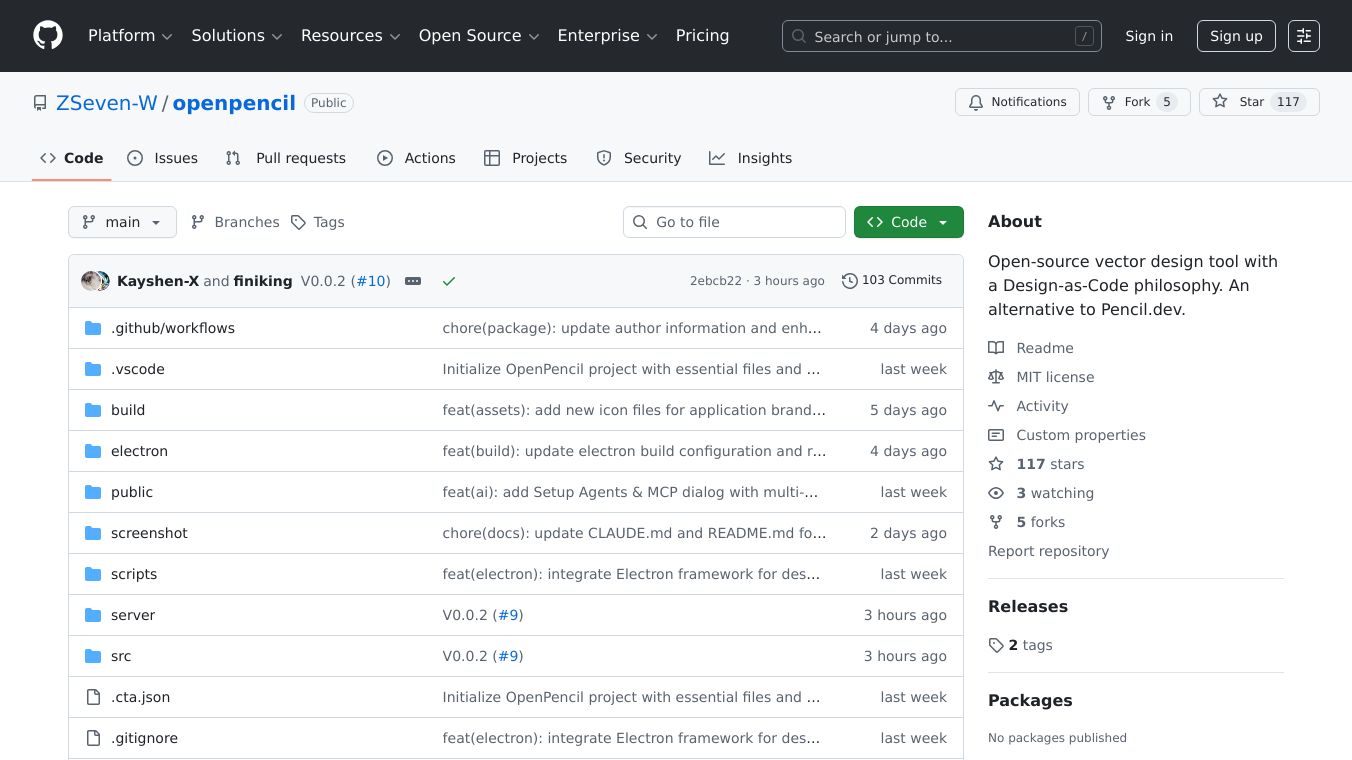





OpenPencil is a free, open-source tool that lets you create designs using code. Think of it as a digital drawing board that can also write code for you. It's an alternative to other design tools like Pencil.dev.
Benefits
OpenPencil offers a huge, endless canvas to draw on, making sure you never run out of space. It helps align your designs perfectly and lets you drag and drop elements easily. You can use various drawing tools like rectangles, circles, and even Bezier curves. It also has a special feature called Auto-layout that works like CSS Flexbox, helping you arrange items neatly. You can use design variables for colors and numbers, which is great for creating different looks or themes. One of its most powerful features is code generation, allowing you to export your designs as React, HTML, or CSS code. Plus, an AI assistant can build entire screens from just a text description, inserting them directly onto your canvas. It's available as a web app or a desktop app for Windows, macOS, and Linux.
Use Cases
This tool is useful for designers and developers who want to create user interfaces and web designs. You can use it to quickly sketch out ideas on the infinite canvas, build complex layouts with Auto-layout, and manage design tokens for consistency. The ability to generate code directly from designs speeds up the development process. The AI assistant is perfect for generating initial design concepts or even full screens from simple text prompts.
Vibes
OpenPencil uses a file format called.penwhich is based on JSON. This means the files are easy for humans to read and work with using tools like Git, which helps track changes.
Additional Information
OpenPencil supports several AI providers like Anthropic API and Claude Code. The project is built using various modern technologies including Fabric.js for the canvas, Zustand for state management, and shadcn/ui for components. It has clear guidelines for anyone who wants to contribute to its development. Continuous integration ensures that code changes are checked for errors, and builds are created automatically for both web and desktop versions.
This content is either user submitted or generated using AI technology (including, but not limited to, Google Gemini API, Llama, Grok, and Mistral), based on automated research and analysis of public data sources from search engines like DuckDuckGo, Google Search, and SearXNG, and directly from the tool's own website and with minimal to no human editing/review. THEJO AI is not affiliated with or endorsed by the AI tools or services mentioned. This is provided for informational and reference purposes only, is not an endorsement or official advice, and may contain inaccuracies or biases. Please verify details with original sources.

Comments
Please log in to post a comment.