OpenClaw Guide
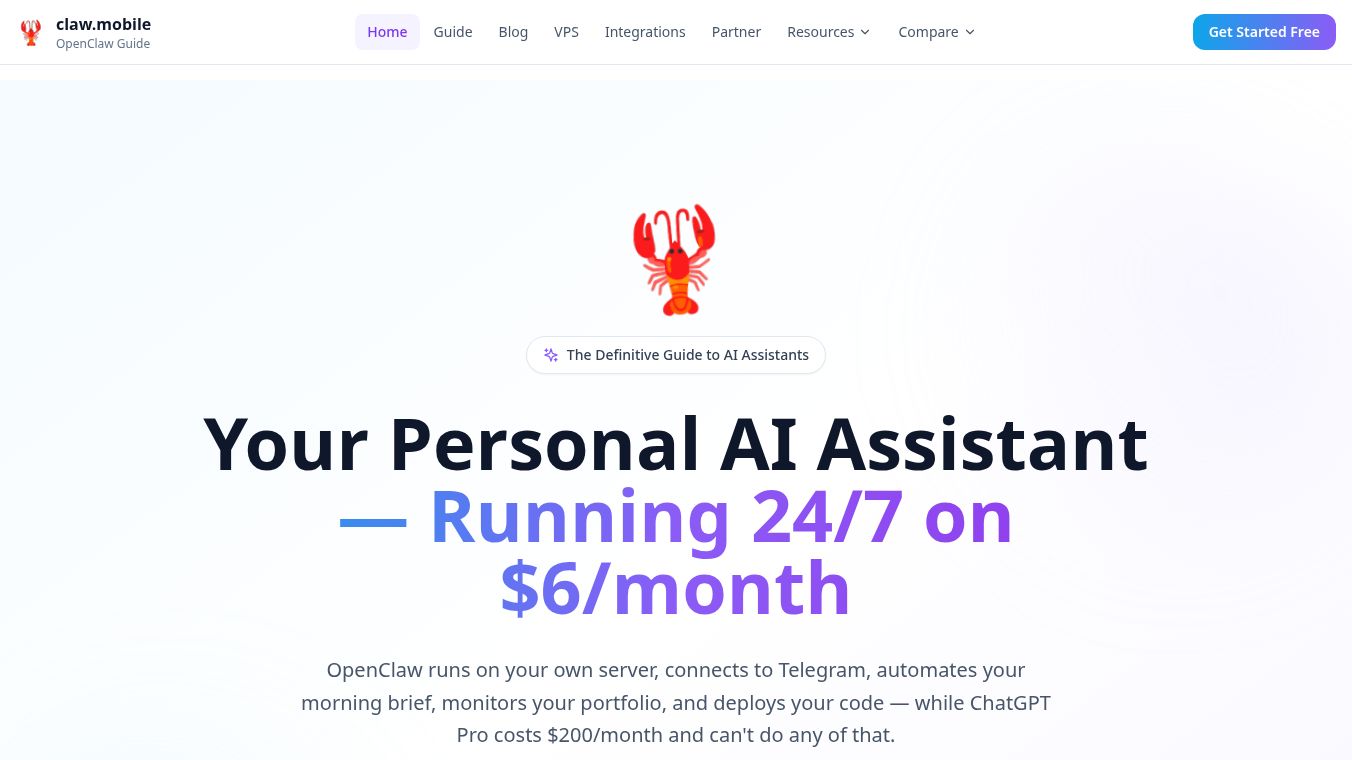





OpenClaw Guide is a personal AI assistant that you can run on your own computer. It works by connecting to messaging apps you already use, like WhatsApp, Telegram, Slack, and Discord. This means the AI can talk to you directly within those apps, instead of you needing to go to a separate website.
Benefits
OpenClaw can help you manage your daily tasks more easily. It can sort through your emails, schedule meetings, set reminders, and even find information on the internet for you. Because it runs on your own hardware, your personal data and conversations stay private. It also remembers your preferences and past conversations, unlike many other AI tools.
Use Cases
People use OpenClaw for many things. You can have it summarize your emails, draft replies, or remind you of important messages. It can set up appointments, create calendar events, and warn you if you have scheduling conflicts. OpenClaw can also research topics online, check prices, or keep an eye on products for you. It can act as a smart to-do list, control smart home devices with simple voice commands, and even run scheduled tasks automatically.
Pricing
OpenClaw software is free to use. However, there are costs associated with accessing AI models, which typically range from $3 to $15 per month. If you need to host it on a server, that might cost an additional $4 to $12 per month. Most users can expect to spend about $5 to $25 each month in total.
Vibes
OpenClaw has become very popular since it was made open-source in late 2024. Its code repository on GitHub has received over 190,000 stars, showing that many people find it valuable. There is also a large and active community of users on Discord who help each other.
Additional Information
OpenClaw was developed by Peter Steinberger and is available under the MIT license, meaning anyone can use, change, and share it for free. Setting it up usually takes about 30 minutes for those familiar with computer terminals. DigitalOcean also offers a simple one-click option to get it running. The system is built in three parts: the AI model, the OpenClaw Gateway that manages tasks, and the messaging apps you use.
This content is either user submitted or generated using AI technology (including, but not limited to, Google Gemini API, Llama, Grok, and Mistral), based on automated research and analysis of public data sources from search engines like DuckDuckGo, Google Search, and SearXNG, and directly from the tool's own website and with minimal to no human editing/review. THEJO AI is not affiliated with or endorsed by the AI tools or services mentioned. This is provided for informational and reference purposes only, is not an endorsement or official advice, and may contain inaccuracies or biases. Please verify details with original sources.

 No Info
 Free
Free

Comments
Please log in to post a comment.