OpenArchFlow
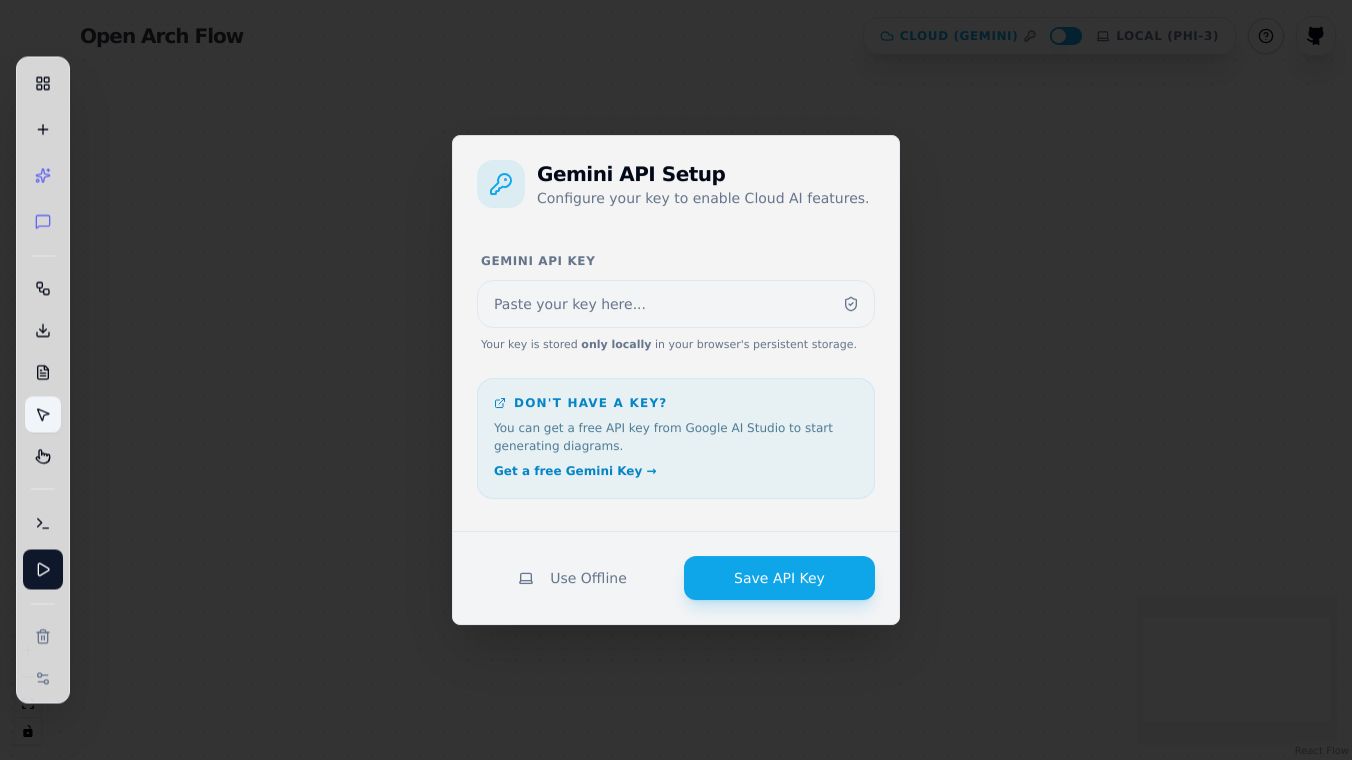





OpenArchFlow is a tool designed for creating diagrams, offering flexibility whether you work locally or in the cloud. It provides options for storing your work, with support for local storage of up to 0 diagrams.
Benefits
The interface of OpenArchFlow is built with user convenience in mind. It includes helpful features like a React Flow mini-map, which gives you a quick overview of your diagram. You can easily manage elements within your diagrams using simple keyboard commands. Selecting, moving, and deleting nodes and edges becomes straightforward, allowing for efficient diagram creation and editing.
Use Cases
This tool is useful for anyone who needs to visualize ideas or processes through diagrams. Whether you are a developer mapping out system architecture, a designer planning a user interface, or a project manager outlining a workflow, OpenArchFlow provides the means to do so. The keyboard controls make it particularly handy for users who prefer efficient, keyboard driven interactions for quick edits and adjustments.
Vibes
Users can select a node by pressing Enter or Space. Once selected, the node can be moved using the arrow keys. To remove a node or an edge, the Delete key can be used. If you need to cancel an action, the Escape key is available. These controls are consistent for both nodes and edges, simplifying the learning curve.
This content is either user submitted or generated using AI technology (including, but not limited to, Google Gemini API, Llama, Grok, and Mistral), based on automated research and analysis of public data sources from search engines like DuckDuckGo, Google Search, and SearXNG, and directly from the tool's own website and with minimal to no human editing/review. THEJO AI is not affiliated with or endorsed by the AI tools or services mentioned. This is provided for informational and reference purposes only, is not an endorsement or official advice, and may contain inaccuracies or biases. Please verify details with original sources.

 No Info


Comments
Please log in to post a comment.