Open Source AI NoteTaker
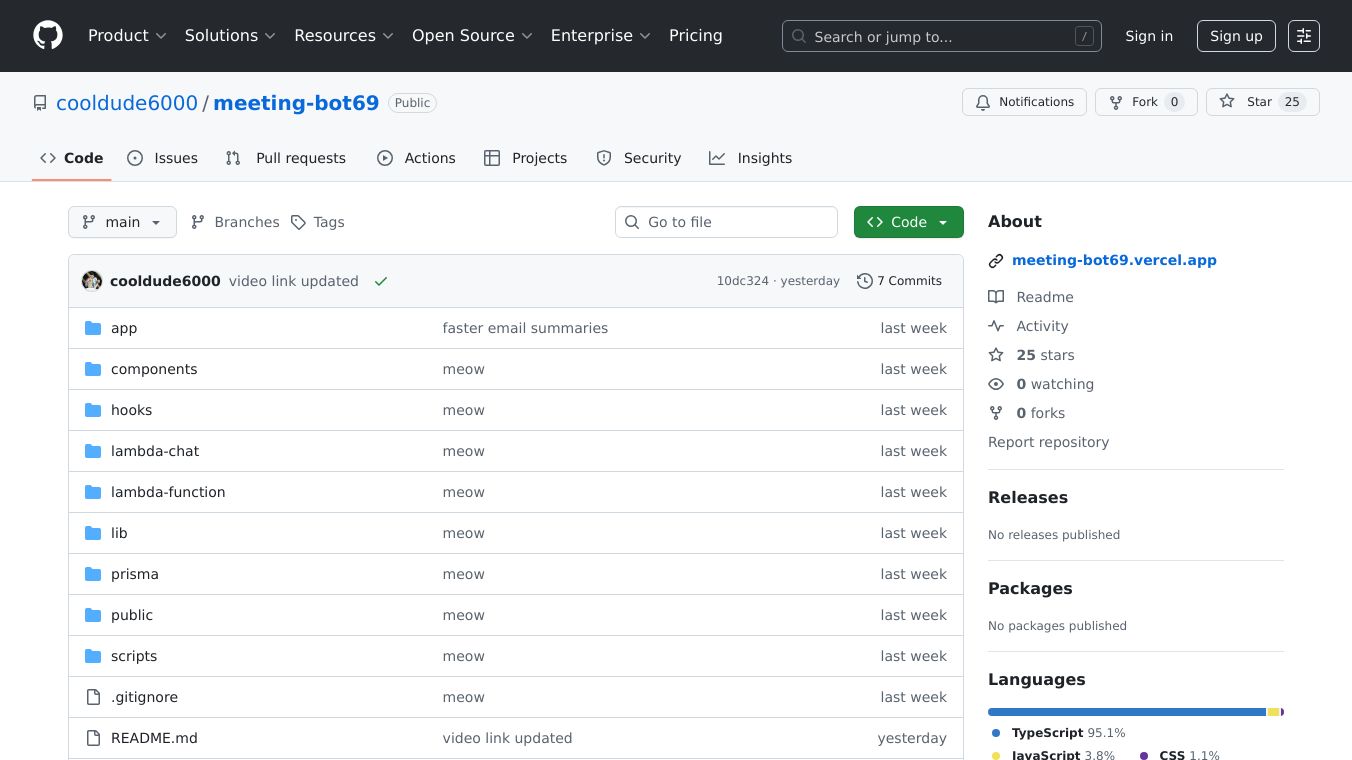





Open Source AI NoteTaker
Open Source AI NoteTaker is a powerful, open-source meeting intelligence platform designed to streamline meeting management and enhance productivity. It automatically joins video calls on popular platforms like Zoom, Google Meet, and Microsoft Teams, providing AI-powered transcription, summaries, and actionable insights. With real-time calendar sync, users can easily schedule bot attendance for upcoming meetings, ensuring they never miss important discussions.
Benefits
- Automatic Meeting Attendance: The AI bot can join meetings automatically, ensuring no important details are missed.
- Accurate Transcription: Speaker identification and diarization ensure accurate transcription of meetings.
- AI-Generated Summaries: OpenAI-powered summaries and action items help users quickly grasp key points and follow-up tasks.
- Conversational AI: Users can chat with the AI to get specific information from meetings, making it easy to find and review important details.
- Semantic Search: Search across all meeting transcripts and summaries to quickly find relevant information.
- Project Management Integration: Sync action items with popular project management tools like Jira, Asana, and Trello.
- Slack Integration: A native Slack bot allows users to interact with MeetingBot directly from their Slack workspace.
- Customizable Bots: Users can customize bot names and upload profile images to personalize their experience.
- Secure and User-Friendly: Built with modern technologies, MeetingBot offers a secure and responsive user interface.
Use Cases
- Professional Meetings: Automatically join and transcribe meetings, providing summaries and action items for quick review.
- Team Collaboration: Enhance team collaboration by syncing action items with project management tools and sharing meeting insights.
- Personal Productivity: Keep track of personal meetings, search through past meetings, and stay organized with AI-generated summaries.
- Remote Work: Ideal for remote teams, ensuring all team members have access to meeting transcripts and summaries, regardless of their location.
Installation & Setup
To get Open Source AI NoteTaker running locally, follow these steps:
- Clone the repository
git clone https://github.com/cooldude6000/meeting-bot69.gitcd meeting-bot69- Install dependencies
npm install- Set up your environment variablesCreate a
.envfile in the root directory and add the necessary variables. - Set up the database
npx prisma generatenpx prisma db push- Run the development server
npm run dev- Open your browserNavigate to to see your MeetingBot application running locally.
Upcoming Features
- Integrations: Notion, Linear, Salesforce, Hubspot
- Past Meetings: Users can search through their meetings with date-based filtering, custom date ranges filtering, meeting duration filtering, and participant-based filtering.
- Transcript Translation: 100+ languages transcript translation using Google Cloud Translation API.
- Workspaces Creation: Users can create workspaces, invite other people, and manage role-based access.
Contributing
Any contributions are very much appreciated. Take a feature from the above list (or suggest any other feature you'd like to implement) and then make a PR.
This content is either user submitted or generated using AI technology (including, but not limited to, Google Gemini API, Llama, Grok, and Mistral), based on automated research and analysis of public data sources from search engines like DuckDuckGo, Google Search, and SearXNG, and directly from the tool's own website and with minimal to no human editing/review. THEJO AI is not affiliated with or endorsed by the AI tools or services mentioned. This is provided for informational and reference purposes only, is not an endorsement or official advice, and may contain inaccuracies or biases. Please verify details with original sources.

 No Info

Comments
Please log in to post a comment.