Open Caffeine
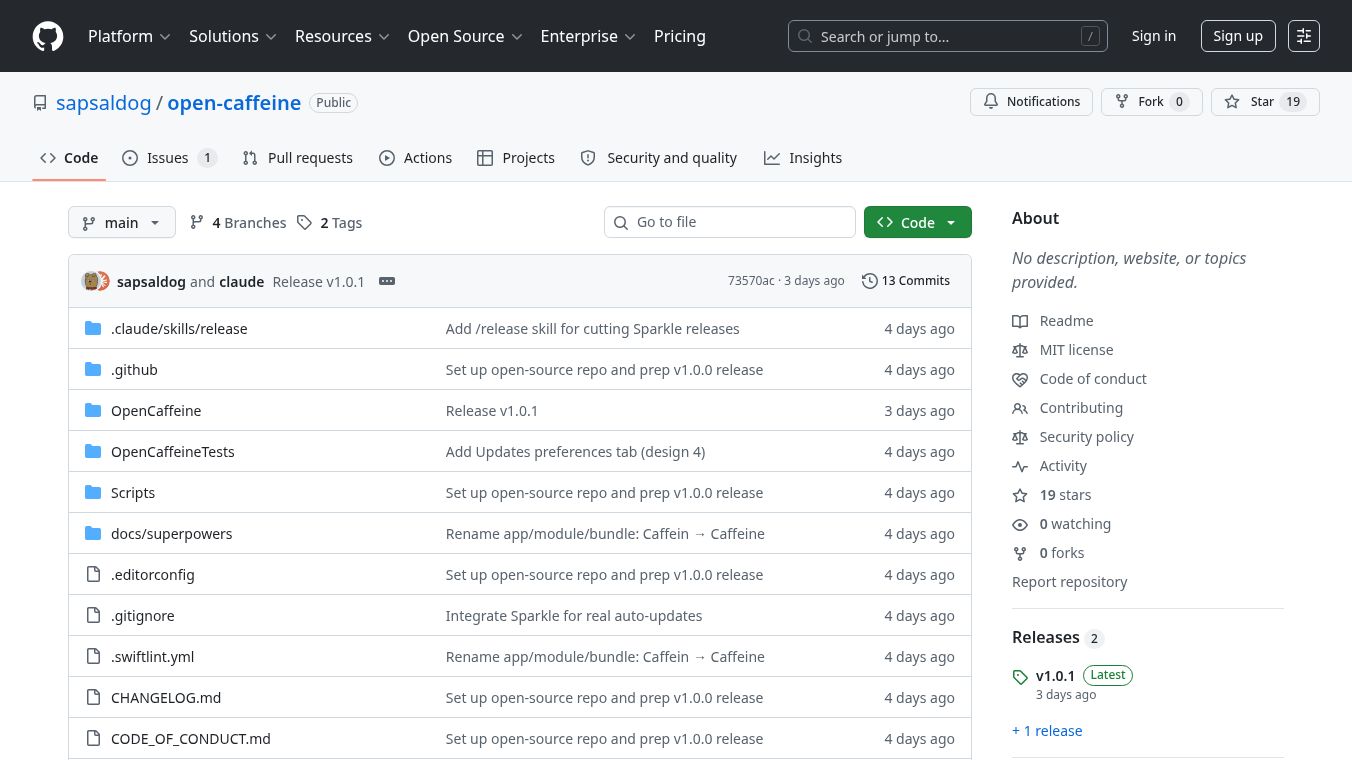





Open Caffeine: A Native macOS Utility for Keeping Your Mac Awake
Open Caffeine is a new tool for Mac computers that helps keep the screen on and the system active for a set amount of time. It was created to replace older methods that did not work well with modern Apple Silicon chips. This app gives users a simple way to prevent their Mac from sleeping while they are working on important tasks.
Benefits
The main advantage of this tool is that it keeps your computer running without draining your battery too quickly. It includes a smart feature that automatically stops the wake lock when the battery gets low. This prevents the Mac from going to sleep in the middle of a long process. The interface is clean and looks like it belongs on a modern Mac. Users can set a timer or choose a specific duration for the app to stay active. A countdown timer appears in the menu bar so users always know how much time is left. The app also supports a global keyboard shortcut to turn the feature on or off instantly.
Use Cases
This tool is perfect for developers who need to run long compilation jobs without interruption. It is also useful for students or workers who want to keep their screen on during a video call or a presentation. Anyone who relies on a Mac for critical tasks can use it to avoid accidental sleep modes. The app works specifically on Apple Silicon Macs, making it ideal for the newest MacBook Air and MacBook Pro models.
Pricing
Open Caffeine is free to use. It is an open source project, which means anyone can download and install it without paying a fee.
Vibes
Users have responded very positively to the launch of this application. Many people appreciate the automatic battery threshold feature because it solves a common problem where processes fail silently. The community likes the simple design and the fact that it works smoothly on modern hardware. Some users noted that the name might be confusing compared to the original Caffeine app, but they understand the goal was to create a modern alternative.
Additional Information
The project is built using the same technology as the command-line tool caffeinate but with a graphical user interface. This makes it easier for regular users to find and use the tool. The developers focused on creating a native experience for macOS Tahoe. The code is open source, allowing the community to review and modify the software if needed.
This content is either user submitted or generated using AI technology (including, but not limited to, Google Gemini API, Llama, Grok, and Mistral), based on automated research and analysis of public data sources from search engines like DuckDuckGo, Google Search, and SearXNG, and directly from the tool's own website and with minimal to no human editing/review. THEJO AI is not affiliated with or endorsed by the AI tools or services mentioned. This is provided for informational and reference purposes only, is not an endorsement or official advice, and may contain inaccuracies or biases. Please verify details with original sources.

 No Info



Comments
Please log in to post a comment.