Online Notepad
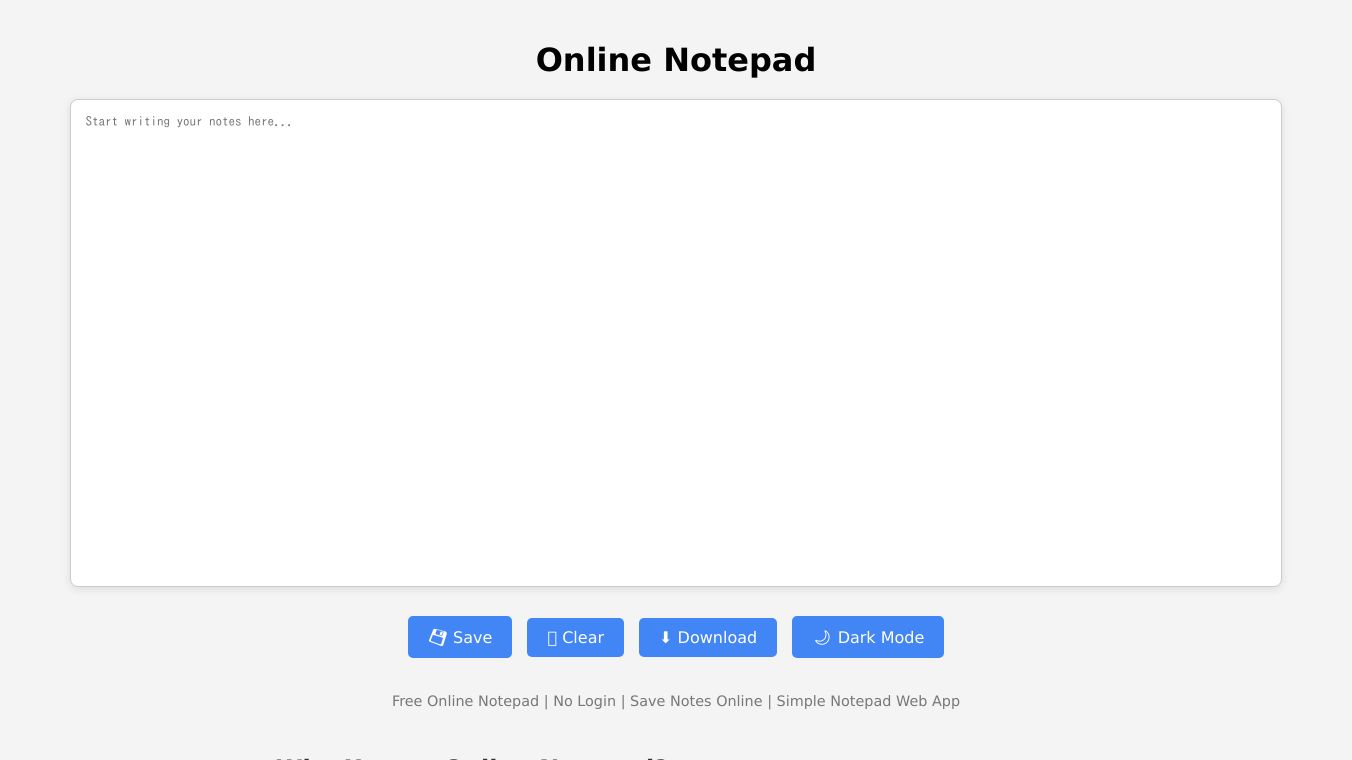





Online Notepad: A Simple and Secure Text Editor
Online Notepad is a free, browser-based text editor that lets you create and edit plain-text files without needing to register or log in. It's perfect for quick notes, drafting ideas, or printing simple pages. One of its best features is autosave, which saves your work every second. This means you won't lose your draft if you accidentally close the tab or if your browser crashes. Your document will be ready and waiting when you return to the site, even if you close and reopen your browser. You can also save your documents directly to your computer.
Benefits
Online Notepad offers several advantages that make it a handy tool for anyone who needs a simple, reliable text editor:*No Registration Needed:Start using it right away without creating an account.*Autosave Feature:Your work is saved every second, so you don't have to worry about losing it.*Local Storage:All your data stays on your device, ensuring privacy and security.*Rich Text Formatting:Although it's primarily a plain-text editor, you can format your text with basic styling options like bold, italic, and underline.*Keyboard Shortcuts:Speed up your work with common keyboard shortcuts for copying, pasting, undoing, and more.*Mobile Friendly:The editor works seamlessly on all devices, from smartphones to desktop computers.
Use Cases
Online Notepad is versatile and can be used in various scenarios:*Quick Notes:Jot down ideas, reminders, or to-do lists.*Drafting Documents:Write and edit documents without the need for complex software.*Printing Simple Pages:Create and print plain-text documents easily.*Sensitive Information:Since all data is stored locally, it's ideal for handling sensitive information that you don't want to share online.
Browser Compatibility
Online Notepad works with modern web browsers, including Google Chrome, Mozilla Firefox, Safari, Opera, Edge, Internet Explorer, and the Steam browser. To use it, you need to enable JavaScript in your browser.
Vibes
Users appreciate the simplicity and convenience of Online Notepad. Its autosave feature is particularly praised for preventing data loss. The fact that it requires no registration and stores data locally adds to its appeal for those concerned about privacy.
Additional Information
Online Notepad is a free product developed to help individuals, companies, schools, and government offices boost their productivity. The developer originally created it to help remember ideas for their personal blog, and it has since become a useful tool for many.
To make the most of Online Notepad, consider bookmarking the page for quick access. This way, you can start writing or access your saved content with just one click.
This content is either user submitted or generated using AI technology (including, but not limited to, Google Gemini API, Llama, Grok, and Mistral), based on automated research and analysis of public data sources from search engines like DuckDuckGo, Google Search, and SearXNG, and directly from the tool's own website and with minimal to no human editing/review. THEJO AI is not affiliated with or endorsed by the AI tools or services mentioned. This is provided for informational and reference purposes only, is not an endorsement or official advice, and may contain inaccuracies or biases. Please verify details with original sources.



 Paid
Paid

Comments
Please log in to post a comment.