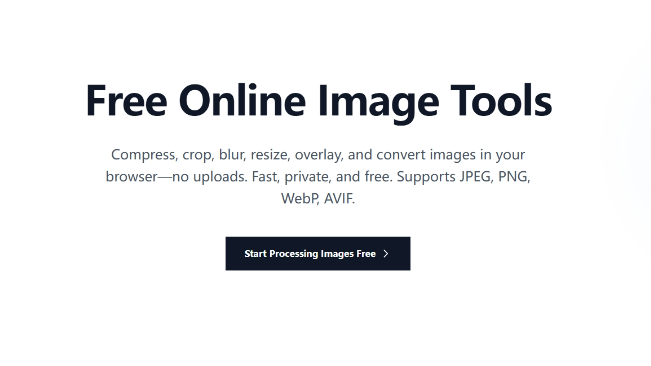





OneImage is a comprehensive suite of lightning-fast, privacy-first image utilities that run entirely in your browser. There's no signup, no uploads to a server, and no waiting around—everything happens locally thanks to WebAssembly and modern browser APIs. Whether you're compressing assets for a website, cropping banners for social, blurring sensitive details, layering graphics, extracting color palettes, resizing for multiple devices, creating pixel art, or removing metadata, OneImage gives you a complete set of professional-grade tools that feel instant.
Why OneImage?
- Privacy by design: Your images never leave your device.
- Ridiculously fast: Local compute + WASM acceleration = near-instant results.
- Pick-up-and-go UX: Each tool is purpose-built with sensible defaults.
- Creator friendly: Clean outputs, predictable file sizes, and no watermarking.
The Toolkit
🗜️ Image Compression — Squoosh
Shrink file size without killing quality. Batch or single-image compression with PNG/JPEG/WebP/AVIF formats, fine-grained controls (quality, chroma subsampling), and side-by-side previews so you can see what changed before you export. Intelligently reduce storage space while maintaining visual quality. Try it: https://squoosh.oneimage.co
✂️ Smart Crop
Crop to the right size, the first time. Presets for social banners, thumbnails, and ad slots, plus pixel-precise freeform cropping. Snap-to-aspect, safe-area overlays, and quick exports help you move from "almost right" to "perfectly sized" in seconds. Supports circle, square, and custom aspect ratios like 16:9, 4:3. Try it: https://crop.oneimage.co
🧊 Overlay
Text, logos, stickers, and shapes—on brand, on time. Drop in a background, add layered text or a logo, tweak spacing, shadows, and corner radii, then export crisp assets for web or social. Built for quick promos, hero images, and content ops. Overlay multiple images to create unique visual effects. Try it: https://overlay.oneimage.co
🫧 Blur & Redact
Hide sensitive bits—cleanly and consistently. Gaussian blur and pixelation with adjustable intensity, plus quick brushing to cover faces, IDs, addresses, and screens before you share. Add blur effects to images, create depth of field effects, and highlight main content while protecting privacy. Try it: https://blur.oneimage.co
🎨 Color Palette Builder
Understand your image's color DNA. Extract palettes, analyze dominance/contrast, and grab tokens you can paste straight into design systems or CSS. Design consistent color systems, check accessibility, and export developer-ready tokens. Great for theming and brand alignment. Try it: https://colors.oneimage.co
📐 Image Resizer
Batch resize with precision. Resize multiple images at once with exact pixel dimensions or percentage-based scaling. Perfect for web optimization, thumbnail generation, and preparing assets for different screen sizes. Maintains aspect ratios or allows custom dimensions. Try it: https://resize.oneimage.co
🎮 Pixel Art Generator
Transform photos into retro pixel art. Convert any image into nostalgic pixel art with adjustable pixel size, color depth, and palette presets. Great for game assets, retro designs, and creative visual effects. Fine-tune the pixelation level for the perfect 8-bit or 16-bit aesthetic. Try it: https://pixel.oneimage.co
🔒 EXIF Remover
Strip metadata, protect privacy. Remove EXIF data, GPS coordinates, camera information, and other metadata from your images before sharing online. Batch processing support ensures your personal information stays private across all your photos. Try it: https://exif.oneimage.co
This content is either user submitted or generated using AI technology (including, but not limited to, Google Gemini API, Llama, Grok, and Mistral), based on automated research and analysis of public data sources from search engines like DuckDuckGo, Google Search, and SearXNG, and directly from the tool's own website and with minimal to no human editing/review. THEJO AI is not affiliated with or endorsed by the AI tools or services mentioned. This is provided for informational and reference purposes only, is not an endorsement or official advice, and may contain inaccuracies or biases. Please verify details with original sources.



Comments
Please log in to post a comment.