OmniSearch Lite
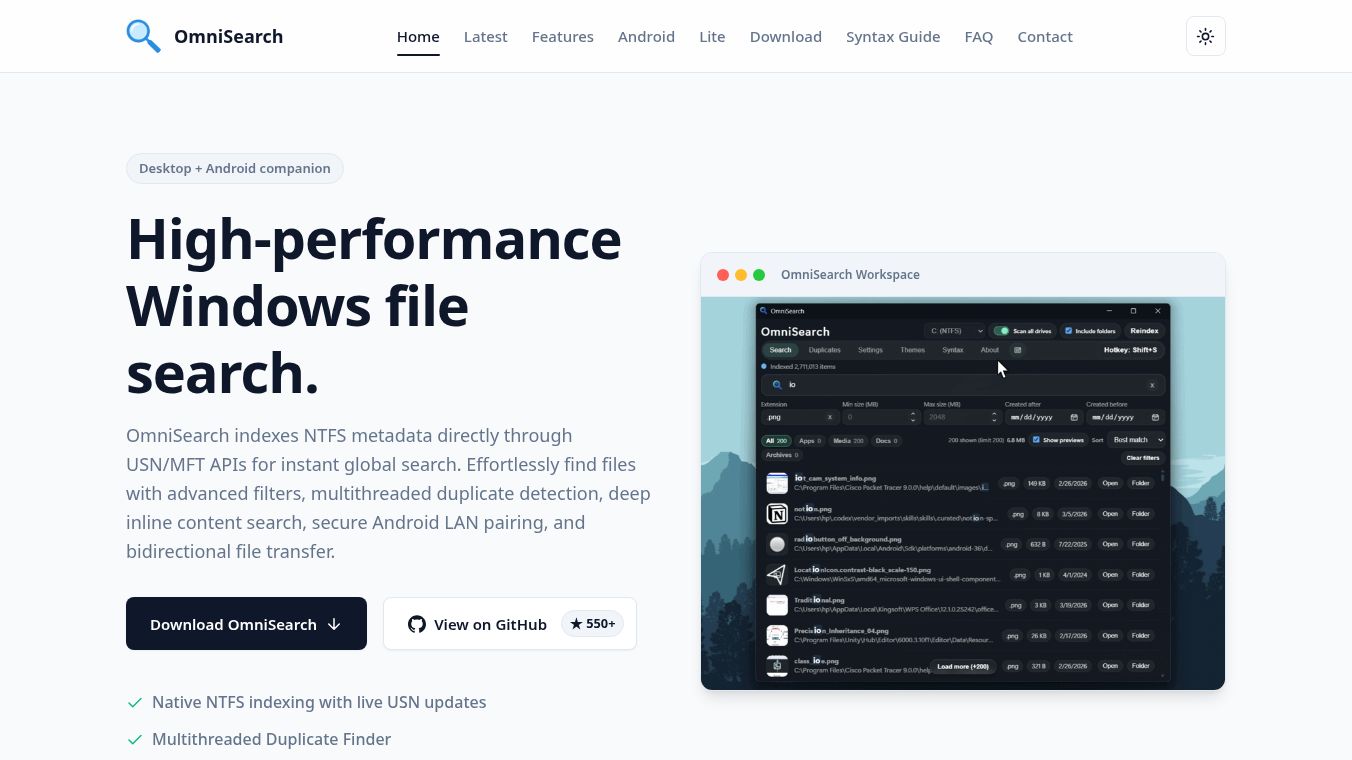





OmniSearch Lite: A Fast and Smart File Search Tool
OmniSearch Lite is a lightweight desktop application designed to help users find files quickly. It is built using Rust, a programming language known for speed and efficiency. Unlike heavier search tools, this version focuses on being fast and simple while still offering powerful features like AI integration and mobile syncing. It serves as a modern alternative for people who want a quick way to search their computer without installing large software suites.
Benefits
OmniSearch Lite offers several advantages for daily computer use. First, it provides ultra-fast search capabilities that can scan millions of files in seconds. This speed comes from its pure Rust engine, which is much lighter than traditional search tools. Users can also use a unique feature called Circle to Search, which lets them take a screenshot and search for similar images using Google Lens. The tool includes a smart AI workspace that connects with popular AI models like ChatGPT and Claude. It also allows users to search their web browser history and bookmarks directly from the app. For productivity, it comes with built-in tools like an instant calculator, a color picker, and text expansion utilities. Finally, it supports syncing files with a mobile phone app for easy transfers between devices.
Use Cases
This tool is perfect for anyone who needs to find files quickly on their Windows computer. Students and professionals can use it to locate documents, code files, or images without wasting time. The Circle to Search feature is great for designers or anyone who needs to find a specific image by taking a photo of it. The AI chat integration helps users brainstorm ideas or get quick answers while working. The browser indexing feature is useful for people who want to find old links or bookmarks without opening their browser. The built-in calculator and color picker make it handy for quick tasks during design or math work. Users who have Android phones can use the mobile sync feature to move files between their phone and computer easily. It is also suitable for users who prefer a simple interface without complex menus or themes.
Pricing
The article does not provide specific pricing details for OmniSearch Lite. Users are encouraged to check the official website or Microsoft Store for the latest pricing information. The tool is available for download through the Microsoft Store, portable ZIP packages, or GitHub releases for advanced users.
Vibes
The article does not include specific user reviews, testimonials, or public reception data for OmniSearch Lite. However, the tool is presented as a well-designed solution with a focus on performance and modern features like AI and mobile connectivity.
Additional Information
OmniSearch Lite is built using Rust and features a Slint graphical user interface. It is designed to be a standalone application that can also sync with the OmniSearch Phone app for file transfers. The development team welcomes contributions and financial support to continue improving the tool. Users can install it via the Microsoft Store for automatic updates or download portable versions that do not require installation. The project emphasizes speed, simplicity, and integration with modern workflows like AI and mobile devices.
This content is either user submitted or generated using AI technology (including, but not limited to, Google Gemini API, Llama, Grok, and Mistral), based on automated research and analysis of public data sources from search engines like DuckDuckGo, Google Search, and SearXNG, and directly from the tool's own website and with minimal to no human editing/review. THEJO AI is not affiliated with or endorsed by the AI tools or services mentioned. This is provided for informational and reference purposes only, is not an endorsement or official advice, and may contain inaccuracies or biases. Please verify details with original sources.






Comments
Please log in to post a comment.