Nyrve
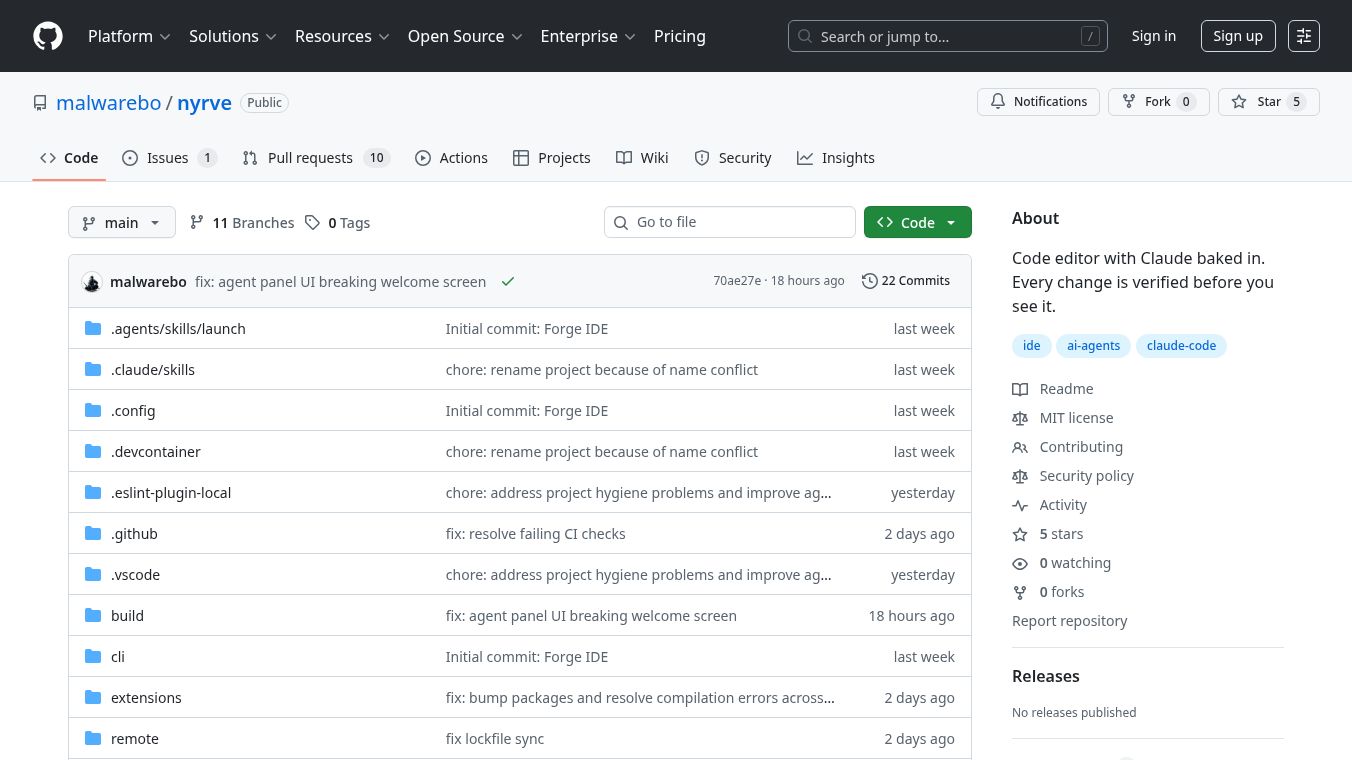





Nyrve is a special version of the VS Code code editor. It has the AI assistant Claude built right into it. This means the AI can work directly with your project files, terminal, and Git without needing separate windows or add-ons. Nyrve's AI can even help write and change code. A standout feature is its ability to check its own work. Before showing you any code changes, it automatically tests and verifies them. If it finds a mistake, it tries to fix it up to three times on its own. You then see a report showing what was fixed and how well it was tested.
Benefits
Nyrve helps developers by understanding their entire project. It creates something called 'Project DNA' by looking at your code, settings, and past changes. This DNA includes information about the project's technology, how it's built, common coding styles, and who is working on what. The AI uses this DNA to follow your project's specific rules without you having to explain them every time. It also keeps a record of important decisions made about the project and can store team knowledge in a file that can be saved with your project.
Use Cases
Nyrve can help with many coding tasks. It offers quick code suggestions as you type. It has a special panel where you can talk to the AI. It can quickly search through your entire codebase. You can tell the AI what parts of the project to focus on. Nyrve can also understand images, like screenshots or design drafts. It connects with GitHub to help manage issues and create code changes for review. It also has a list to keep track of different tasks it's working on.
Pricing (ONLY include if available)
Nyrve uses the Anthropic API, so you need to provide your own API key. This key is kept safe on your computer and is not shared. Nyrve can use different Claude AI models, choosing the fastest one for simple tasks, a balanced one for general work, and the most powerful one for difficult jobs.
Vibes (ONLY include if available)
Nyrve is built on top of VS Code, a popular code editor. The AI, its memory system, and other tools are located in a specific folder within the project. To build Nyrve yourself, you need certain software like Node.js and Python. You can get pre-made versions for Windows, macOS, and Linux.
This content is either user submitted or generated using AI technology (including, but not limited to, Google Gemini API, Llama, Grok, and Mistral), based on automated research and analysis of public data sources from search engines like DuckDuckGo, Google Search, and SearXNG, and directly from the tool's own website and with minimal to no human editing/review. THEJO AI is not affiliated with or endorsed by the AI tools or services mentioned. This is provided for informational and reference purposes only, is not an endorsement or official advice, and may contain inaccuracies or biases. Please verify details with original sources.

Comments
Please log in to post a comment.