Notion Cue
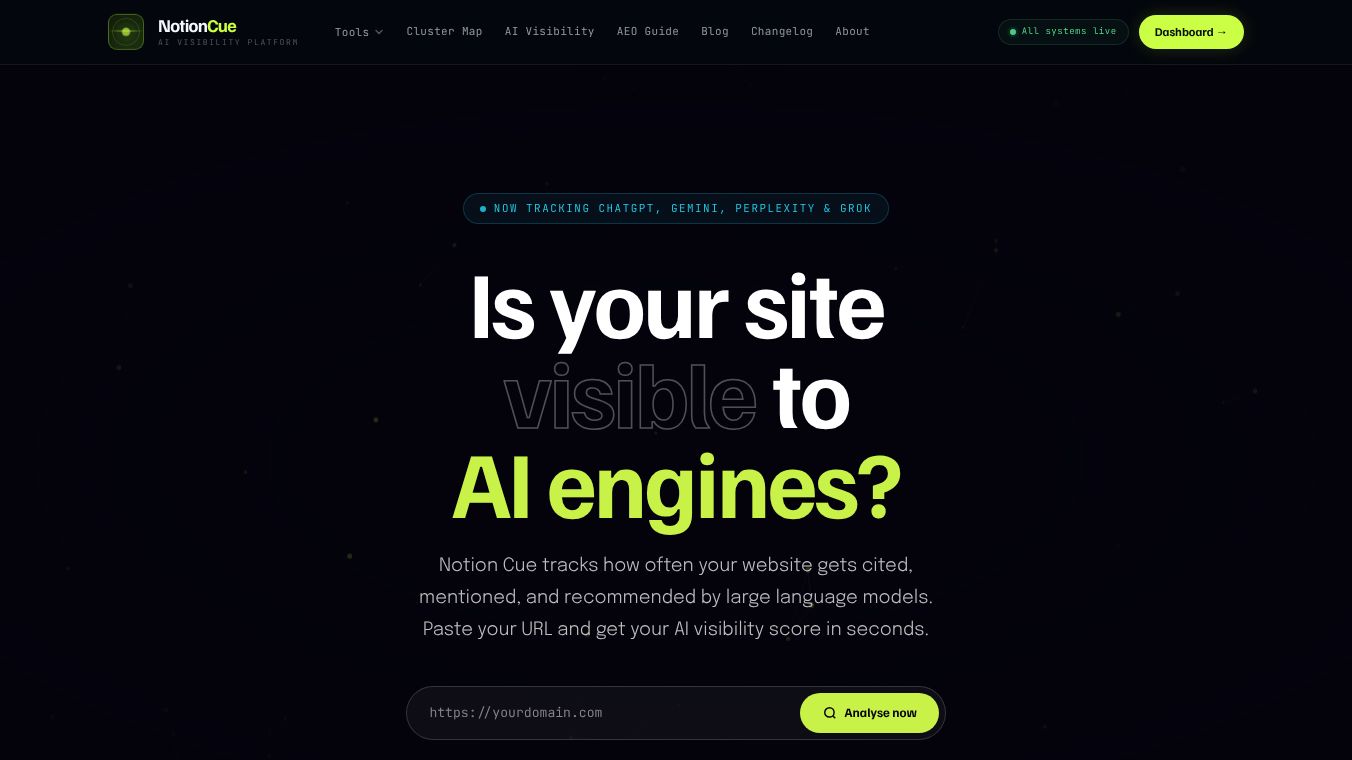





Notion Cue: A Simple Tool for Better Notion Workflows
Introduction
Notion Cue is a browser extension designed to help users work more efficiently within the Notion workspace. It acts as a smart assistant that understands the context of what a user is reading or editing. Instead of just showing generic commands, it suggests the most relevant actions based on the specific page or document the user is currently viewing. This tool aims to reduce the time spent searching for features and help users focus on creating content rather than navigating menus.
Benefits
Notion Cue offers several key advantages for people who use Notion regularly. First, it provides context-aware suggestions. When a user is on a specific page, the tool knows what that page is about and suggests actions that make sense for that situation. This saves time and reduces frustration. Second, it simplifies complex workflows. Many Notion users find the platform powerful but sometimes overwhelming. Notion Cue breaks down complicated tasks into simple, one-click actions. Third, it improves productivity by keeping users in a flow state. By minimizing the need to leave the page or search for commands, users can maintain their focus and complete tasks faster.
Use Cases
Notion Cue is useful for a wide range of people who rely on Notion for their daily work. Students can use it to quickly format notes, create to-do lists, or add tags to study materials without interrupting their learning process. Professionals and project managers can use it to streamline meeting notes, update project timelines, or generate summaries from long documents. Writers and content creators can benefit from quick access to formatting tools and templates that match their current writing style. Essentially, anyone who spends a lot of time inside Notion can use this tool to make their workflow smoother and less repetitive.
Pricing
Notion Cue is currently available as a free browser extension. Users can install it directly from the Chrome Web Store or other browser marketplaces at no cost. There are no known paid tiers or subscription fees associated with the basic functionality of the tool at this time. This makes it an accessible option for both individual users and teams looking to improve their Notion experience without additional expenses.
Vibes
As a relatively new tool, there is limited public feedback available yet. However, early adopters and tech communities have shown interest in the concept of context-aware automation for productivity tools. The idea of having an assistant that understands the specific page you are on resonates well with users who feel that standard productivity tools are too generic. While there are no major reviews or testimonials published widely, the product has generated curiosity among Notion power users who are always looking for ways to optimize their workflow.
Additional Information
Notion Cue was developed by a team focused on enhancing the Notion ecosystem. The project has gained attention through social media channels where productivity enthusiasts share tips and tools. There is no specific funding information or major corporate partnerships publicly disclosed for this tool. It operates independently as a community-driven solution to a common problem faced by Notion users. The developers are actively updating the extension to support new Notion features as they are released, showing a commitment to staying current with the platform's evolution.
This content is either user submitted or generated using AI technology (including, but not limited to, Google Gemini API, Llama, Grok, and Mistral), based on automated research and analysis of public data sources from search engines like DuckDuckGo, Google Search, and SearXNG, and directly from the tool's own website and with minimal to no human editing/review. THEJO AI is not affiliated with or endorsed by the AI tools or services mentioned. This is provided for informational and reference purposes only, is not an endorsement or official advice, and may contain inaccuracies or biases. Please verify details with original sources.


Comments
Please log in to post a comment.