Notion 3.4
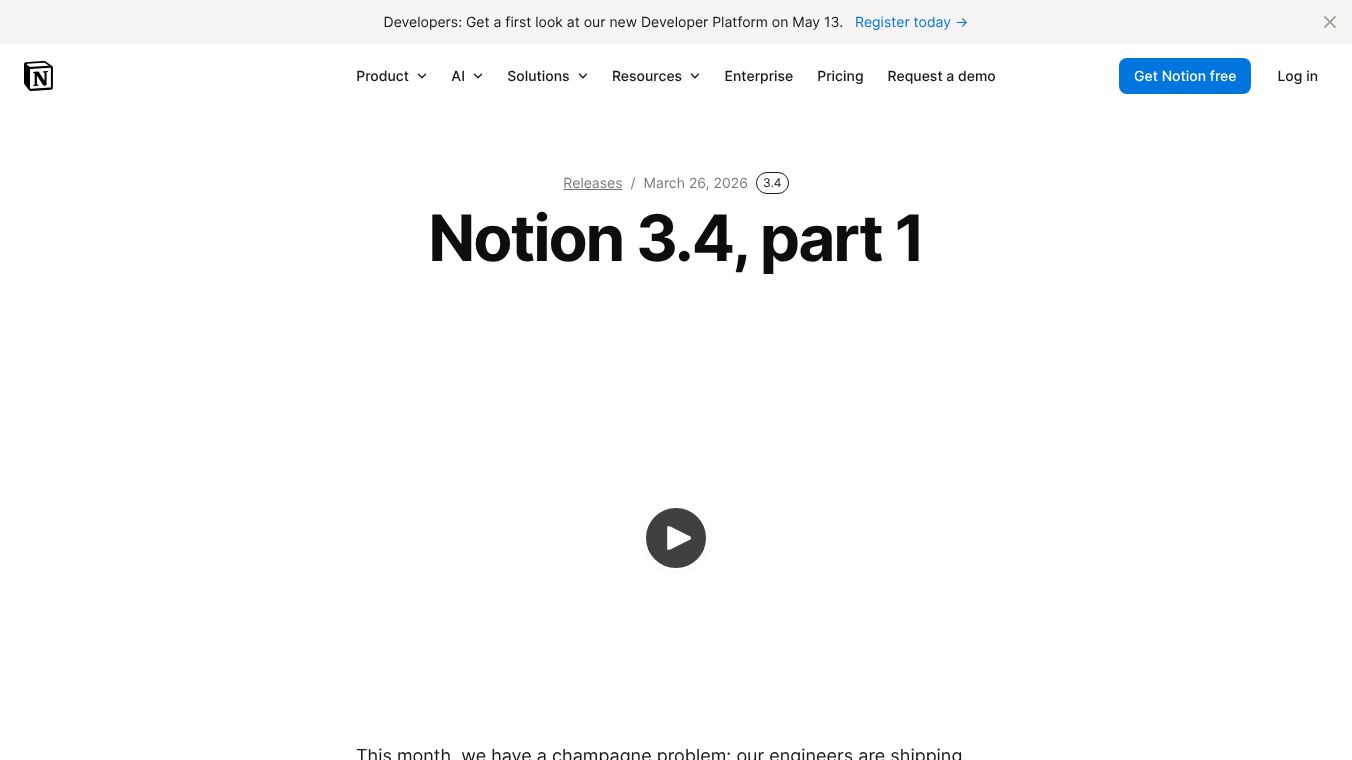





Notion 3.4 is the latest major update for the popular all-in-one workspace tool. This version focuses on making work easier by adding powerful new tools for organizing data, creating presentations, and managing complex projects. It is designed to help teams and individuals stay focused while working together more efficiently.
Benefits
Notion 3.4 brings several key improvements that change how users interact with their workspace. The new dashboard view lets users combine charts, key performance indicators, and metrics into one beautiful screen. This gives a clear picture of what is happening without needing to create many separate pages. Users can describe what they want to see, and the system builds the dashboard automatically. This feature is available for Business and Enterprise plans.
The sidebar has been completely redesigned to reduce clutter. It now has four clear tabs for Pages, Agent Chats, Meetings, and Notifications. Users can choose which parts to show or hide to keep their view clean. This helps people focus on the tasks that matter most to them.
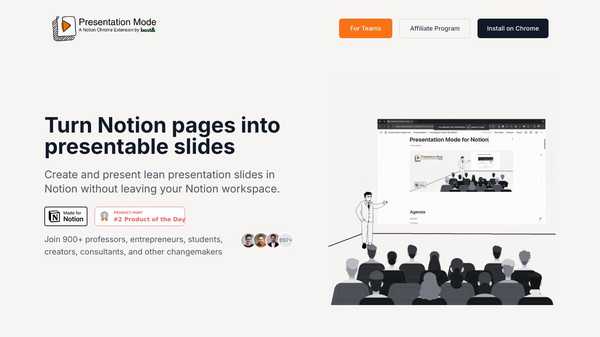
Presentation Mode allows users to share their work directly from Notion. They can turn any document into a slideshow instantly without building a separate file. This makes sharing ideas faster and more fun. The feature is currently in beta for Plus, Business, and Enterprise users.
The update also includes the long-awaited tabs block. This tool lets users organize content into clean sections without using deep subpages. Visual generation lets users create images, charts, and diagrams directly in their work. They can ask their AI agent to turn text into graphics in seconds.
Finally, the ability to archive pages helps keep workspaces tidy. Old pages can be moved to an archive instead of being deleted. This keeps them accessible while hiding them from search results to improve accuracy.
Use Cases
Teams can use the new dashboard to track project progress and monitor important metrics in real time. Managers can set up custom views to see how their team is performing without digging through endless pages.
Individuals and small groups can use Presentation Mode to give updates or pitch ideas during meetings. They can simply open a page and start presenting without needing to export files to PowerPoint or Google Slides.
Project managers can use the tabs block to organize large documents into logical sections. This is helpful for creating detailed plans or onboarding guides that need to be easy to navigate.
Designers and analysts can generate visual aids like process diagrams or data charts directly within their notes. This saves time and ensures the visuals match the context of the discussion.
Companies with large workspaces can use the archive feature to clean up old projects. This keeps the main view clear while still allowing access to historical data when needed.
Pricing
Pricing details for Notion 3.4 are not available in the provided information. The new features like dashboards and presentation mode are currently available on Plus, Business, and Enterprise plans. Specific costs for these plans are not mentioned in the source text.
Vibes
The public reception of Notion 3.4 is described as highly positive. The release notes refer to the volume of new capabilities as champagne-worthy, indicating excitement among users. The features address common pain points like cluttered interfaces and the difficulty of making presentations. Users appreciate the ability to control their workspace layout and the convenience of generating visuals and dashboards automatically. The addition of the tabs block is seen as a significant step forward for organizing complex content.
Additional Information
Notion 3.4 includes several technical updates for developers. The Markdown Content API has been updated to allow tools to read and write Notion directly. This makes building integrations simpler and more reliable. The SDK has been improved with automatic retries and better support for meeting notes.
The update also introduces smaller H4 headers to provide finer control over document hierarchy. Recent releases leading up to this version include Plan Mode and a new custom agent directory.
Notion AI has also received upgrades in this version, though specific details about these AI improvements are noted as being sent in a separate announcement soon.
This content is either user submitted or generated using AI technology (including, but not limited to, Google Gemini API, Llama, Grok, and Mistral), based on automated research and analysis of public data sources from search engines like DuckDuckGo, Google Search, and SearXNG, and directly from the tool's own website and with minimal to no human editing/review. THEJO AI is not affiliated with or endorsed by the AI tools or services mentioned. This is provided for informational and reference purposes only, is not an endorsement or official advice, and may contain inaccuracies or biases. Please verify details with original sources.



Comments
Please log in to post a comment.