NotchDrop
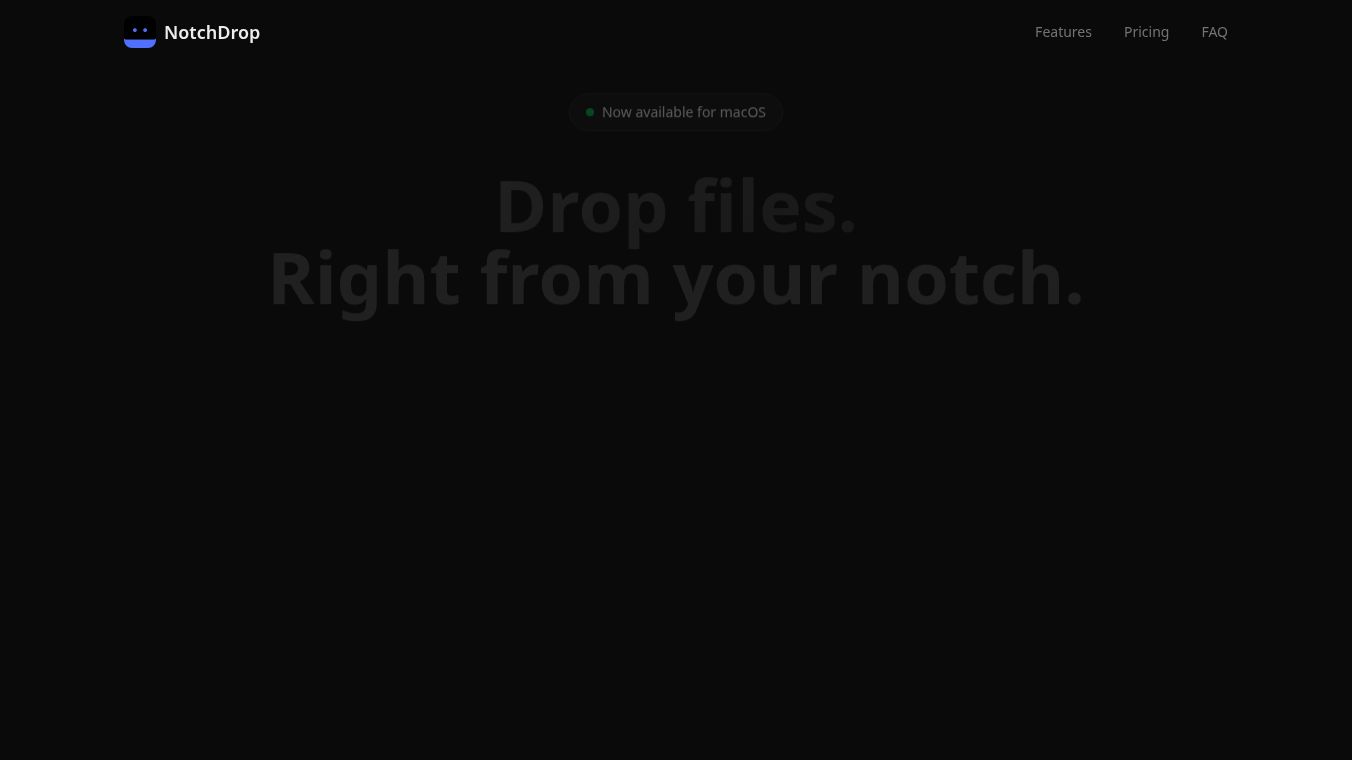





NotchDrop is a software tool that turns the notch on your MacBook into a useful area for many different tasks. It helps you work more efficiently by letting you drag and drop files right to your notch. This makes accessing, sharing, or opening files much quicker.
Benefits
NotchDrop offers several advantages that can improve your daily computer use. It provides quick access to AI chat for instant help and brainstorming without leaving your current application. You can also use AI notes to write down ideas or record voice memos, with AI helping to transcribe and summarize them. The file drop zone lets you quickly save or share files. It keeps a history of everything you copy, so you won't lose important text or links. You can control your music playback, see what song is playing, and change tracks directly from the notch. It also allows for easy screen recording with a smart zoom feature that follows your mouse, which is great for making guides. You can take quick photos and save them right where you are working. It enables fast file sharing between devices on your local network, even without internet, and works across different operating systems. You can quickly add tasks to a to-do list that appears when you hover over the notch. For a bit of fun, there's a virtual pet that lives in your notch and reacts to what you do. You can also run commands and scripts from the notch to automate tasks. Taking screenshots or drawing on your screen for annotations is also made simple.
Use Cases
This tool is useful for anyone who wants to make their MacBook more productive. Students can use the AI chat and notes features for studying and organizing information. Professionals can benefit from the quick file sharing, clipboard history, and command shortcuts for managing their workflow. Content creators can use the screen recording and screenshot features to easily make tutorials or share visual information. Even casual users can enjoy the music controls and the virtual pet for a more interactive experience.
Pricing
NotchDrop is available through a one-time purchase. There is a free version that includes basic features like the file drop zone and clipboard history. The Pro version costs around $15 as a one-time payment and includes all advanced features such as music controls, screen recording, file sharing, and the to-do list. Each purchase is for one Mac computer.
Vibes
Users can get support by emailing muhammadsaddamnur2@gmail.com or by messaging @saddamnur on Threads. Bug reports and suggestions for new features can be shared with the GitHub community.
Additional Information
NotchDrop is built using Swift for top performance and does not use Electron or web views. It requires macOS 15.0 or later and Apple Silicon. If your MacBook doesn't have a notch, the software will create a virtual notch area at the top of the screen. The tool is designed to have a minimal effect on battery life.
This content is either user submitted or generated using AI technology (including, but not limited to, Google Gemini API, Llama, Grok, and Mistral), based on automated research and analysis of public data sources from search engines like DuckDuckGo, Google Search, and SearXNG, and directly from the tool's own website and with minimal to no human editing/review. THEJO AI is not affiliated with or endorsed by the AI tools or services mentioned. This is provided for informational and reference purposes only, is not an endorsement or official advice, and may contain inaccuracies or biases. Please verify details with original sources.
 No Info


Comments
Please log in to post a comment.