Noml





Noml: A Lightweight Desktop Workspace for Claude Code
Overview
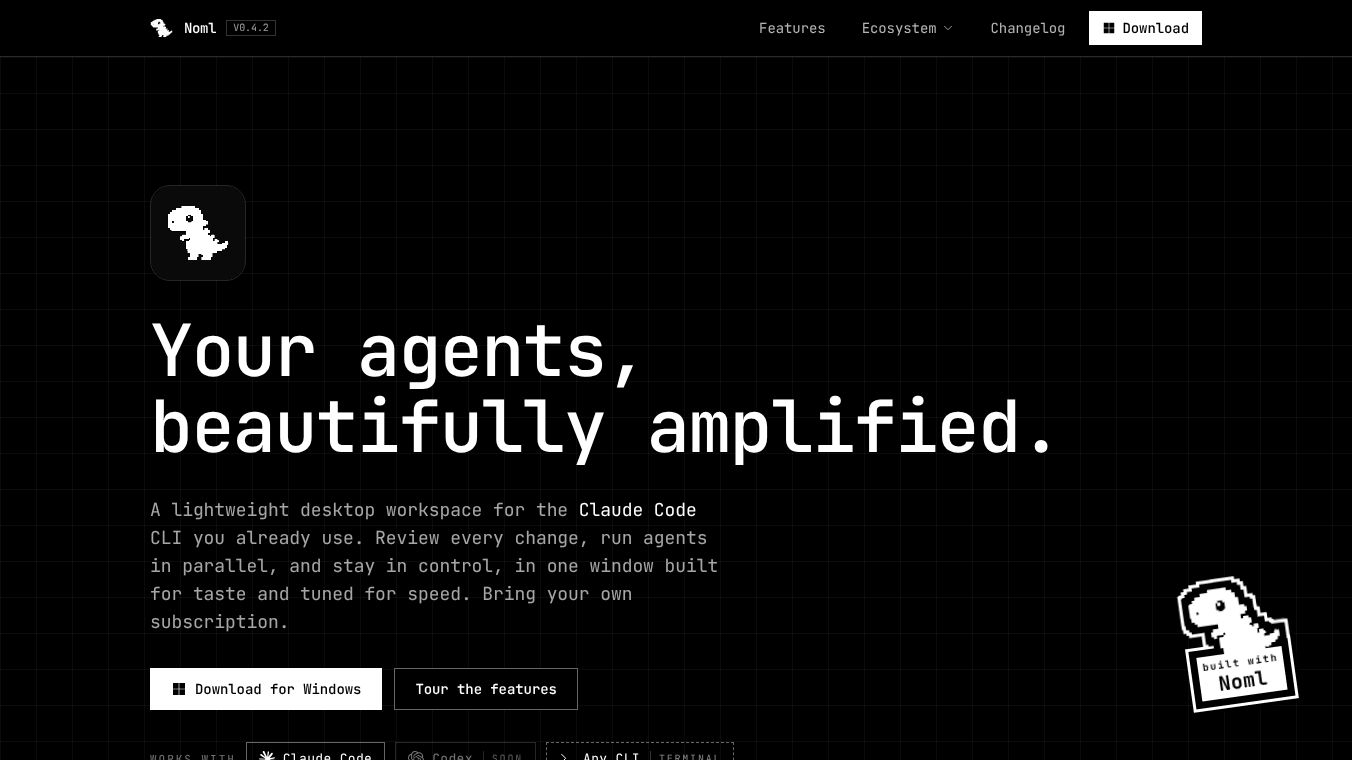
Noml is a lightweight desktop application designed to work with the Claude Code command-line tool. It acts as a central hub for all your coding tasks, allowing you to manage multiple projects and review changes in one place. Built using Rust and Tauri 2, the app is very small, taking up less than 45MB of space on your computer. This makes it fast and efficient compared to heavier alternatives. It is available for both macOS and Windows computers.
Benefits
Noml offers several key advantages for developers who use AI coding tools. First, it allows you to run multiple AI agents at the same time. You can start work on different projects simultaneously and watch them all from a single screen. Second, it brings version control directly into your workflow. You can stage, commit, branch, and merge code without needing a separate Git client. The app also includes a built-in terminal that supports various command-line tools like Gemini CLI and aider. Finally, Noml keeps your data safe by running everything locally on your machine. It uses the Claude Code subscription you already have, so there are no extra costs or new API keys to manage.
Use Cases
Noml is ideal for developers who want a streamlined way to manage their coding tasks. It is perfect for teams or individuals who need to handle multiple projects at once. For example, a developer can run an AI agent to fix bugs in one project while another agent writes new features in a different project. The app is also useful for anyone who wants to keep all their coding tools in one window. By combining the code editor, terminal, and Git workflow into a single interface, it reduces the need to switch between different applications. This setup helps maintain focus and improves productivity during complex development sessions.
Pricing
Noml does not have its own pricing plan. It works with the Claude Code subscription you already own. You do not need to pay extra for the app itself. The application drives your existing local Claude Code installation, so you only need a valid Claude account to get started. This means there are no hidden fees or separate billing cycles for using Noml.
Vibes
While there are no public reviews or testimonials available yet, the design of Noml suggests a focus on user control and efficiency. The "ask-first" mode for reviewing changes indicates a commitment to safety and precision in code editing. The emphasis on local execution and the ability to bring your own subscription shows a respect for user privacy and existing workflows. Early feedback from the community highlights the app's speed and its ability to integrate seamlessly with existing tools.
Additional Information
Noml was built using Rust and Tauri 2, which ensures native performance on both macOS and Windows. The macOS version requires Apple Silicon hardware, while the Windows version needs Windows 11 for WebView2 support. The app is designed to be highly customizable, allowing users to shape the interface to fit their specific needs. Future updates plan to add native integration for OpenAI's Codex and other coding agents. The development team has focused on creating a cohesive environment that combines a code editor, terminal, and Git workflow into a single, fast application.
This content is either user submitted or generated using AI technology (including, but not limited to, Google Gemini API, Llama, Grok, and Mistral), based on automated research and analysis of public data sources from search engines like DuckDuckGo, Google Search, and SearXNG, and directly from the tool's own website and with minimal to no human editing/review. THEJO AI is not affiliated with or endorsed by the AI tools or services mentioned. This is provided for informational and reference purposes only, is not an endorsement or official advice, and may contain inaccuracies or biases. Please verify details with original sources.



Comments
Please log in to post a comment.