MyTabSearch
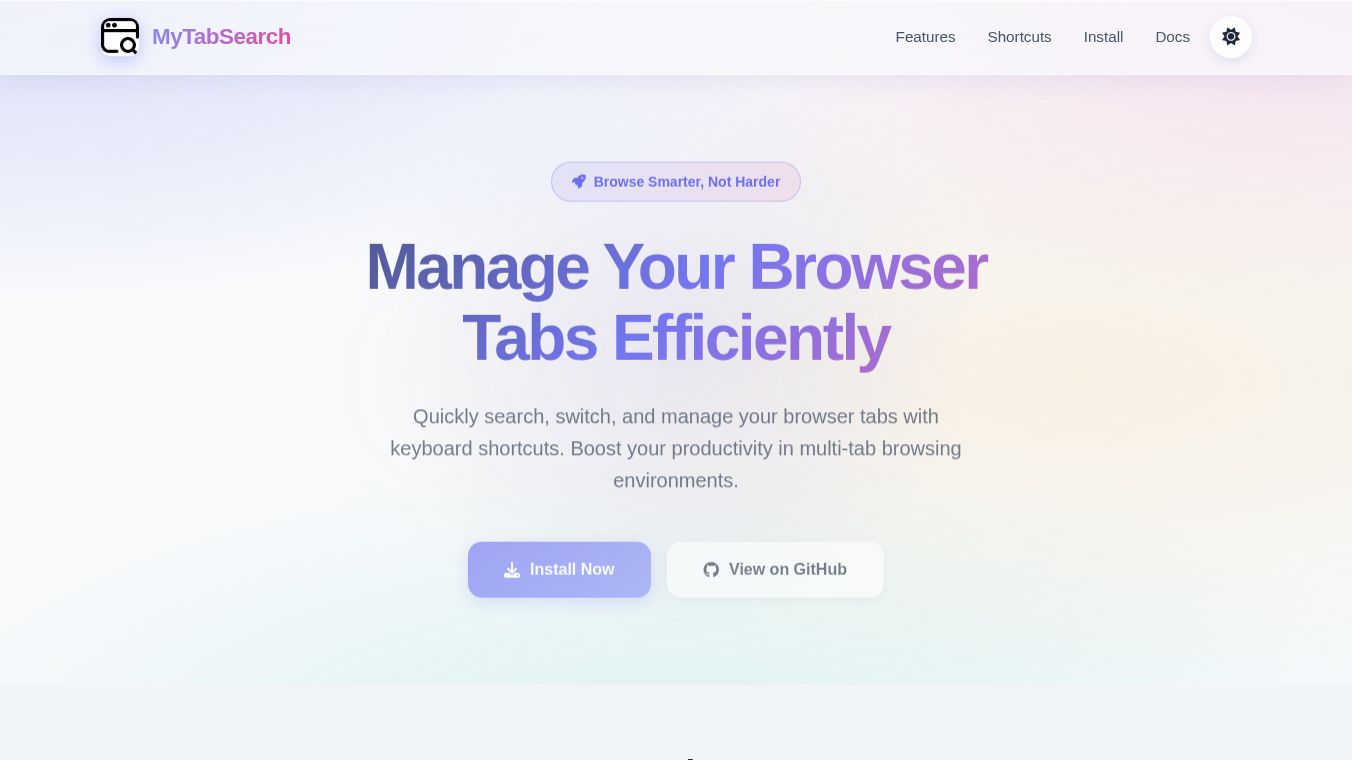





MyTabSearch is a free tool for Google Chrome that helps users manage many open browser tabs at once. It acts like a search engine for your tabs, letting you find and switch between them quickly without clicking through each one manually. This tool is designed for people who often have too many windows open and need to stay organized while working or browsing the web.
Benefits
MyTabSearch offers several advantages for daily browser use. It allows users to search through all open tabs using simple keywords or parts of a URL. This feature saves time when looking for specific information across multiple pages. The tool also supports keyboard shortcuts, which means users can navigate tabs faster without using their mouse. One-click switching lets users jump to a different tab instantly. Users can close unwanted tabs directly from the search results to keep their workspace clean. The extension lets users pin their favorite tabs so they are always easy to find. These pinned tabs stay saved even after the browser restarts. The tool syncs pinned tabs across different devices if the user signs in, allowing them to continue where they left off on another computer. It provides both light and dark themes to reduce eye strain during long sessions.
Use Cases
This tool is perfect for students, professionals, and anyone who uses multiple tabs for research or multitasking. A student might use it to switch between notes, a textbook, and a video lecture without losing their place. A writer could use it to jump between a research document, a draft, and a reference site quickly. It works well when a user has many open tabs and needs to find a specific page without scrolling through the entire list. The cross-device sync feature is useful for people who work from home or use different computers for different tasks. It helps maintain a consistent set of important tabs across a laptop and a tablet.
Pricing
MyTabSearch is available for free. Users can download and install it directly from the Chrome Web Store without paying any fees.
Vibes
There are no specific reviews or testimonials available in the provided information about how users feel about this tool. The developer has stated that the extension does not collect personal data or sell information to third parties. This privacy promise is a positive point for users who care about their online security.
Additional Information
The extension was developed by a user named RunningSnail-D. The current version is 2.0.3 and was last updated on May 1, 2026. The file size is small at 404KiB. It supports English and Chinese languages. Users can contact the developer at dongft10@gmail.com for support. The extension requires a Google, Microsoft, or email account to sync data across devices. There is a limit of 100 pinned tabs when using the sync feature. Users can customize keyboard shortcuts if they conflict with other programs by visiting the browser settings page. The tool is currently listed as unavailable on some extension pages, but the troubleshooting guide suggests checking for key conflicts or adjusting settings manually.
This content is either user submitted or generated using AI technology (including, but not limited to, Google Gemini API, Llama, Grok, and Mistral), based on automated research and analysis of public data sources from search engines like DuckDuckGo, Google Search, and SearXNG, and directly from the tool's own website and with minimal to no human editing/review. THEJO AI is not affiliated with or endorsed by the AI tools or services mentioned. This is provided for informational and reference purposes only, is not an endorsement or official advice, and may contain inaccuracies or biases. Please verify details with original sources.
Comments
Please log in to post a comment.