MyAIDictation
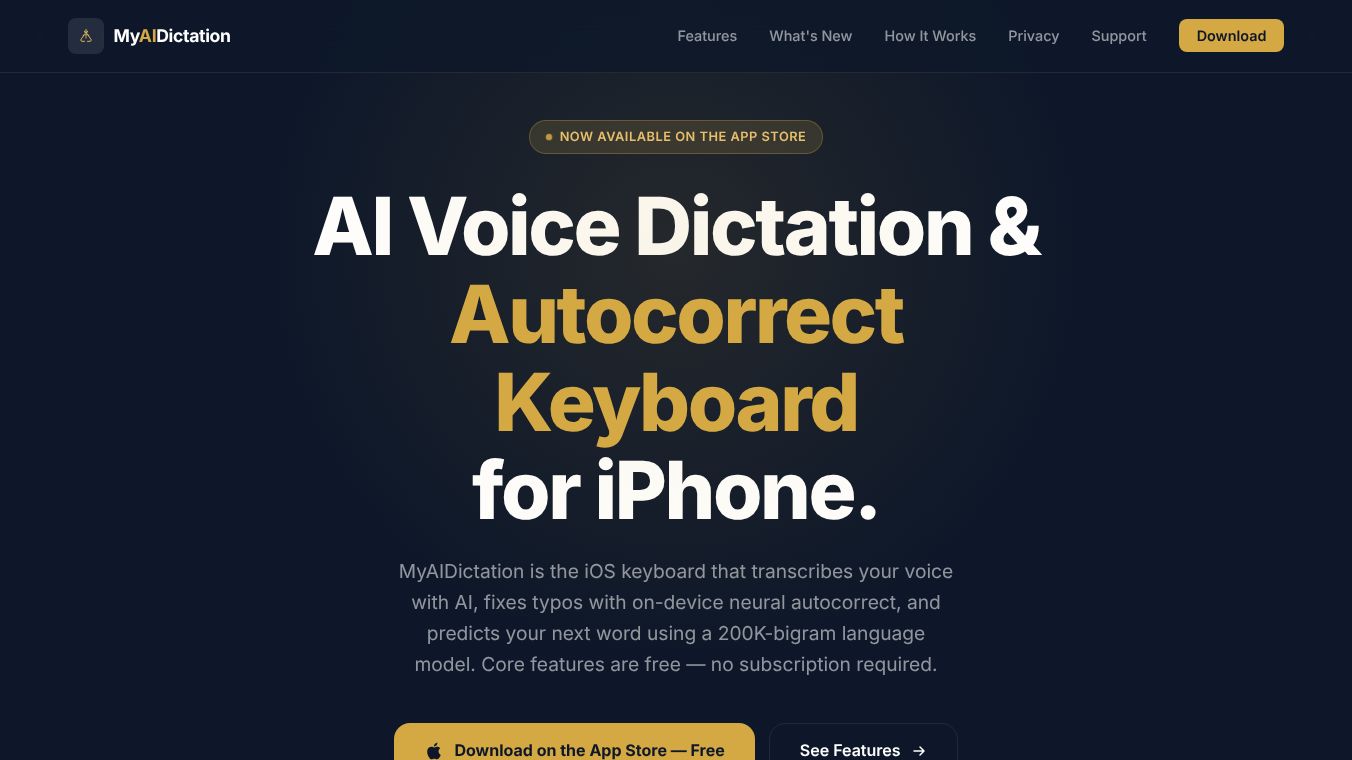





MyAIDictation: AI Voice Dictation & Autocorrect Keyboard for iPhone
Overview
MyAIDictation is an iOS keyboard application designed to enhance typing efficiency through AI-powered voice transcription, neural autocorrect, and context-aware word prediction. Available on the App Store for iOS 18 or later, the app offers a range of features with core functionality available for free without a subscription. It operates primarily on-device to ensure privacy and speed, with optional cloud-based enhancements for Pro subscribers.
Benefits
MyAIDictation offers several key advantages for iPhone users who want to type faster and more accurately. The app provides flexible voice dictation with three distinct modes. Users can use Apple's native speech recognition that runs entirely on their device. They can also download the Parakeet model to keep speech transcription local on the iPhone after setup. For those who need professional styling, there is a Pro cloud dictation option that offers AI cleanup for polished punctuation and capitalization.
The app utilizes a custom-trained neural network for autocorrect. This system reranks correction candidates based on context rather than simple proximity on the keyboard. This ensures that homophones like "their" vs. "there" are corrected based on the user's intended meaning within the sentence structure. Additionally, the keyboard predicts the next word based on the specific context of what has already been typed. This allows for instant responses optimized for speed, ensuring typing never feels sluggish.
Privacy and security are major benefits of this tool. Autocorrect and word prediction run 100% on-device using CoreML, meaning keystrokes never leave the phone. The app does not engage in keylogging, behavioral analytics, or the use of advertising identifiers. Users do not need to create an account or sign in. For Pro cloud dictation, data is sent only when enabled and processed through an encrypted HTTPS connection. Digits are replaced with placeholder characters before being sent to the cloud.
Users can customize their keyboard size using a precision slider that allows scaling from 80% to 122% of the default size. There is also an optional number row that can be toggled on or off for faster access to forms and codes. The free version includes standard layout options, while the Pro version unlocks a deep theme library featuring animated key effects and premium looks such as Midnight Aurora, Neon Tokyo, and Y2K Chrome.
The Pro subscription tier adds advanced capabilities like an AI Ghost Editor. This optional cleanup tool catches typed-text mistakes missed by standard autocorrect. There is also a special mode for late-night messaging that applies to both dictation and typed text. This feature can soften agreements and promises into wait-and-see language or pop up a review gate when it detects commitments or money-related statements.
Use Cases
MyAIDictation is suitable for anyone who types frequently on their iPhone. It works seamlessly in Messages, Mail, Notes, and social media apps. Users can tap the globe icon in any app to switch to MyAIDictation and then tap the blue microphone to dictate or type normally.
The app is particularly useful for people who want to avoid the frustration of autocorrect errors. The neural network helps ensure that words are corrected based on the intended meaning, which is helpful for complex sentences. The context-aware predictions are ideal for users who need to send quick replies without looking at their keyboard constantly.
The customizable layout makes it a good fit for users with different thumb sizes or preferences. The adjustable keyboard size ensures that everyone can find a comfortable typing experience. The optional number row is beneficial for users who frequently enter codes, dates, or totals in forms.
The Pro features are great for users who want extra safety and polish. The AI Ghost Editor is useful for anyone who wants to ensure their text is perfect before sending. The late-night messaging mode is a safety net for users who want to avoid sending regrettable messages after hours. This is especially helpful for those who make agreements or promises while tired.
Pricing
The core functionality of MyAIDictation is available for free without a subscription. This includes the built-in on-device transcription, local Parakeet transcription, neural autocorrect, and context-aware predictions. Users can also access standard layout options and basic customization features like keyboard size and the optional number row.
The Pro subscription tier adds advanced capabilities such as the AI Ghost Editor, the late-night messaging mode, and managed cloud dictation. The Pro version also unlocks a deep theme library with animated key effects and premium looks. All Pro features deactivate gracefully if a subscription lapses, with themes, sizes, and preferences remembered for instant reactivation upon resubscription.
Vibes
MyAIDictation has received positive attention for its focus on privacy and performance. Users appreciate that the app does not require an account and that most processing happens on their device. The transparency about data handling builds trust with users who are concerned about their privacy.
The app is known for its speed and responsiveness. Users report that the context-aware predictions make typing feel instant and smooth. The ability to switch between different dictation modes gives users flexibility depending on their needs and network conditions.
The customization options, especially the Pro themes, have been well-received. Users enjoy the variety of looks available, from Midnight Aurora to Y2K Chrome. The animated key effects add a fun and engaging element to the typing experience.
The safety features in the Pro version have also generated interest. The late-night messaging mode provides peace of mind for users who want to avoid sending messages they might regret. The AI Ghost Editor helps users maintain a high standard of writing without the hassle of manual proofreading.
Additional Information
MyAIDictation requires iOS 18 or later to install and use. The setup process takes approximately two minutes and involves downloading the app from the App Store, enabling it in settings, and configuring the desired features.
The developer also offers AutoResponseKit, an AI-powered iMessage auto-replier for macOS, but this is a separate product. MyAIDictation emphasizes transparency and data privacy throughout its design and operation. The app uses Full Access permissions solely for network calls required for voice transcription and optional Pro cloud cleanup.
This content is either user submitted or generated using AI technology (including, but not limited to, Google Gemini API, Llama, Grok, and Mistral), based on automated research and analysis of public data sources from search engines like DuckDuckGo, Google Search, and SearXNG, and directly from the tool's own website and with minimal to no human editing/review. THEJO AI is not affiliated with or endorsed by the AI tools or services mentioned. This is provided for informational and reference purposes only, is not an endorsement or official advice, and may contain inaccuracies or biases. Please verify details with original sources.




Comments
Please log in to post a comment.