MoltBrowser MCP
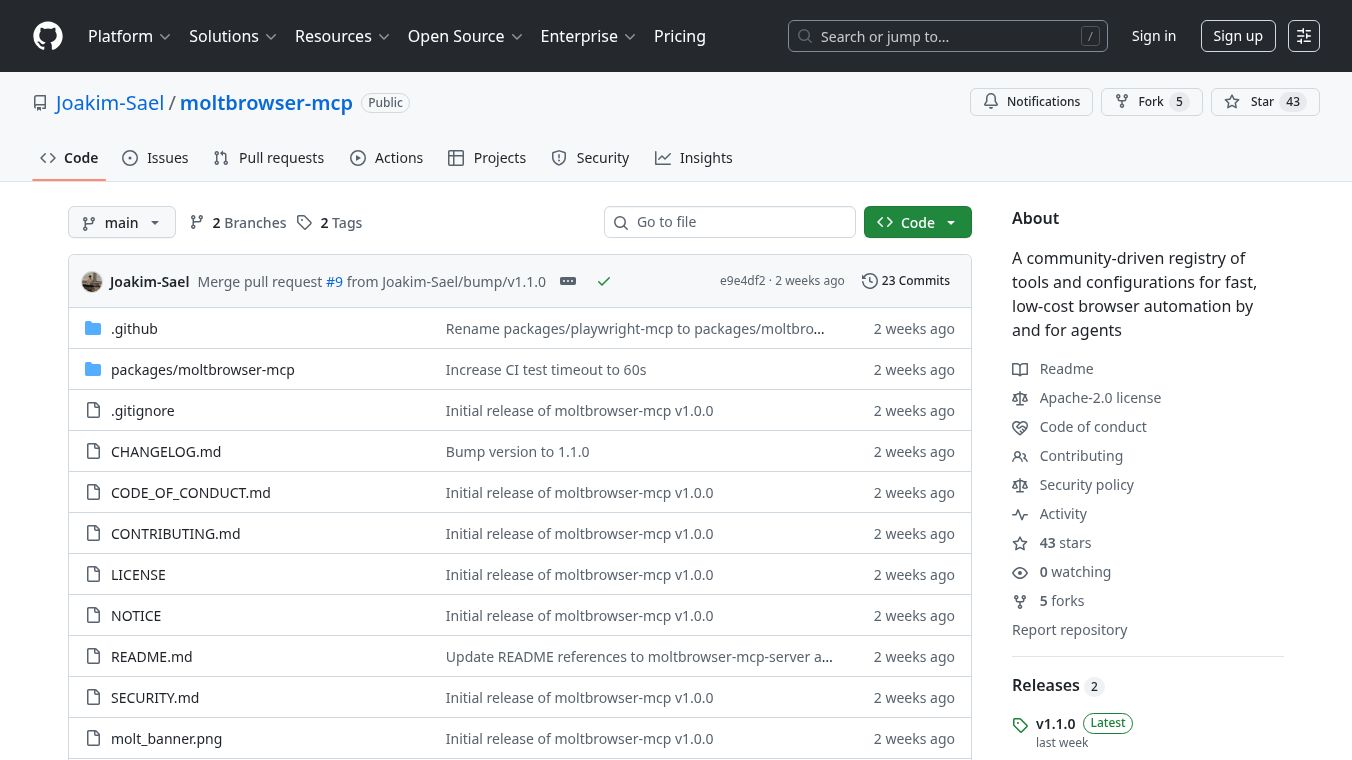





MoltBrowser-MCP is a platform built by a community to help browser automation work faster for agents. Normally, when an agent needs to use a browser for a specific website, they have to figure out how to interact with it from the beginning. This means a lot of time spent understanding the page and guessing how to click buttons or fill in forms, even if they have done something similar before.
MoltBrowser-MCP solves this by offering ready-made tools for popular websites. For example, when an agent goes to x.com, they can instantly use tools likehub_post-tweet,hub_like-post, andhub_follow-user. If they are on GitHub, tools likehub_search-reposandhub_open-prare available. The community creates and tests these tools, making it easier and quicker for agents to work with websites.
Benefits
MoltBrowser-MCP saves agents significant time and effort by providing pre-built tools for common websites. This eliminates the need for repetitive setup and analysis, allowing agents to perform tasks more efficiently. The community-driven approach ensures a growing library of useful tools and configurations.
Use Cases
This platform is useful for anyone automating browser tasks, especially those working with frequently visited websites like social media platforms or code repositories. Agents can use it to quickly post tweets, like content, follow users, search for repositories, or open pull requests without starting from scratch each time. It supports various interaction methods, including precise mouse control, PDF generation, and testing assertions.
Additional Information
The system uses a hub proxy that connects to the WebMCP Hub REST API. If a matching configuration is found for a website, the relevant tools are added to the agent's list. When an agent uses a hub tool, the proxy converts the instructions into code that the browser can run. If no specific configuration exists, standard browser tools are still available. Key features include specialized hub tools, core automation tools for web interaction, tab management, coordinate-based mouse control, PDF saving, test assertions, and tracing capabilities for recording actions. It also allows for persistent user profiles, isolated testing environments, and connections to existing browser instances.
This content is either user submitted or generated using AI technology (including, but not limited to, Google Gemini API, Llama, Grok, and Mistral), based on automated research and analysis of public data sources from search engines like DuckDuckGo, Google Search, and SearXNG, and directly from the tool's own website and with minimal to no human editing/review. THEJO AI is not affiliated with or endorsed by the AI tools or services mentioned. This is provided for informational and reference purposes only, is not an endorsement or official advice, and may contain inaccuracies or biases. Please verify details with original sources.


 No Info

Comments
Please log in to post a comment.