MetaScrub





Remove Hidden Metadata from Files Online: A Comprehensive Guide
What is Metadata and Why Remove It?
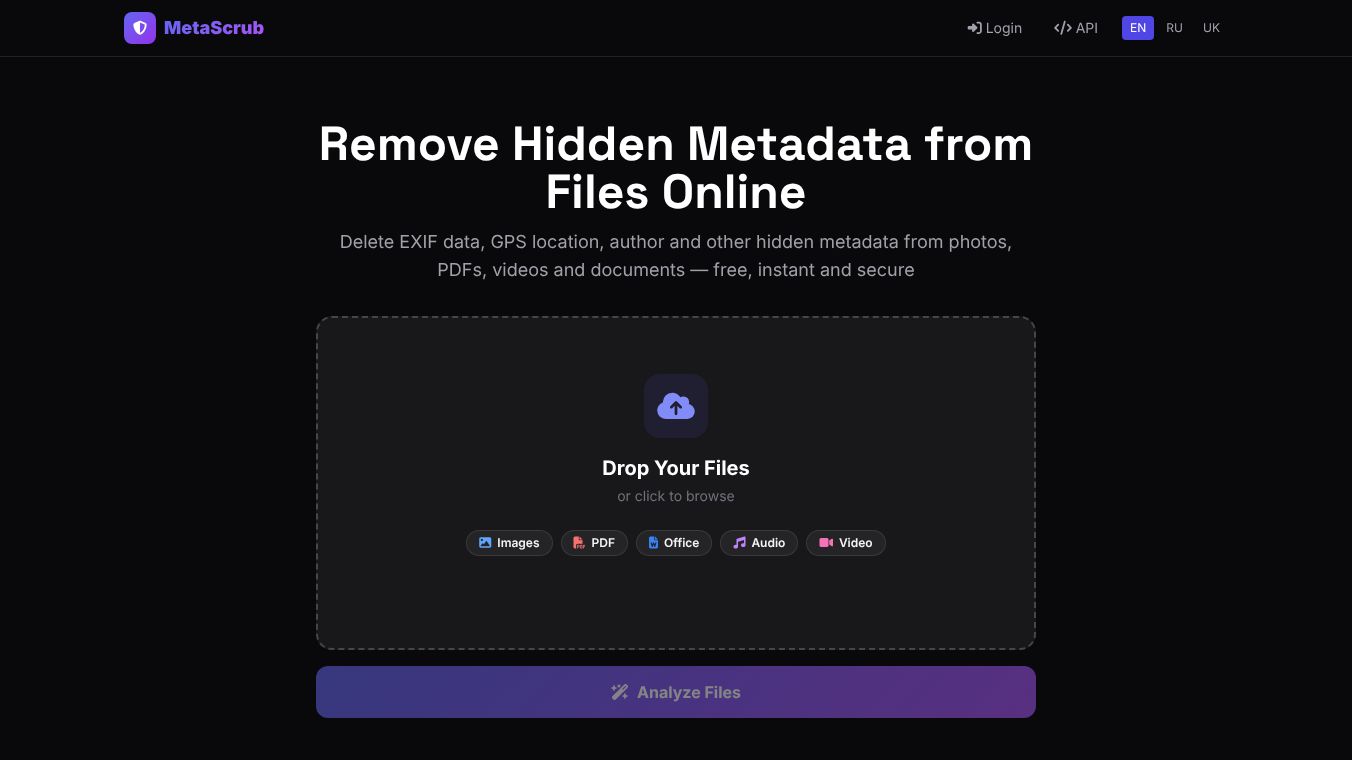
Every digital file you create contains hidden metadata. This is information that is not immediately visible but can reveal sensitive details. Photos store GPS coordinates, camera models, and the date they were taken. Documents keep author names, company details, and revision history. PDFs can show the specific software used to create them. When you share files online for social media, job applications, or client work, this hidden data travels with the file. Removing metadata ensures that only the visible content is shared. This protects your privacy and keeps sensitive information safe.
Benefits
MetaScrub is a free, instant, and secure online tool designed to remove all hidden metadata from various file types. It offers several key advantages. First, it processes files very fast. You get instant cleaning and a quick download. Second, it is reliable. The tool only removes metadata and leaves the actual content of your files completely untouched. Third, it supports many different file types. You can use it for MS Office files, LibreOffice documents, PDFs, and multimedia files. The tool also strips a wide range of hidden data including EXIF data, GPS coordinates, author names, creation dates, and software information. Your file quality remains exactly the same after using the tool. The actual image quality, document text, and video quality do not change. For data security, files are processed in memory only. They are deleted immediately after you download them. MetaScrub never stores your files on its servers. This ensures your data remains safe and private.
Use Cases
MetaScrub handles a wide range of file formats, making it versatile for different needs. It supports images like JPG, PNG, GIF, WebP, TIFF, and BMP. It works with documents such as PDF, DOCX, XLSX, and PPTX. Audio files like MP3, WAV, FLAC, AAC, and OGG are also supported. Video formats including MP4, MOV, AVI, and MKV can be cleaned too. You can use this tool when preparing photos for social media to hide your location. It is helpful for job applicants who want to remove personal details from resumes. Real estate agents can use it to clean property listings before posting them online. Clients can send documents without exposing internal company information. Anyone who shares files digitally can use this tool to maintain privacy and professionalism.
Pricing
MetaScrub is a free tool. There are no costs to use it for removing metadata from your files.
Vibes
The tool is designed to be simple and secure. Users can confidently share their files without worrying about exposing unnecessary personal or organizational details. The focus is on maintaining both privacy and professionalism in all digital interactions.
Additional Information
MetaScrub operates as a free online service. It does not store files on its servers to ensure user privacy. The tool is built to process data in memory only and delete it immediately after the download is complete.
This content is either user submitted or generated using AI technology (including, but not limited to, Google Gemini API, Llama, Grok, and Mistral), based on automated research and analysis of public data sources from search engines like DuckDuckGo, Google Search, and SearXNG, and directly from the tool's own website and with minimal to no human editing/review. THEJO AI is not affiliated with or endorsed by the AI tools or services mentioned. This is provided for informational and reference purposes only, is not an endorsement or official advice, and may contain inaccuracies or biases. Please verify details with original sources.




 No Info
Comments
Please log in to post a comment.