Memora - Private AI Assistant
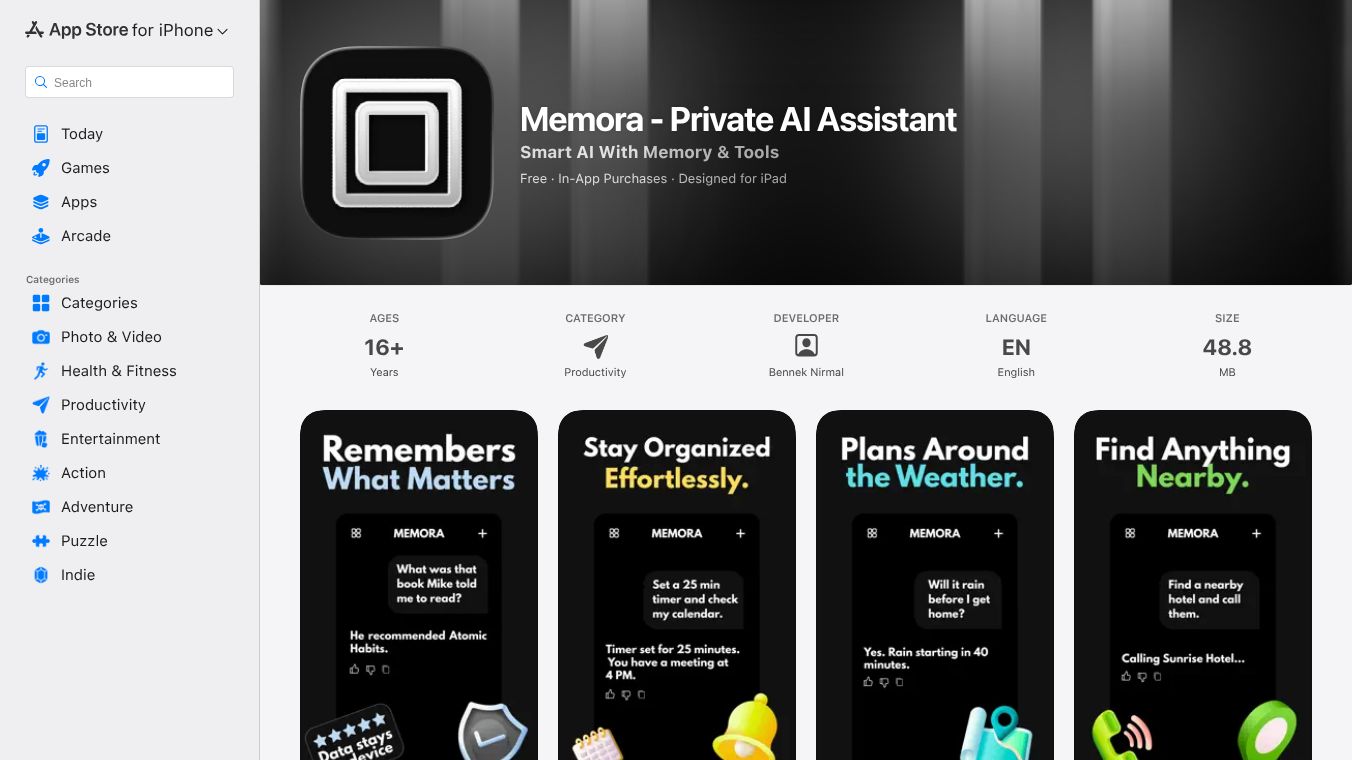





Memora is a personal AI assistant designed to help you manage your meetings. It works by recording, transcribing, and summarizing your conversations, whether they happen online or in person. Instead of using disruptive meeting bots, Memora runs as a simple application on your computer.
Benefits
Memora helps you save time and stay organized. It records your meetings and turns the audio into text, so you don't have to take notes. The AI then creates summaries, highlights important points, and lists action items. You can even ask questions about the meeting content afterward, like talking to a helpful teammate. It also makes it easy to search through all your past meetings to find information quickly. You can also customize how the AI summarizes the meetings to fit your job, whether you work in sales, hiring, or manage team projects. Sharing or exporting your meeting notes and recordings is also very simple.
Use Cases
Memora can record meetings from almost any platform, including Zoom, Google Meet, Microsoft Teams, Slack, and more. It works on both Mac and Windows computers. This makes it useful for anyone who attends many meetings and needs to keep track of what was discussed and decided.
Pricing
Memora has a Free Plan that gives you 20 hours of recording and transcription each month, along with AI summaries and basic organization features. For more features, the Individual Plan costs $7 per month or $60 per year. This plan offers unlimited recording and transcription, advanced search, AI chat with your meeting history, and unlimited storage for your recordings. A 14-day free trial is available for the Individual Plan.
Vibes
Memora focuses on keeping your information private. Your transcriptions are processed on your own device. While recordings are stored securely online, they are not used to train AI models. The company is also developing a version that can work completely offline.
Additional Information
To get started with Memora, you can connect your Google Calendar and download the desktop app. You can then manage your recordings and notes through the web application.
This content is either user submitted or generated using AI technology (including, but not limited to, Google Gemini API, Llama, Grok, and Mistral), based on automated research and analysis of public data sources from search engines like DuckDuckGo, Google Search, and SearXNG, and directly from the tool's own website and with minimal to no human editing/review. THEJO AI is not affiliated with or endorsed by the AI tools or services mentioned. This is provided for informational and reference purposes only, is not an endorsement or official advice, and may contain inaccuracies or biases. Please verify details with original sources.
 No Info

Comments
Please log in to post a comment.