markupR
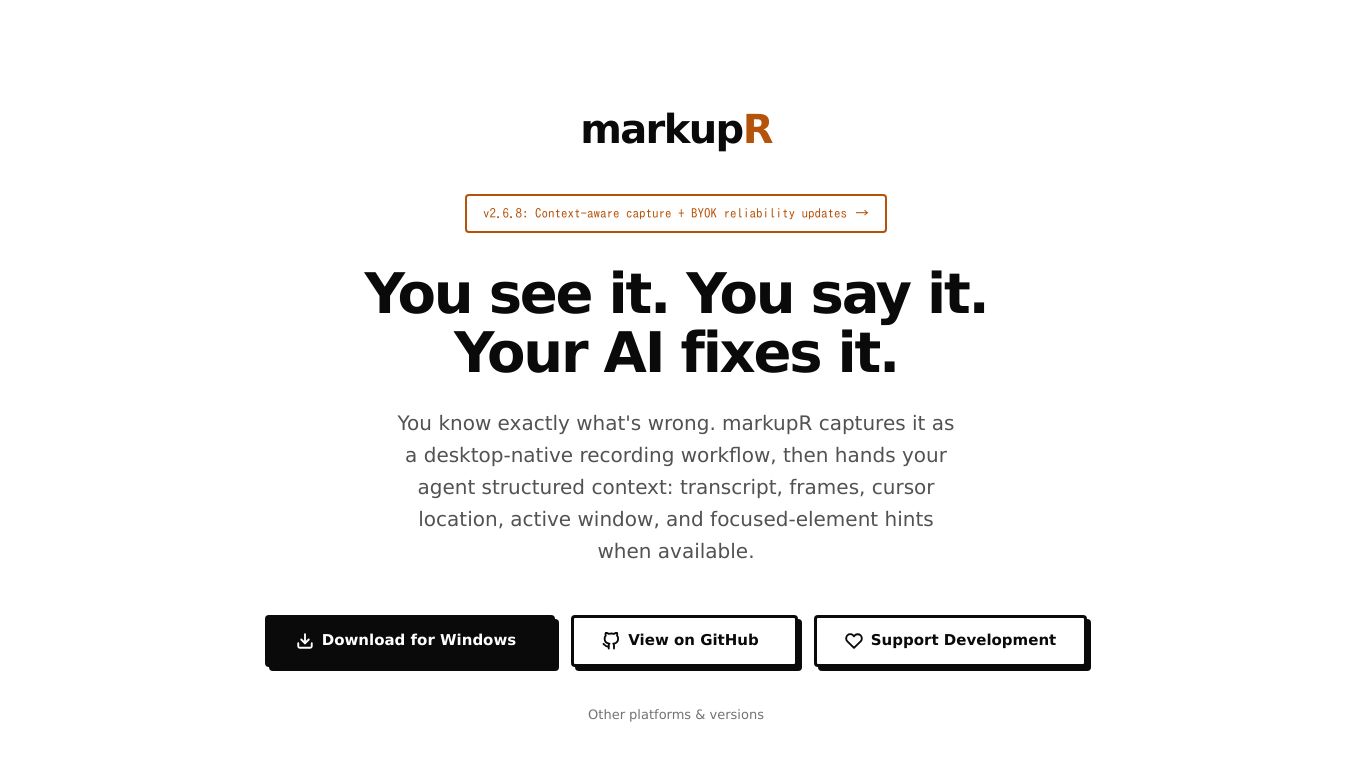





markupR is a smart tool for developers that makes reporting bugs and giving feedback to AI coding assistants much easier. It records what's happening on your computer screen and combines your voice comments with visual details to create clear reports.
Benefits
markupR helps you report issues quickly and accurately. You can easily record your screen and talk about a problem at the same time. The tool automatically matches your words to the right parts of the video and adds helpful information like where your mouse was. This means AI coding agents can understand and fix problems faster because they have all the necessary context. It saves you time by reducing the need to switch between different apps, retype information, or take many screenshots. Speaking your feedback is also more efficient than typing it.
Use Cases
Developers can use markupR to report bugs or suggest improvements to AI coding tools. The process is simple: start recording with a keyboard shortcut, describe the issue, and mark important moments. After you stop, markupR creates a structured report in markdown format. This report can be sent directly to AI coding agents like Claude Code, Cursor, and Copilot. It can also be pasted into platforms like GitHub and Slack. For automated workflows, a Command Line Interface (CLI) can process existing recordings. markupR can also act as a server that allows AI agents to ask for screenshots or recordings during a conversation.
Vibes
This tool is designed to be developer-friendly, offering options for privacy with local transcription or using your own API keys. It is open source, meaning you can see the code and it doesn't track your activity. Users have praised its ability to reduce friction in the feedback process and provide precise context for AI agents.
Additional Information
markupR offers integrations with tools like GitHub Issues and Linear. It also includes a GitHub Action that can add visual feedback to pull requests. The tool is available as a desktop app for macOS and Windows, and its CLI and server features work on macOS and Linux. Users can choose between a free open-source version or a premium setup.
This content is either user submitted or generated using AI technology (including, but not limited to, Google Gemini API, Llama, Grok, and Mistral), based on automated research and analysis of public data sources from search engines like DuckDuckGo, Google Search, and SearXNG, and directly from the tool's own website and with minimal to no human editing/review. THEJO AI is not affiliated with or endorsed by the AI tools or services mentioned. This is provided for informational and reference purposes only, is not an endorsement or official advice, and may contain inaccuracies or biases. Please verify details with original sources.

Comments
Please log in to post a comment.