Maestro
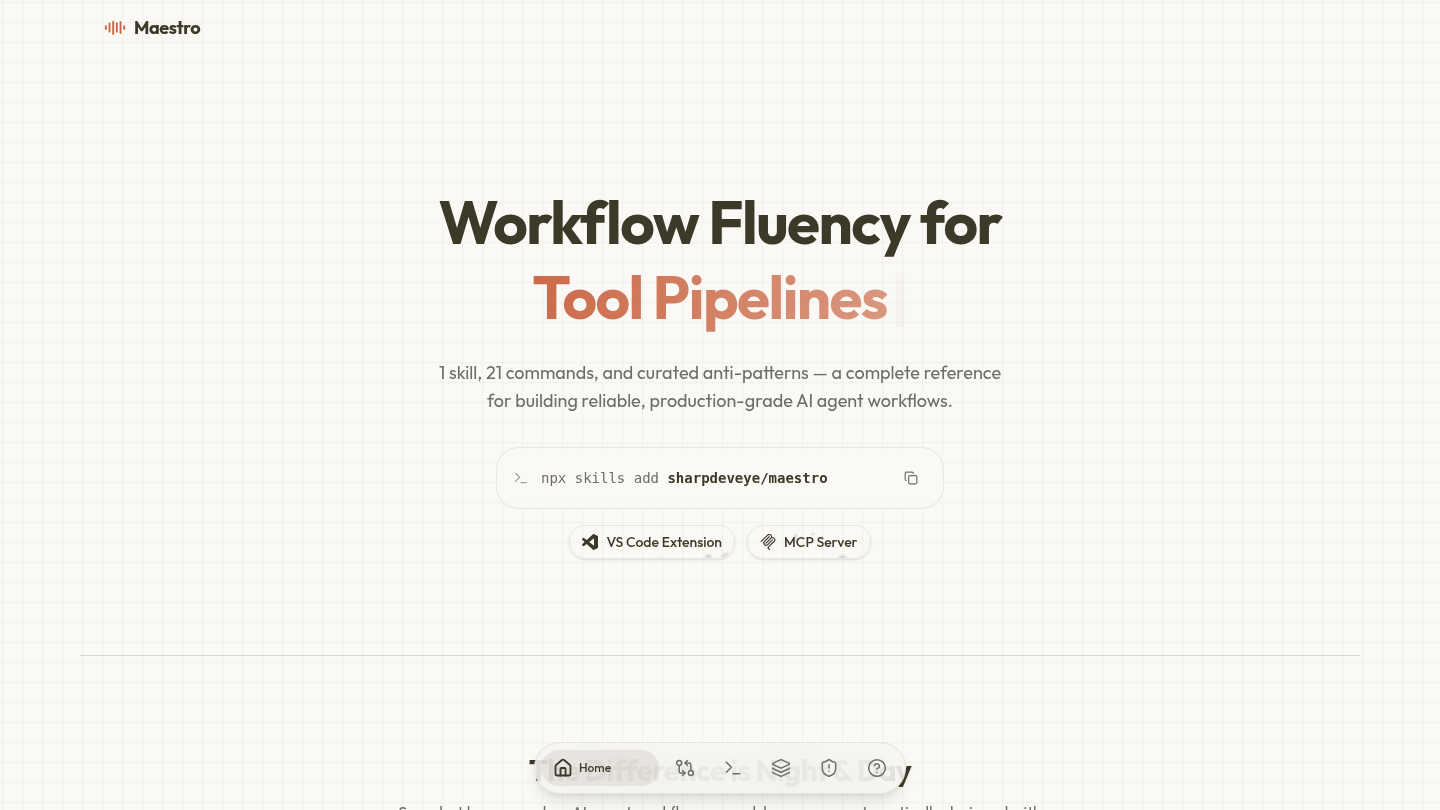





Maestro is an open-source tool designed to help developers build better AI agent workflows. It acts as a guide that teaches users how to create reliable systems for artificial intelligence. Instead of guessing how to connect different parts of an AI project, Maestro provides a structured set of rules and commands. This helps teams move from messy, trial-and-error coding to professional, production-ready software.
Benefits
Maestro solves common problems that cause AI projects to fail. It stops developers from dumping too much information into prompts, which wastes money and confuses the system. The tool prevents teams from retrying failed tasks without learning from the mistakes. It also stops the use of too many complex tools when a simple solution would work. By offering a clear audit process, Maestro ensures that every step of the workflow is checked for quality before it goes live. This leads to faster development and fewer bugs in the final product.
Use Cases
Developers can use Maestro to set up their coding environment. They install the tool and then run specific commands to analyze their current project. One common use case is to scan a codebase to understand its structure and load necessary knowledge. Another use case is to run a quality check on an existing workflow to find weak spots. Teams can also use the tool to harden their systems against security risks and polish them for real-world use. It works well with popular coding assistants like Claude Code, Cursor, and VS Code, making it easy to integrate into daily development routines.
Pricing
Maestro is free to use. It is open-source software, which means anyone can download and use it without paying a subscription fee.
Vibes
There are no specific customer reviews or testimonials available in the provided information. The tool is described as a complete reference for building agent workflows.
Additional Information
Maestro is built by sharpdeveye. It functions as an MCP server, which allows it to work with various AI clients without needing to copy files onto the computer. The tool supports two ways to connect, known as stdio and HTTP. It includes 21 specific prompts and covers seven main areas of AI development. The project is designed to be compatible with major AI coding harnesses to ensure broad usability.
This content is either user submitted or generated using AI technology (including, but not limited to, Google Gemini API, Llama, Grok, and Mistral), based on automated research and analysis of public data sources from search engines like DuckDuckGo, Google Search, and SearXNG, and directly from the tool's own website and with minimal to no human editing/review. THEJO AI is not affiliated with or endorsed by the AI tools or services mentioned. This is provided for informational and reference purposes only, is not an endorsement or official advice, and may contain inaccuracies or biases. Please verify details with original sources.



Comments
Please log in to post a comment.