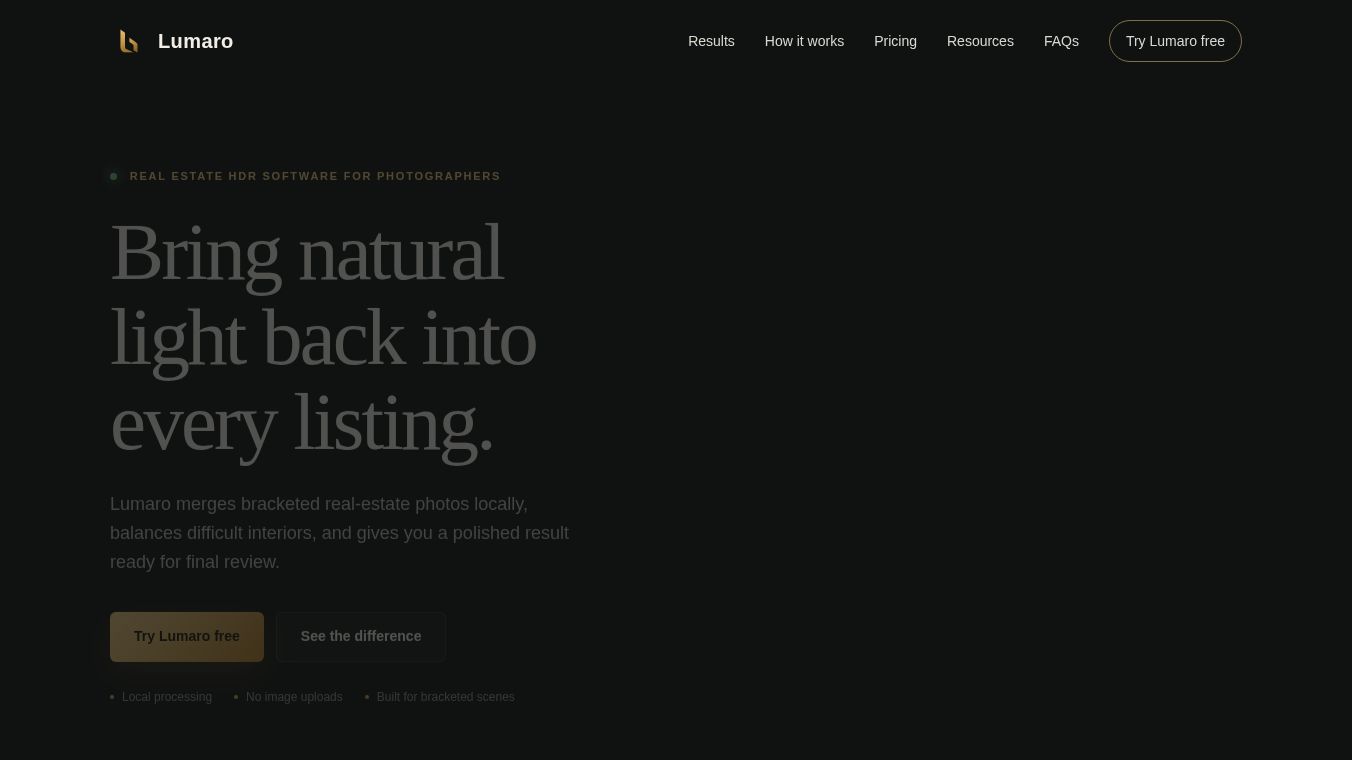





Lumaro: A Local, Privacy-Focused Tool for Real Estate HDR Editing
Overview
Lumaro is a desktop application designed to streamline the post-processing of bracketed real estate photography. It merges multiple exposures, balances difficult lighting conditions, and produces a polished, review-ready image in approximately 2-5 minutes. The software is built specifically for bracketed scenes, handling alignment, exposure merging, and initial enhancement automatically, allowing photographers to focus on creative adjustments.
Benefits
Lumaro offers several key advantages for real estate photographers. First, it prioritizes data privacy by performing all core enhancement tasks locally on the user's computer. No images are uploaded to the cloud, ensuring that client photos remain private and stay on the user's machine throughout the workflow. Second, it simplifies the complex process of creating High Dynamic Range images through a straightforward three-step process. Users can select a folder, let the software align and merge images automatically, and then review and adjust the final result. Third, it delivers fast performance, typically processing a scene in just a few minutes. Finally, it provides a natural HDR output that recovers detail in challenging lighting scenarios, such as bright windows, while preserving interior shadows.
Use Cases
Lumaro is ideal for photographers who shoot bracketed real estate scenes. It is used to handle difficult interiors where lighting varies greatly between windows and dark rooms. The software accepts JPG, JPEG, and PNG files from a single scene folder. After the automatic merge, users can compare the natural HDR result with the source exposure. They can also fine-tune the finish by adjusting exposure, highlights, shadows, warmth, vibrance, clarity, and color channels. The final output can be exported as a JPG or PNG for client review. It is currently available for Windows 10 and 11.
Pricing
Lumaro offers flexible pricing options to suit different photographer needs. There is a free trial that allows users to process two images at full quality with no watermark and no payment required. For ongoing use, there is a monthly plan at $9 per month which includes unlimited processing and updates. An annual plan is available for $79 per year, which saves money compared to the monthly option. There is also a lifetime license for $99 as a one-time payment. This early adopter offer includes unlimited processing and lifetime use of the purchased version. Note that major future versions may require a separate purchase.
Vibes
The software includes learning resources such as short guides on real estate HDR software, window recovery techniques, and AI-assisted image enhancement. These resources help users master the workflow. For suggestions to improve the application or general questions, users can contact the Lumaro team directly. The tool is designed to be user-friendly for both technical and non-technical photographers who want to produce high-quality images quickly.
Additional Information
Lumaro is currently in version 0.1.1. The installer is not currently code-signed, so Windows may display an unknown publisher message. Users should verify the file name and compare the published SHA-256 checksum to ensure the file was downloaded from the official source before running it. A Mac version is planned for later evaluation. Future major versions may be sold separately as lifetime licenses.
This content is either user submitted or generated using AI technology (including, but not limited to, Google Gemini API, Llama, Grok, and Mistral), based on automated research and analysis of public data sources from search engines like DuckDuckGo, Google Search, and SearXNG, and directly from the tool's own website and with minimal to no human editing/review. THEJO AI is not affiliated with or endorsed by the AI tools or services mentioned. This is provided for informational and reference purposes only, is not an endorsement or official advice, and may contain inaccuracies or biases. Please verify details with original sources.




Comments
Please log in to post a comment.