LNAI
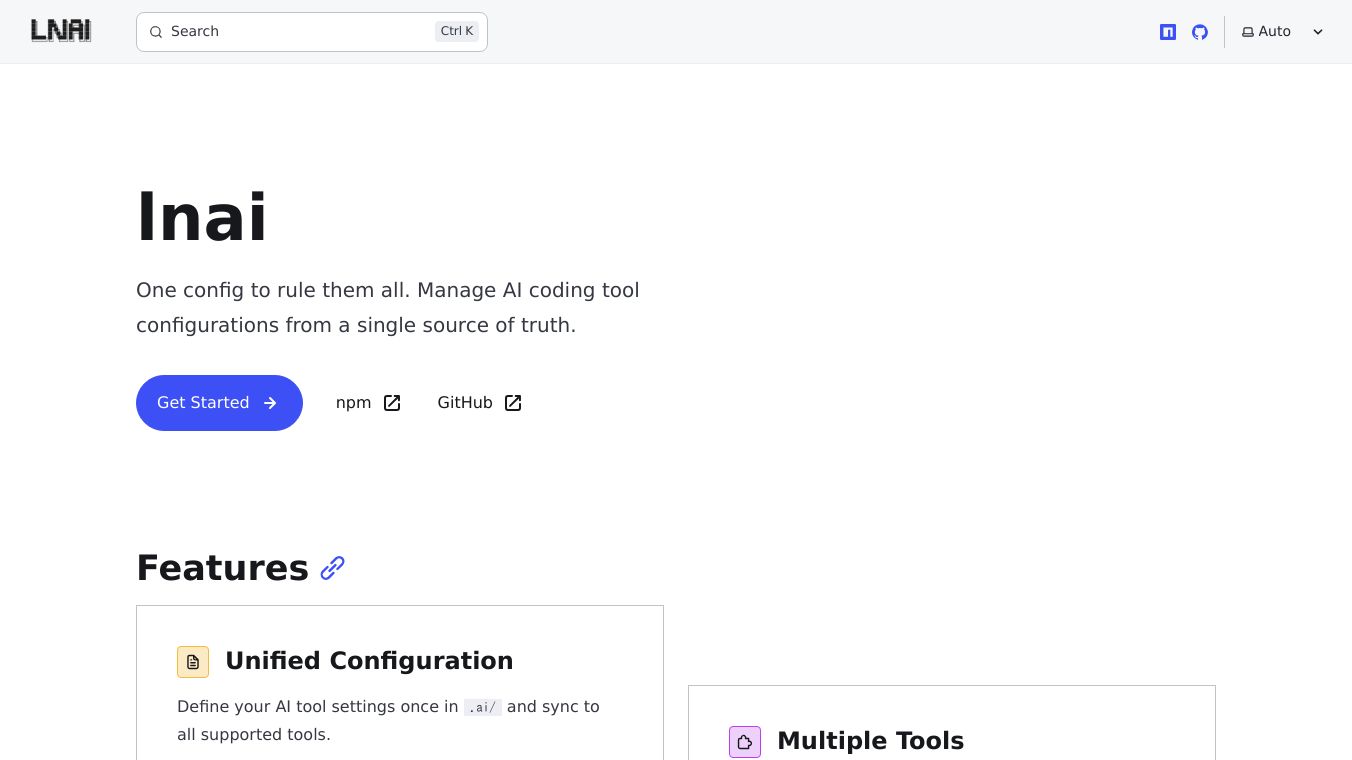





LNAI is a tool that helps manage settings for various AI coding assistants. It acts as a central place to define your AI tool configurations, so you only have to set them up once. LNAI then syncs these settings across all the AI coding tools you use.
Benefits
LNAI makes managing AI coding tools much simpler. Instead of configuring each tool separately, you can set your preferences in one place, in a.ai/directory. This saves time and ensures consistency across your development environment. It supports many popular AI coding tools like Claude Code, Codex, Cursor, Gemini CLI, OpenCode, Windsurf, and GitHub Copilot. The tool is built with TypeScript and uses Zod for validation, which helps prevent errors and ensures your configurations are correct. LNAI also has a flexible design, making it easy to add support for new AI tools in the future.
Use Cases
Developers can use LNAI to streamline their workflow when using multiple AI coding assistants. For example, you can initialize LNAI with a simple commandlnai init. Then, withlnai sync, LNAI will automatically create and update configuration files for all the AI tools it supports. This includes setting up files like.claude/CLAUDE.mdand.claude/settings.jsonfor Claude Code, orAGENTS.mdand.cursor/mcp.jsonfor Cursor, among others. This is useful for teams who want to maintain consistent AI tool settings across all developers.
This content is either user submitted or generated using AI technology (including, but not limited to, Google Gemini API, Llama, Grok, and Mistral), based on automated research and analysis of public data sources from search engines like DuckDuckGo, Google Search, and SearXNG, and directly from the tool's own website and with minimal to no human editing/review. THEJO AI is not affiliated with or endorsed by the AI tools or services mentioned. This is provided for informational and reference purposes only, is not an endorsement or official advice, and may contain inaccuracies or biases. Please verify details with original sources.

Comments
Please log in to post a comment.