LLM-CLI





What is LLM-CLI?
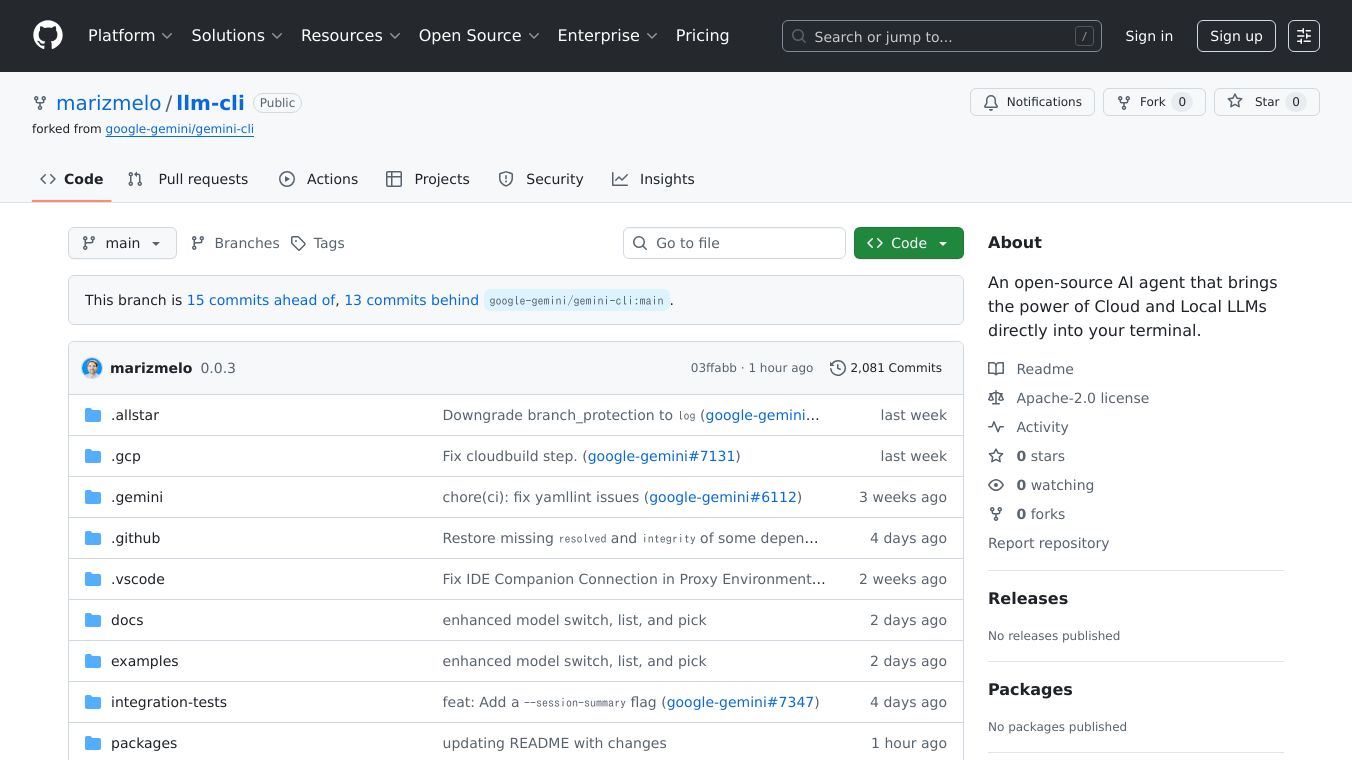
LLM-CLI is a command-line AI assistant that supports multiple large language models (LLMs). It is a fork of Gemini Cli but offers broader capabilities by supporting various providers like Gemini, OpenAI, Anthropic Claude, and Ollama. This tool is designed to be a powerful agent for coding and other tasks, allowing users to leverage their preferred LLM, whether it's running in the cloud or locally.
Benefits
LLM-CLI offers several key advantages:
- Multi-provider support: Use your preferred LLM provider, including OpenAI, Anthropic, Ollama, and Gemini.
- Interactive CLI interface: Enjoy a user-friendly command-line experience with full tool and function support.
- Context-aware file processing: Process files with context awareness for more accurate and relevant results.
- Extensible with custom commands: Customize the tool to fit your specific needs by adding custom commands.
- Provider-specific model switching: Easily switch between different LLM providers and models.
- Memory and context management: Maintain context and memory for more coherent and continuous interactions.
- Secure API key management: Manage your API keys securely with persistent settings.
- Full tool/function calling support: Utilize all available CLI tools, including file operations, shell commands, and web searches.
Use Cases
LLM-CLI is versatile and can be used in various scenarios:
- Coding assistance: Get help with coding tasks, from writing and debugging code to understanding complex concepts.
- File processing: Process and analyze files with context awareness for better accuracy.
- Automation: Automate repetitive tasks by integrating LLM-CLI with other tools and commands.
- Research and learning: Use the tool to gather information, summarize texts, and learn new topics.
- Custom workflows: Create custom workflows by extending LLM-CLI with custom commands tailored to your needs.
Installation
To install LLM-CLI, use the following command:
npm install -g @marizmelo/llm-cliUsage
To start using LLM-CLI, simply type:
llm-cliFor non-interactive mode, you can use:
llm-cli --prompt "What is 2+2?"What's New in v0.1.0
The latest version of LLM-CLI includes several enhancements:
- Enhanced provider support: Full function/tool calling capabilities for OpenAI and Anthropic, allowing the use of all available CLI tools.
- Persistent API key management: API keys are now saved to settings and automatically synced to environment variables on startup.
- Improved provider setup: Simplified setup process with the
/provider setup <provider> <api-key>command. - Better error handling: Fixed streaming response issues and improved error messages.
Provider Setup
Quick Setup (New Method)
# Setup providers with persistent API keysllm-cli/provider setup openai sk-your-api-key/provider setup anthropic sk-ant-your-api-key/provider switch openaiOllama (Local)
# Install Ollama first, then:llm-cli/provider switch ollamaTraditional Setup (Environment Variables)
# Still supported for backward compatibilityexport OPENAI_API_KEY="your-api-key"export ANTHROPIC_API_KEY="your-api-key"llm-cliDocumentation
For full documentation, visit:LLM-CLI Documentation
License
LLM-CLI is licensed under Apache-2.0.
About
LLM-CLI is an open-source AI agent that brings the power of Cloud and Local LLMs directly into your terminal.
This content is either user submitted or generated using AI technology (including, but not limited to, Google Gemini API, Llama, Grok, and Mistral), based on automated research and analysis of public data sources from search engines like DuckDuckGo, Google Search, and SearXNG, and directly from the tool's own website and with minimal to no human editing/review. THEJO AI is not affiliated with or endorsed by the AI tools or services mentioned. This is provided for informational and reference purposes only, is not an endorsement or official advice, and may contain inaccuracies or biases. Please verify details with original sources.
Comments
Please log in to post a comment.