Linktanium





Linktanium: Your Browser's New Command Center
What is Linktanium?
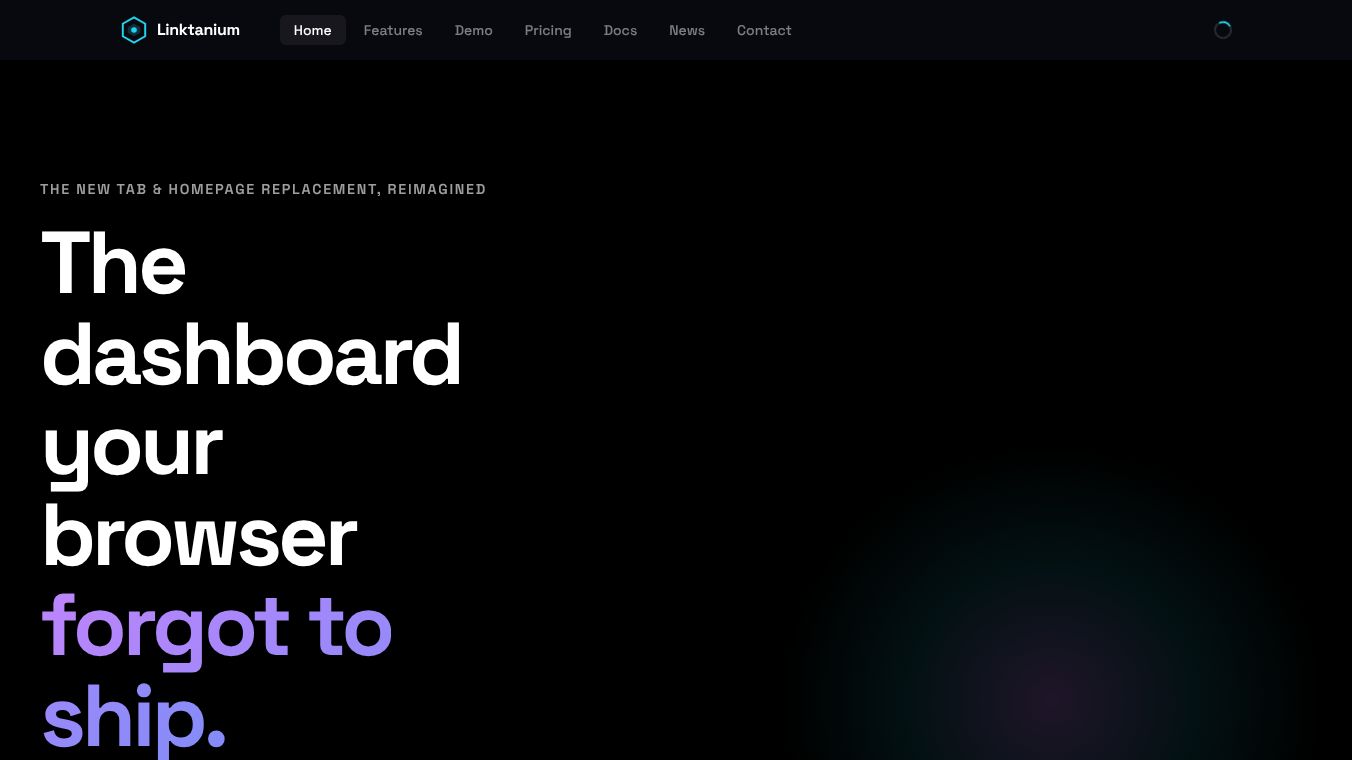
Linktanium is a productivity tool that changes how you start your day. It turns your browser's default new-tab page into a fast and smart workspace. Many people call it the dashboard your browser forgot to include. Instead of seeing a blank page or a list of bookmarks, you see a custom area filled with your favorite links. You can organize these links into color-coded panels. You can also add floating widgets for things like weather, stock prices, and world clocks. The tool remembers how you arrange everything so you can pick up right where you left off.
Benefits
Linktanium helps you stay organized and save time. Here are its main advantages:-Easy Organization:You can drag and drop links to create the perfect layout. The tool saves your custom settings so you do not have to rebuild your workspace every time you open a new tab.-Instant Information:You can add live widgets to see important data without opening other websites. This includes weather updates, stock tickers, and digital clocks.-Quick Notes:You can write short notes or checklists directly on your dashboard. This keeps your tasks visible while you browse the web.-Full Customization:You have total control over the look and feel. You can change icons, pick different themes, and arrange panels however you like.-Unlimited Space:There is no limit to the number of tabs or panels you can create. This means you can grow your workspace as your needs change.
Use Cases
Linktanium works for many different types of users and situations:-Freelancers:Independent workers can use it to keep track of client links, project deadlines, and quick notes all in one place.-Small Businesses:Teams can organize internal resources, company policies, and shared tools on a single page for easy access.-Students:Learners can group study materials, class schedules, and assignment links into color-coded sections.-Power Users:Anyone who spends a lot of time online can use the unlimited panels to manage complex workflows without feeling cluttered.
Pricing
Linktanium offers a flexible pricing plan to fit different budgets:-Free Version:This plan includes basic functionality for users who want to try the tool without paying.-Monthly Cloud:This plan costs $2.00 per month. It gives you unlimited tabs and panels, access to all eight live widgets, real-time syncing across devices, automatic daily backups, and priority support.-Yearly Cloud:This plan costs $12.00 per year. It includes every feature found in the monthly plan but saves you money by paying annually.
Vibes
Currently, there are no user reviews available for Linktanium. The platform has not yet gathered enough feedback to show ratings or testimonials. However, the tool is designed with user experience in mind, offering a clean interface and strong support options like email, phone, and live chat to help new users get started.
Additional Information
Linktanium is available as a web-based application. It also supports mobile deployment on Android, iPhone, and iPad devices. New users can try the service with a free trial before committing to a paid plan. The company provides extensive training resources, including video tutorials, documentation, and webinars to help users make the most of the software.
This content is either user submitted or generated using AI technology (including, but not limited to, Google Gemini API, Llama, Grok, and Mistral), based on automated research and analysis of public data sources from search engines like DuckDuckGo, Google Search, and SearXNG, and directly from the tool's own website and with minimal to no human editing/review. THEJO AI is not affiliated with or endorsed by the AI tools or services mentioned. This is provided for informational and reference purposes only, is not an endorsement or official advice, and may contain inaccuracies or biases. Please verify details with original sources.





Comments
Please log in to post a comment.