Lineartify – Turn Images to SVG Line Art
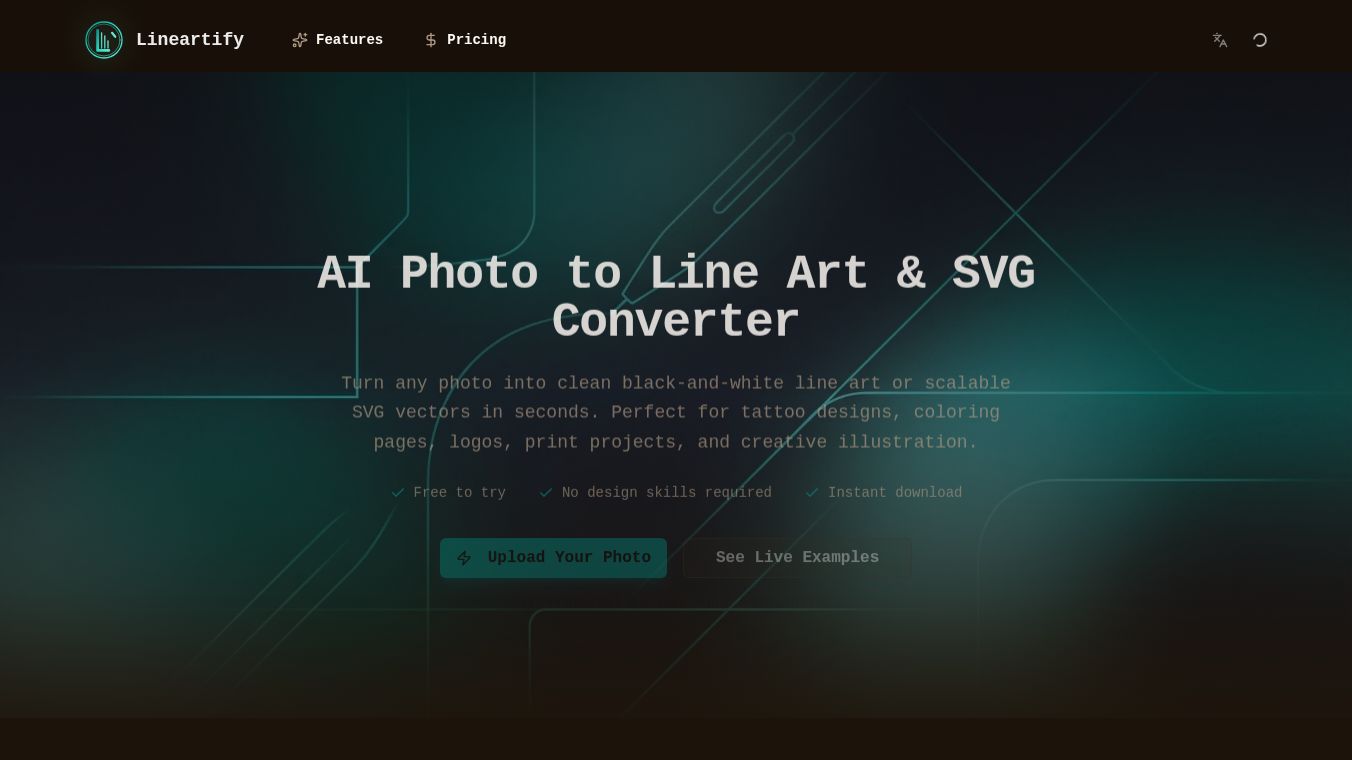





Lineartify is a digital tool designed to convert regular photos into clean, black-and-white line art in the style of vector graphics. It uses artificial intelligence to analyze an image and remove colors, shadows, and details, leaving only the outlines. The result is an SVG file, which is a type of code that allows images to be scaled up or down without losing quality.
Benefits
The main advantage of Lineartify is its ability to turn any photo into a professional-looking sketch instantly. Users do not need to be artists or know how to use complex drawing software. The tool automatically detects edges and creates smooth lines that look like hand-drawn sketches. This makes it perfect for people who want to create custom designs quickly without spending hours on manual work. The output is saved as an SVG file, which is ideal for printing on t-shirts, mugs, or posters because it stays sharp at any size.
Use Cases
This tool is useful for anyone who wants to personalize their own photos. For example, a parent can turn a picture of their child into a cute line art design for a birthday party invitation. Artists can use it as a reference to speed up their sketching process. Graphic designers might use it to create unique patterns or backgrounds for websites and apps. It is also great for social media content creators who want to post artistic versions of their daily life moments.
Pricing
Pricing details for Lineartify are not available in the provided information.
Vibes
There are no reviews or testimonials available in the provided information.
Additional Information
There is no information available regarding funding, partnerships, or notable achievements for Lineartify.
This content is either user submitted or generated using AI technology (including, but not limited to, Google Gemini API, Llama, Grok, and Mistral), based on automated research and analysis of public data sources from search engines like DuckDuckGo, Google Search, and SearXNG, and directly from the tool's own website and with minimal to no human editing/review. THEJO AI is not affiliated with or endorsed by the AI tools or services mentioned. This is provided for informational and reference purposes only, is not an endorsement or official advice, and may contain inaccuracies or biases. Please verify details with original sources.
 No Info



Comments
Please log in to post a comment.