Lightfern for Email
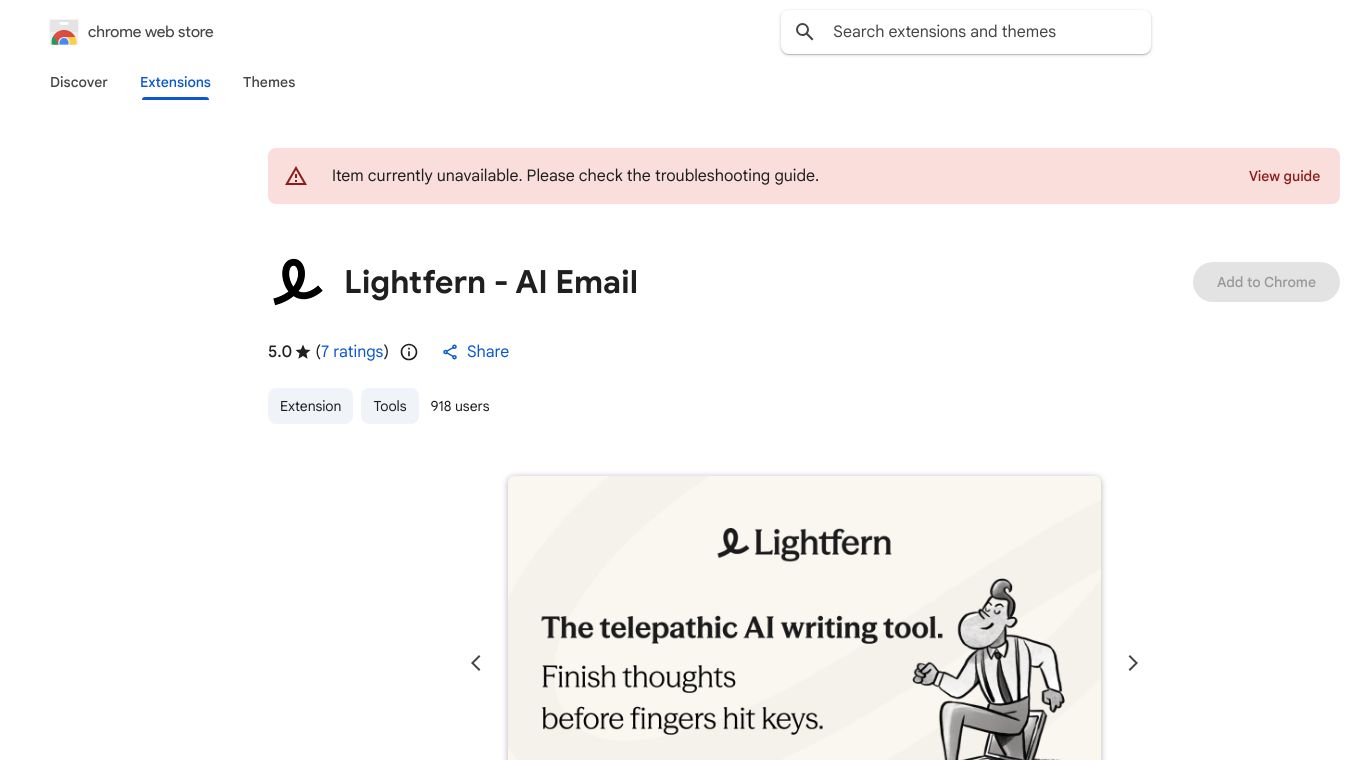





Lightfern for Email is a smart browser extension that uses artificial intelligence to make writing emails faster and more personal. It works right inside your email program, learning how you write. This means it can suggest words, phrases, and even complete sentences that sound just like you, using your usual nicknames, sign-offs, and tone. It even looks at your past conversations to help you finish your thoughts in a way that feels natural.
Benefits
Lightfern helps you write emails more quickly by offering fast autocomplete suggestions. It makes your emails sound more like you by learning your personal writing style. You can also easily rewrite or edit your emails without leaving your inbox, saving you time and effort.
Use Cases
This tool is useful for anyone who wants to improve their email writing efficiency. It's great for professionals who send many emails daily and want to maintain a consistent personal tone. It can be used for drafting replies, composing new messages, and refining existing text.
Vibes
While specific reviews are not detailed, the description emphasizes privacy. User email data is processed only to provide suggestions and is not stored or used for training unless the user agrees. Login information is kept securely on the user's computer.
Additional Information
Lightfern is offered by a developer based in London. The extension was last updated on February 10, 2026. Lightfern has stated it complies with EU laws.
This content is either user submitted or generated using AI technology (including, but not limited to, Google Gemini API, Llama, Grok, and Mistral), based on automated research and analysis of public data sources from search engines like DuckDuckGo, Google Search, and SearXNG, and directly from the tool's own website and with minimal to no human editing/review. THEJO AI is not affiliated with or endorsed by the AI tools or services mentioned. This is provided for informational and reference purposes only, is not an endorsement or official advice, and may contain inaccuracies or biases. Please verify details with original sources.


 No Info


Comments
Please log in to post a comment.