Lens
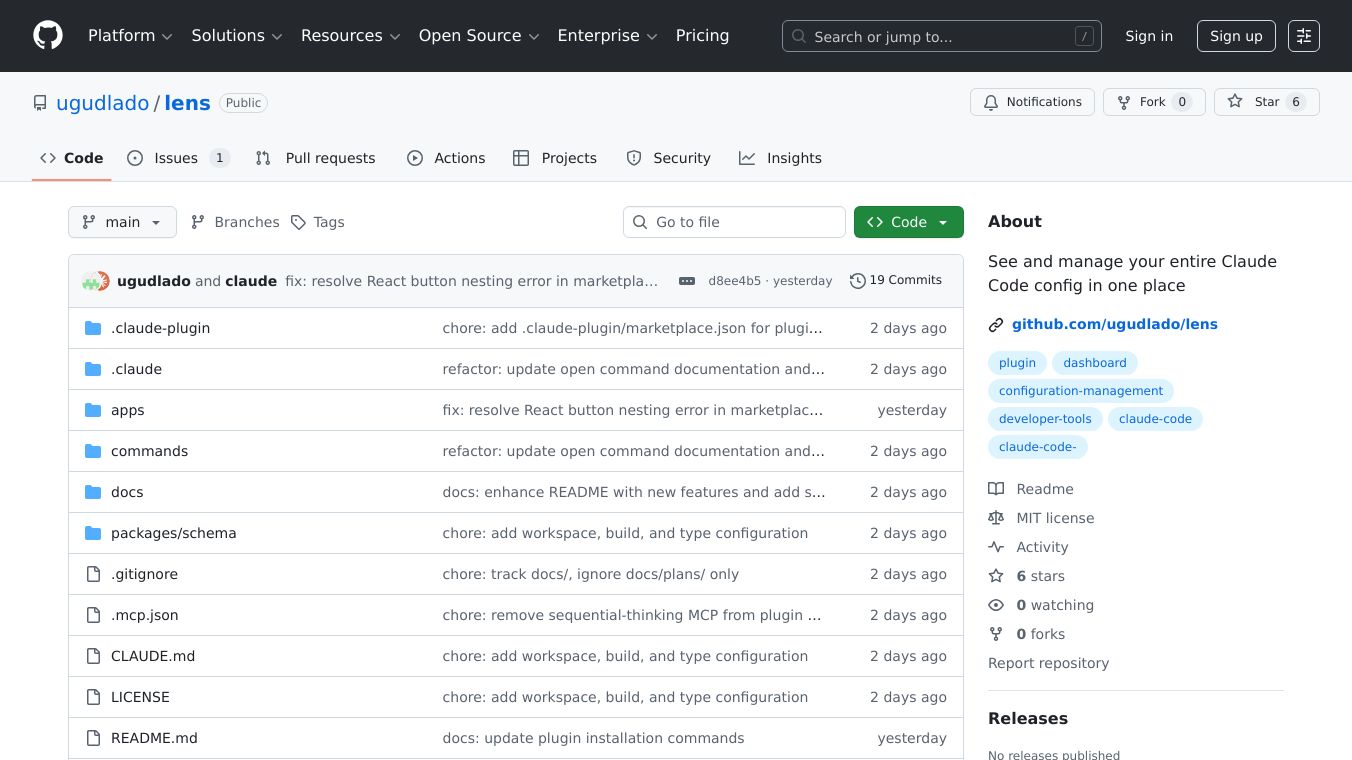





Lens is a web dashboard created for Claude Code. It offers a single place to see and manage all the different settings and configurations for Claude Code. Think of it as a control center for all your Claude Code projects.
Benefits
Lens gives you a complete picture of your Claude Code setup. You can see counts for everything, like how many skills or plugins you have. Clicking on any part of the dashboard lets you see more details. It makes it easy to switch between different projects and see their specific configurations. You can even see what the final, active configuration looks like by combining all settings. Lens also lets you bring settings from one project to another, saving you time. You can change settings directly within the dashboard, adding, editing, or deleting them. It even lets you move settings between different levels of scope, like from a global setting to a project specific one. A quick search function lets you find anything across all your projects and settings instantly. Changes you make to configuration files are shown in the dashboard right away without needing to refresh.
Use Cases
This dashboard is useful for anyone working with Claude Code. Developers can use it to manage configurations for multiple projects, inspect settings, and make quick edits. It helps in setting up new projects by importing existing configurations. The ability to see effective configurations and edit them in place makes troubleshooting and development much smoother. The universal search is great for finding specific commands, rules, or plugins across a large number of projects.
Pricing
Information about pricing is not available in the provided text.
Vibes
Information about public reception or reviews is not available in the provided text.
Additional Information
Lens is available through a plugin marketplace. To install it, you first add the marketplace, then install the Lens plugin, and finally open the dashboard. Global configurations are protected and read-only by default, but this can be changed. The project is open source and licensed under the MIT license, encouraging contributions through a standard pull-request process.
This content is either user submitted or generated using AI technology (including, but not limited to, Google Gemini API, Llama, Grok, and Mistral), based on automated research and analysis of public data sources from search engines like DuckDuckGo, Google Search, and SearXNG, and directly from the tool's own website and with minimal to no human editing/review. THEJO AI is not affiliated with or endorsed by the AI tools or services mentioned. This is provided for informational and reference purposes only, is not an endorsement or official advice, and may contain inaccuracies or biases. Please verify details with original sources.
Comments
Please log in to post a comment.