Laser Studio
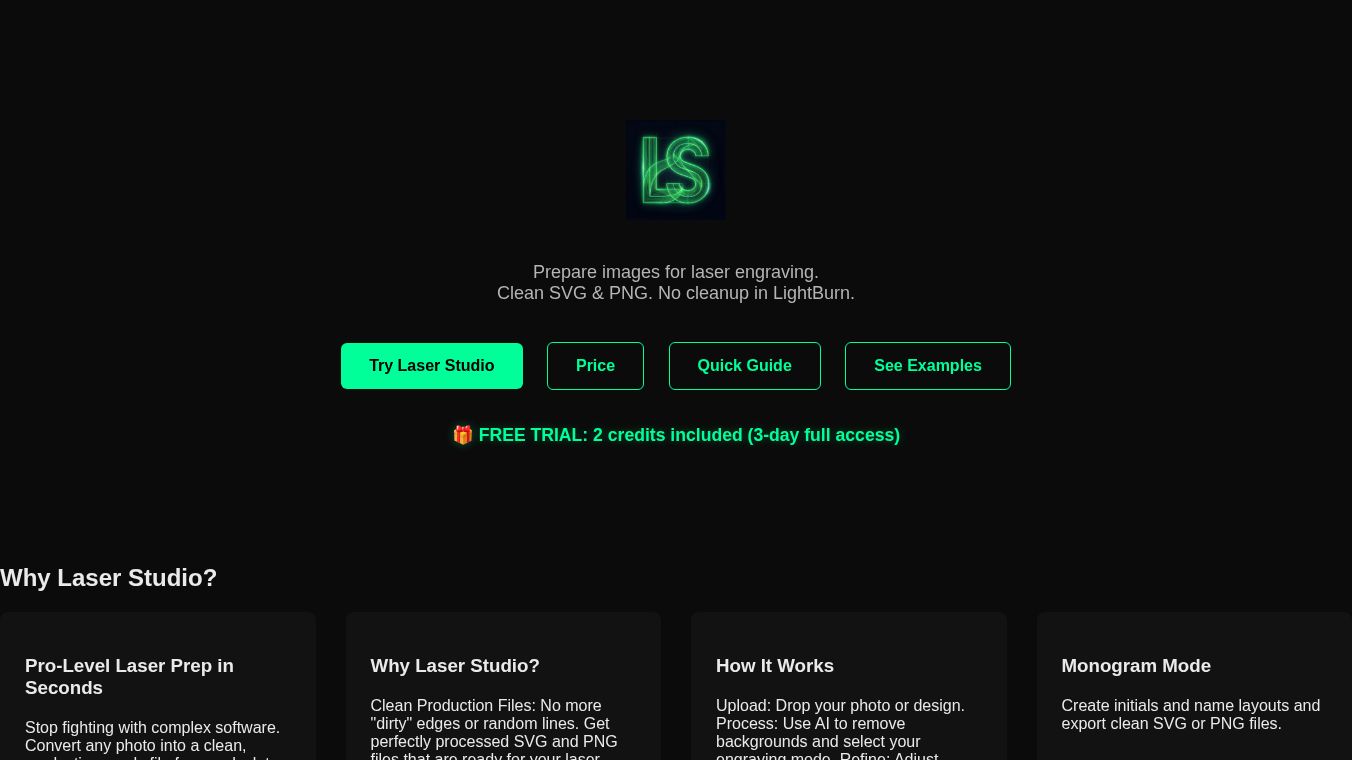





Laser Studio is a professional tool designed to help people prepare images for laser engraving. It makes the process of creating ready-to-use SVG and PNG files much simpler. Laser Studio aims to make things easier for laser operators, so they don't need complicated software like LightBurn. The tool can turn any photo into a clean file that works well on different materials such as wood, slate, acrylic, and glass.
Benefits
Laser Studio helps users create professional quality laser-ready files quickly. It saves time because the files are already set up for engraving, meaning less manual editing is needed. The tool's algorithms have been tested on real lasers and materials to ensure the best results. It also has a special mode for creating custom monograms instantly.
Use Cases
This tool is useful for anyone who uses a laser engraver. It can be used to convert photos into files suitable for engraving on various materials. The Smart Monogram Mode allows for quick creation of personalized designs, which can be saved as vector files.
Pricing
Laser Studio offers a few different subscription options. There is a Pro Plan with monthly, 6-month, and yearly options, as well as a lifetime purchase. The Pro Plan includes 30 AI credits per month. There is also a Pro Plus Plan for businesses that includes more AI credits. Users can also buy AI credits separately in bundles. A 3-day free trial is available for the Pro Plan.
Vibes
Users find that Laser Studio simplifies the process of preparing images for laser engraving, saving them time and effort. The tool is praised for its ability to produce clean, optimized files that work well with laser engraving machines.
Additional Information
Laser Studio provides unlimited access to core features like Pro Engraving Modes, Vector Designer, Monogram Maker, and Image Editing. Advanced AI features, such as AI Background Removal and Text-to-Image Generation, use AI credits. These credits are used for demanding cloud computing tasks.
This content is either user submitted or generated using AI technology (including, but not limited to, Google Gemini API, Llama, Grok, and Mistral), based on automated research and analysis of public data sources from search engines like DuckDuckGo, Google Search, and SearXNG, and directly from the tool's own website and with minimal to no human editing/review. THEJO AI is not affiliated with or endorsed by the AI tools or services mentioned. This is provided for informational and reference purposes only, is not an endorsement or official advice, and may contain inaccuracies or biases. Please verify details with original sources.
 No Info




Comments
Please log in to post a comment.