Koadro
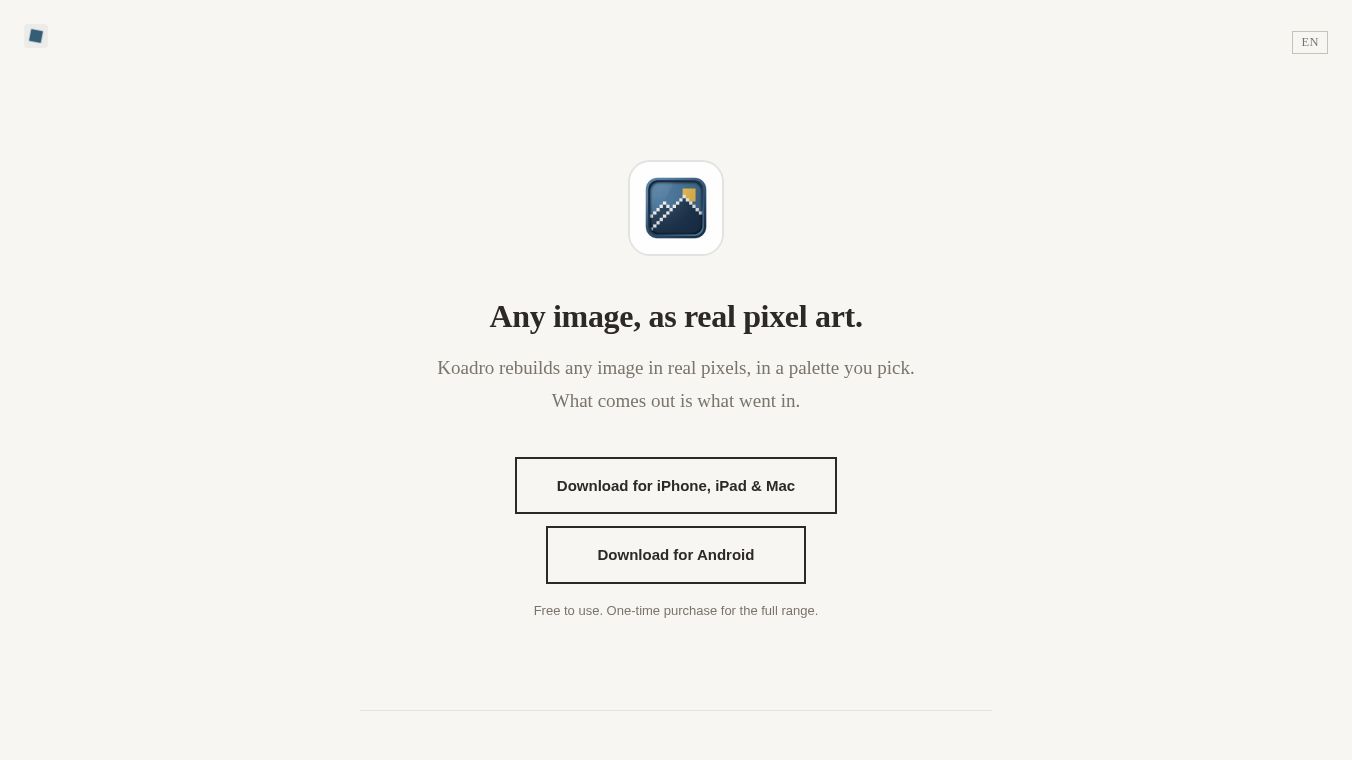





Koadro: Rebuild Any Image as Real Pixel Art
Koadro is a pixel art creation tool designed to transform any image into authentic pixel art. Unlike other applications that guess at the result or apply generic filters, Koadro uses honest mathematical downscaling to rebuild your actual image into a grid of real pixels. The output is strictly what went in, reconstructed according to your specific choices for resolution, color palette, and texture.
Benefits
Keadro operates on the principle that pixel art should be a deliberate reconstruction, not an invention. The software does not redraw or invent new imagery; it reduces your source image to a grid of pixels in the colors you select. This ensures that the final artwork remains a faithful representation of the original subject, simply rendered in a pixelated style.
Key advantages include:
- Custom Resolution and Color Count:Users have full control over the output size and complexity. You can adjust the resolution to achieve a coarse, blocky look or fine detail. Similarly, the number of colors can be set to match your vision, ranging from limited palettes to a wide range of options.
- Mood-Based Palettes:Instead of relying on random color generation, Koadro offers named palettes to set a specific mood, including Nord, Noir, Matcha, Sepia, Dusk, Ukiyo-e, and Riso. It can also read a palette directly from the source image or utilize classic console palettes.
- Advanced Textures and Dithering:To handle gradients and skin tones smoothly within a limited color set, Koadro provides three dithering styles. These features allow for soft transitions rather than hard bands of color. All texture options are available in the free version.
- Mosaic Tiles:Beyond standard square pixels, Koadro can rebuild images using tessellating tiles such as triangles, diamonds, and hexagons. Each tile takes the flat color of the area it covers, creating a true mosaic effect.
- Transparent Backgrounds:The application preserves transparent backgrounds throughout the pixelization process, exporting the final result as a clean PNG. This makes it ideal for creating pixel stickers and game sprites.
- Real-Size Printing:Users can set a real-world canvas size in centimeters or inches and export at full resolution for accurate printing without blur.
Use Cases
Koadro is tailored for several specific groups of users:
- Pixel-art makersseeking precise control over resolution, color, and dithering.
- Retro aestheteslooking for authentic 8-bit looks with custom muted palettes.
- Sticker and poster makersneeding transparent backgrounds and high-quality exports.
- Avatar creatorswanting consistent, honest pixel reductions of their photos for social profiles.
The tool is available on iPhone, iPad, Mac, and Android. It is designed with privacy as a priority. It requires no account creation and does not utilize cloud storage. All image processing, pixel art generation, and project management occur entirely on the user's device. Your photos and projects never leave your hardware.
Pricing
Koadro offers a free version and a one-time purchase option for the full range, with no recurring subscriptions.
Free Version
- Turns any image into pixel art with crop and rotate capabilities.
- Access to all named palettes, textures, and dithering options.
- Resolution up to 128 cells.
- Up to 16 colors.
- Export resolution up to 1024px.
- Up to 10 saved projects.
- Free mosaic tiles (square and triangle).
Koadro Premium (One-Time Purchase)
- Resolution up to 256 cells.
- Up to 64 colors.
- Mosaic tiles: Diamond and Hexagon.
- Real-size printing support (cm or inches).
- Full-resolution export up to 2048px.
- Custom palettes and the ability to build your own.
- Presets to save and reapply looks instantly.
- Unlimited saved projects.
- No ads or watermarks.
Vibes
Koadro is designed with privacy as a priority. It requires no account creation and does not utilize cloud storage. All image processing, pixel art generation, and project management occur entirely on the user's device. Your photos and projects never leave your hardware.
The app sends only anonymous usage statistics and crash reports to help improve the software; no images or identifiable data are uploaded. By choosing Koadro, users gain a tool that respects their original imagery, offering a transparent, ad-free, and privacy-focused way to create pixel art that is exactly what they intended.
Additional Information
A single purchase unlocks the Premium features across all devices linked to the same App Store or Google Play account.
This content is either user submitted or generated using AI technology (including, but not limited to, Google Gemini API, Llama, Grok, and Mistral), based on automated research and analysis of public data sources from search engines like DuckDuckGo, Google Search, and SearXNG, and directly from the tool's own website and with minimal to no human editing/review. THEJO AI is not affiliated with or endorsed by the AI tools or services mentioned. This is provided for informational and reference purposes only, is not an endorsement or official advice, and may contain inaccuracies or biases. Please verify details with original sources.


Comments
Please log in to post a comment.