KeelCadence Permission & FLS Audit





KeelCadence Permission & FLS Audit
Research Context and Background
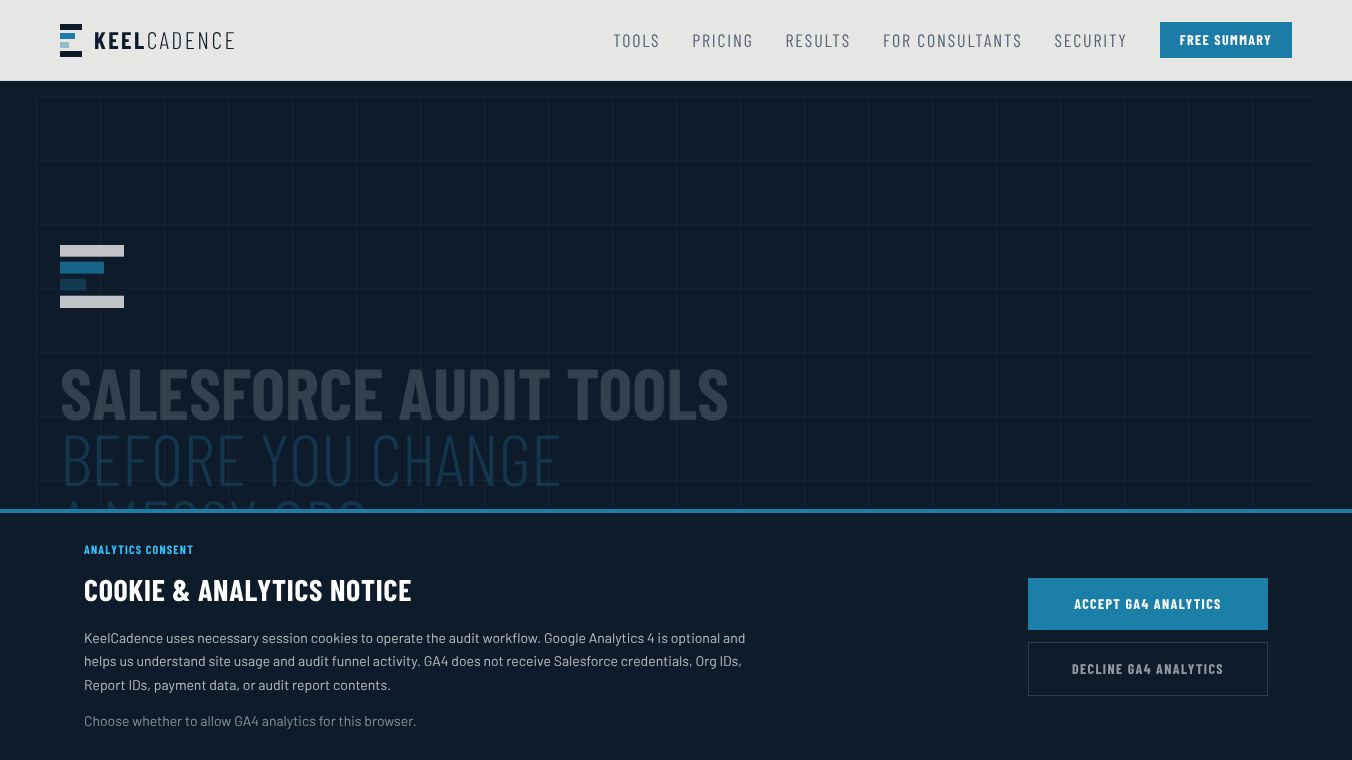
KeelCadence Permission & FLS Audit is a security tool designed for Salesforce administrators. It helps organizations check if their user permissions and field-level security settings are safe. Many companies use Salesforce to store important customer data, but sometimes users have too much access or sensitive information is visible to people who should not see it. This tool scans those settings to find risks without changing anything in the system. It works directly in your web browser, so you do not need to install any new software or add extra apps to your Salesforce account.
Benefits
The main advantage of this tool is that it is easy to use and safe. Administrators can run a security check in just a few clicks using a simple bookmark in their browser. The tool performs only read-only checks, meaning it looks at the data but never changes, deletes, or updates any records. This ensures the audit process itself does not create new security problems.
Another key benefit is the detailed reporting. The tool generates a clear Excel report that lists specific issues found in the system. It highlights problems like users who have too much power, sensitive data that is visible to the wrong people, and permission sets that are not being used. This helps teams prioritize which fixes to make first based on how risky each issue is.
Privacy is also a major focus. The tool does not export customer files, emails, or personal records. It only reviews the configuration settings and permission structures. Additionally, it does not save your login session information after the check is done, so your access tokens are not stored anywhere permanently.
Use Cases
This tool is ideal for Salesforce administrators who want to maintain a secure environment. It is useful during regular security reviews to ensure that user access rights have not drifted over time. For example, if an employee leaves the company, their old permission sets might still be active. This tool can identify such gaps quickly.
It is also helpful when preparing for a security audit or compliance check. Organizations often need to prove that they have proper controls in place to protect customer data. By running this audit, admins can generate evidence showing that they have identified and are addressing over-privileged users and sensitive data exposures.
The tool works across different Salesforce editions, including Professional, Enterprise, Unlimited, and Developer versions. It is particularly useful for companies that want to avoid the complexity of installing new packages or setting up connected apps just for a one-time security check.
Pricing
KeelCadence offers a flexible pricing model with two main options. The first option is completely free. This version provides an on-screen summary that shows the key findings and counts of risks found during the scan. It gives administrators a quick overview of the most critical issues without any cost.
For a more detailed analysis, there is a paid option priced at $249. This version generates a full Excel workbook. The report includes a detailed matrix of field-level security, an analysis of over-privileged users, risk scores for each user, and specific steps to fix the problems. This comprehensive report is useful for teams that need to share detailed findings with stakeholders or track remediation efforts over time.
Vibes
While there are no specific customer testimonials included in the available information, the tool has received positive attention for its unique approach to security auditing. The ability to perform a deep security scan without installing any packages is a significant advantage for many administrators who want to minimize disruption to their daily work. The focus on privacy, such as not storing session IDs or exporting customer data, aligns well with modern security best practices and builds trust among users who handle sensitive information.
Additional Information
KeelCadence is designed to work with existing Salesforce sessions. It requires that API access is enabled in the Salesforce organization to read the necessary metadata. For the most complete results, it is recommended that the user running the audit has a System Administrator profile. Users with lower permission levels may see partial results limited to the objects and fields they are allowed to view. The tool is compatible with both Salesforce Classic and Lightning interfaces, making it versatile for organizations using either platform.
This content is either user submitted or generated using AI technology (including, but not limited to, Google Gemini API, Llama, Grok, and Mistral), based on automated research and analysis of public data sources from search engines like DuckDuckGo, Google Search, and SearXNG, and directly from the tool's own website and with minimal to no human editing/review. THEJO AI is not affiliated with or endorsed by the AI tools or services mentioned. This is provided for informational and reference purposes only, is not an endorsement or official advice, and may contain inaccuracies or biases. Please verify details with original sources.



Comments
Please log in to post a comment.