Janus-
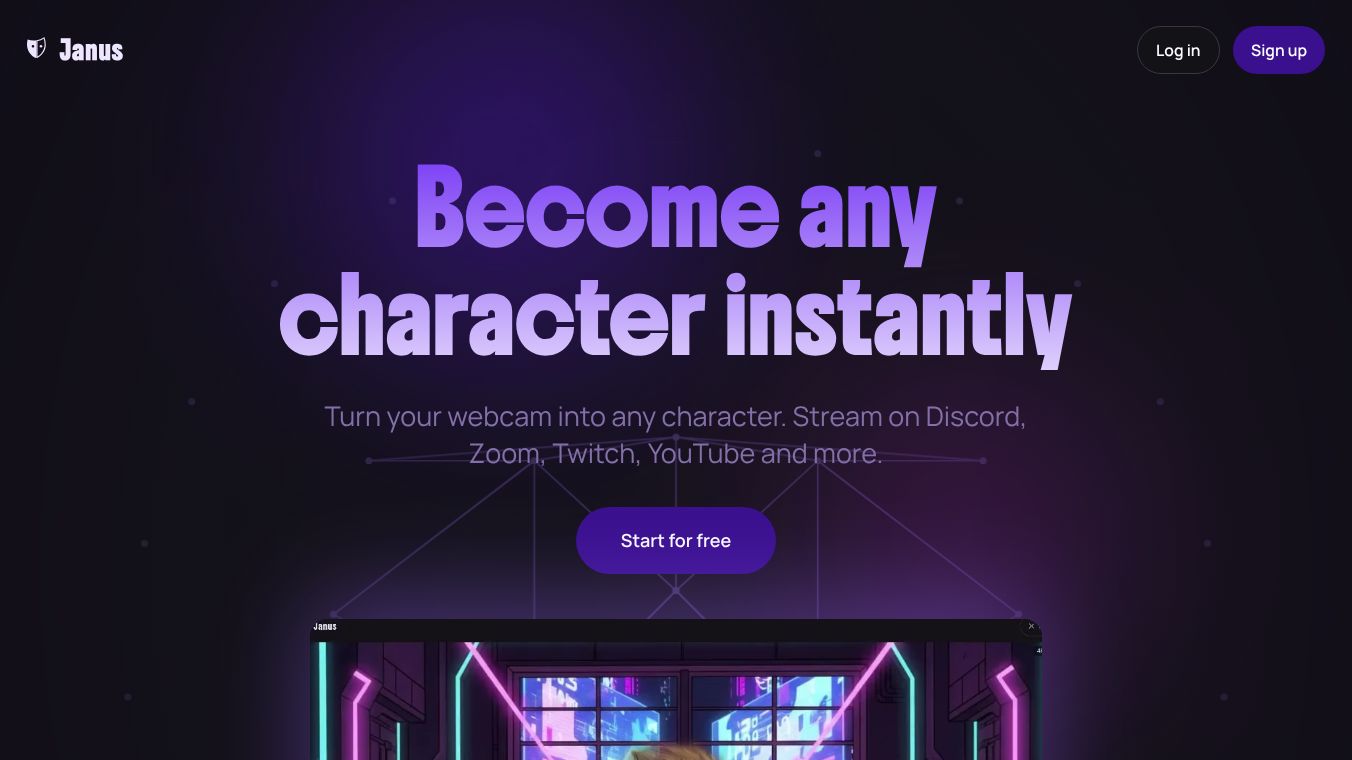





Janus is a tool that lets you turn yourself into any character using your webcam. You can stream on popular platforms like Discord, Zoom, Twitch, and YouTube without having to show your real face. It works on computers running Mac, Windows, and Linux, as well as on mobile devices.
Benefits
Janus lets you stream in high definition, up to 1080p, right from your web browser. Your characters appear almost instantly after you first use them. You can stream for as long as you want because there are no time limits. All the animation happens on your own device, so there's no delay. You can also change your character's look anytime by swapping out outfits, hairstyles, accessories, and backgrounds.
Use Cases
This platform is great for anyone who wants to stream or join video calls while using a digital character. This could be for gaming streams, online classes, virtual meetings, or just hanging out with friends online. It's useful for people who prefer not to show their face or want to add a fun, creative element to their online presence.
Pricing
Janus offers a Free plan that gives you unlimited streaming and 25 free credits for creating avatars and videos. You get access to all character styles and accessories. If you need more, you can buy extra credits. There's also a Pro plan available with a 7-day trial. The Pro plan includes advanced features like streaming at 60 frames per second or faster, using a green screen, creating videos of any length without watermarks, and more control over character expressions. Pro users don't get monthly credits.
Vibes
Getting started with Janus is straightforward. You take a photo to create your character, connect your webcam and microphone, and then you can start streaming to your chosen platform using a Chrome extension or OBS. Janus creates a 3D character from your photo or a description and animates it in real-time based on your facial movements and expressions. It works with any standard webcam and microphone, so you don't need special equipment.
Additional Information
Janus takes your privacy seriously. Photos you upload for character creation are only sent to image processing services and are not stored by Janus. Your facial tracking data is only processed while you are actively using the service, and your webcam video is not saved. For the best experience, Janus suggests using a modern computer with a recent version of Chrome or a similar browser, and a webcam that is at least 720p. It works well on Mac computers (including newer M1, M2, and M3 chips, as well as older Intel models), Windows, Linux, and mobile phones.
This content is either user submitted or generated using AI technology (including, but not limited to, Google Gemini API, Llama, Grok, and Mistral), based on automated research and analysis of public data sources from search engines like DuckDuckGo, Google Search, and SearXNG, and directly from the tool's own website and with minimal to no human editing/review. THEJO AI is not affiliated with or endorsed by the AI tools or services mentioned. This is provided for informational and reference purposes only, is not an endorsement or official advice, and may contain inaccuracies or biases. Please verify details with original sources.

 No Info


Comments
Please log in to post a comment.