ImgCompress
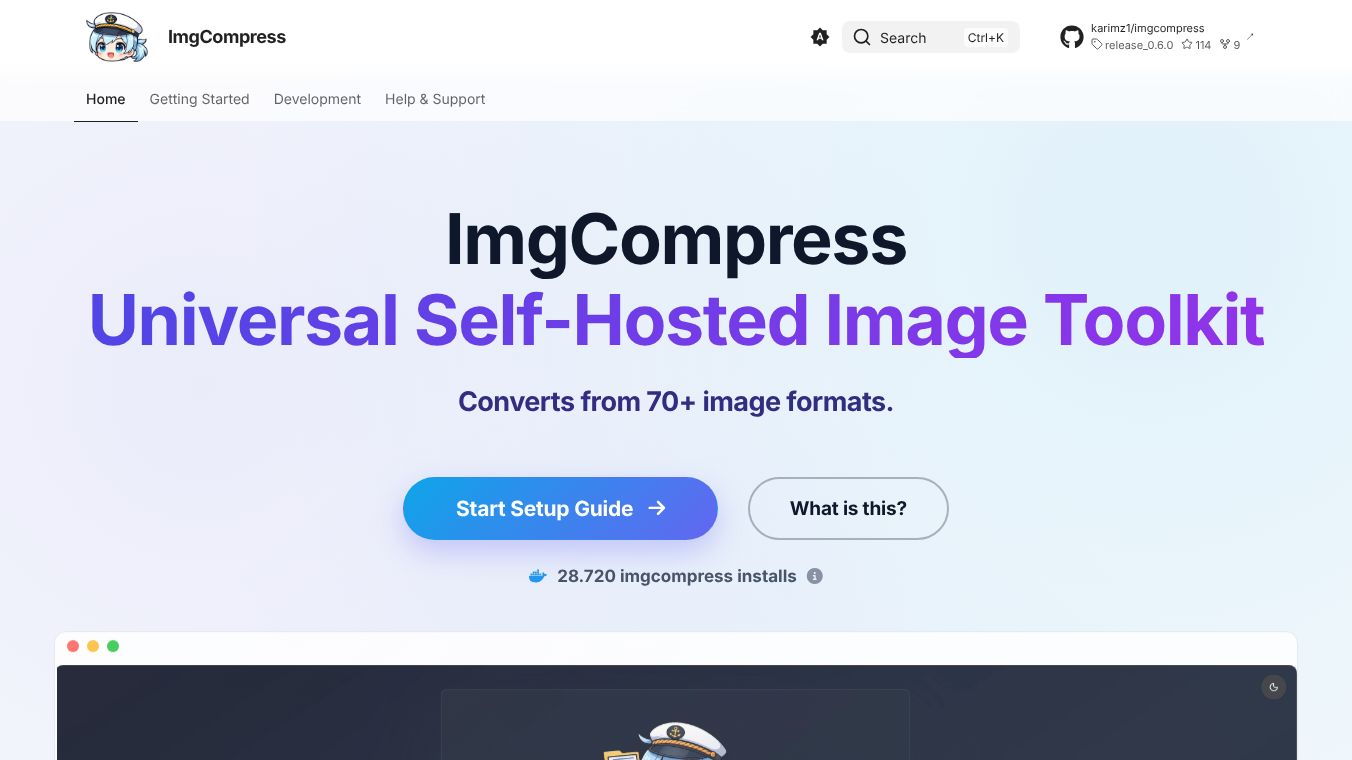





ImgCompress is a powerful tool that helps you manage and change your image files. It works on your own computer, so your pictures stay private. You don't need to pay for subscriptions or worry about your data being tracked.
Benefits
ImgCompress can quickly remove backgrounds from your photos using artificial intelligence, all done locally. It supports over 70 different file types, like HEIC, WebP, and JPG, making it easy to convert images from one format to another. It can also turn your pictures into organized A4 PDFs, splitting them up if they are too long. Because it can process many images at once, it's great for organizing large collections of photos quickly. Since it comes as a Docker box, it's simple to set up and doesn't add clutter to your computer.
Use Cases
You can use ImgCompress by simply dragging and dropping your photos into its web page. Then, you choose what you want to do, like making the file size smaller, changing the format, or removing the background. The tool will process your images right away, and you can download the finished files instantly. It's useful for anyone who needs to convert many different types of image files or prepare images for documents without needing multiple separate software programs.
Vibes
ImgCompress is used by people all over the world and has been downloaded many thousands of times, showing that many people find this all-in-one image solution very helpful.
This content is either user submitted or generated using AI technology (including, but not limited to, Google Gemini API, Llama, Grok, and Mistral), based on automated research and analysis of public data sources from search engines like DuckDuckGo, Google Search, and SearXNG, and directly from the tool's own website and with minimal to no human editing/review. THEJO AI is not affiliated with or endorsed by the AI tools or services mentioned. This is provided for informational and reference purposes only, is not an endorsement or official advice, and may contain inaccuracies or biases. Please verify details with original sources.

 No Info


Comments
Please log in to post a comment.