IMDbPlay: Play From IMDb
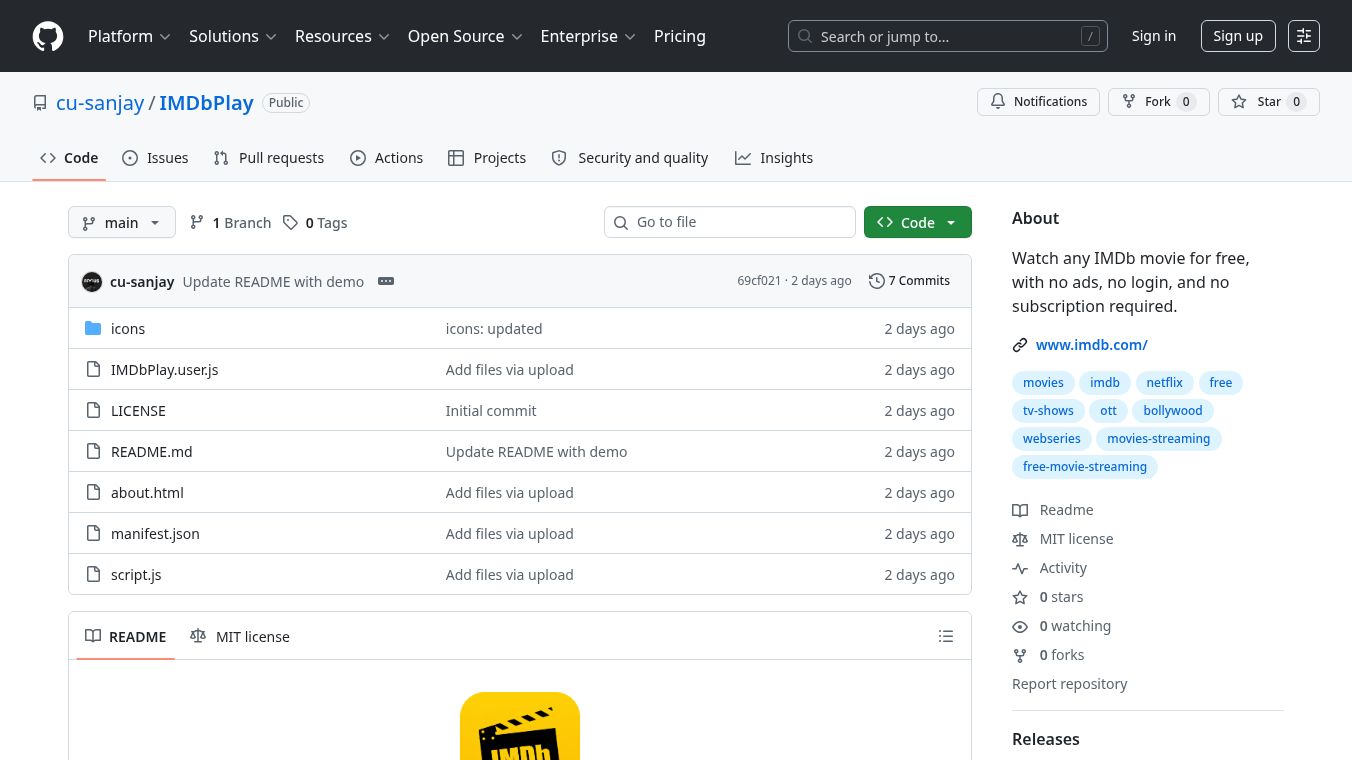





IMDbPlay is a free tool designed to let users watch movies and TV shows directly from the IMDb website. Instead of going to a separate streaming service, this tool allows you to click on a title in the IMDb database and play the video right there. It works by finding the official streaming link for the content and opening it in a new window or tab. This means you do not need to install any extra software or create new accounts on other platforms. The main goal of this tool is to make it easier to access entertainment without leaving the familiar IMDb interface.
Benefits
The biggest advantage of IMDbPlay is its simplicity. It removes the need to search for different streaming apps or remember passwords for various services. Users can find a movie they want to watch, see if it is available to stream, and play it instantly. This saves time and effort because everything happens in one place. The tool also helps users discover new content by showing them exactly where to watch it. Since it is free, there are no hidden costs or subscription fees required to use the basic functionality. It acts as a bridge between the movie database and the actual video player.
Use Cases
This tool is useful for anyone who uses IMDb to browse movies and TV shows. If you are looking for a specific film and want to check if you can watch it for free, IMDbPlay provides that answer quickly. It works well for casual viewers who want to explore a genre or find a classic movie without committing to a paid service. For example, a user might search for a 1990s action movie, see that it is available on a free streaming site, and click the link to watch it immediately. It is also helpful for people who want to verify the availability of content before deciding whether to buy a ticket or rent a disc. The tool is accessible on computers and mobile devices where a web browser is available.
Pricing
IMDbPlay is available for free. There are no subscription fees, monthly charges, or one-time costs to use the tool. It relies on the existing streaming links provided by the content owners, so users do not pay extra to access the video player.
Vibes
There is limited public feedback specifically about this GitHub project since it is a community-driven tool rather than a commercial product. Users who have tried it generally appreciate the convenience of having a direct link to streaming options. The community on platforms like GitHub and Reddit often discusses such tools as helpful shortcuts for finding free content. While some users might prefer dedicated streaming apps for a better viewing experience, many find this tool to be a quick solution for checking availability and starting a watch session without friction.
Additional Information
IMDbPlay is hosted on GitHub, which is a platform for developers to share code and projects. The project is maintained by a contributor named cu-sanjay. Because it is an open-source tool, the code is available for anyone to view or modify if they wish. The project does not have official partnerships with major streaming services or movie studios. It operates independently and relies on the public data available on the IMDb website. The tool is not officially endorsed by IMDb, Inc., but it utilizes their database to function. Users should be aware that availability of streaming links can change based on licensing agreements between studios and streaming platforms.
This content is either user submitted or generated using AI technology (including, but not limited to, Google Gemini API, Llama, Grok, and Mistral), based on automated research and analysis of public data sources from search engines like DuckDuckGo, Google Search, and SearXNG, and directly from the tool's own website and with minimal to no human editing/review. THEJO AI is not affiliated with or endorsed by the AI tools or services mentioned. This is provided for informational and reference purposes only, is not an endorsement or official advice, and may contain inaccuracies or biases. Please verify details with original sources.
 No Info
Comments
Please log in to post a comment.