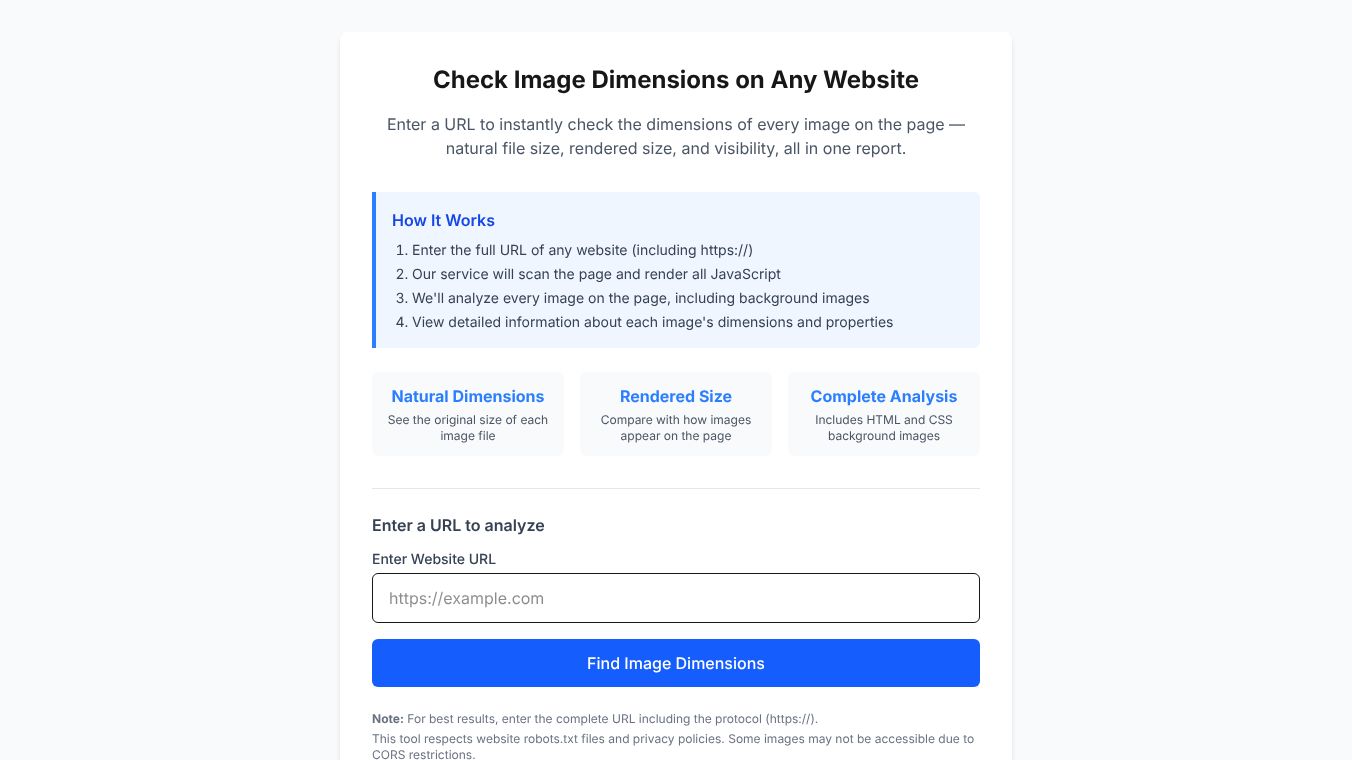





Check Image Dimensions on Any Website
ImageDimensions is a free online tool that helps users check the size of every image on a webpage. It provides a detailed report showing the original file size, how the image looks on the screen, and whether the image is visible. This service is designed for web developers, designers, and anyone who wants to ensure their website images are optimized for speed and quality.
Benefits
The main advantage of ImageDimensions is its ability to analyze every image on a page in one go. It does not miss background images that are often hidden in code. The tool compares the original file size with the rendered size to show if an image is being stretched or compressed incorrectly. This helps users identify large files that slow down a website. It also respects privacy rules by checking robots.txt files before scanning a site. Users get a clear report without needing to install any software.
Use Cases
Web developers use this tool to audit their sites for performance issues. They can find images that are too big and need compression. Designers use it to verify that their images display correctly on different screens. SEO specialists check image sizes to ensure pages load quickly for search engines. The tool works best when users enter the full website address including the https protocol. It is useful for checking competitor sites or reviewing your own work before launching.
Pricing
ImageDimensions is a free service. Users can access all features without paying any fees. The tool runs in the browser for image converters, keeping files safe on the user's device.
Vibes
Users appreciate the simplicity and speed of the tool. Many find the detailed reports helpful for fixing slow-loading pages. The ability to see background images is a feature that users often mention as a key benefit. Some users note that CORS restrictions may block access to certain images on other sites, but this is a common web security feature.
Additional Information
The service provides extra resources like guides on image optimization to help users improve their websites. It also offers other free utilities for working with images. The developers focus on making tools that run entirely in the browser to protect user data.
This content is either user submitted or generated using AI technology (including, but not limited to, Google Gemini API, Llama, Grok, and Mistral), based on automated research and analysis of public data sources from search engines like DuckDuckGo, Google Search, and SearXNG, and directly from the tool's own website and with minimal to no human editing/review. THEJO AI is not affiliated with or endorsed by the AI tools or services mentioned. This is provided for informational and reference purposes only, is not an endorsement or official advice, and may contain inaccuracies or biases. Please verify details with original sources.





Comments
Please log in to post a comment.