Image Inverter
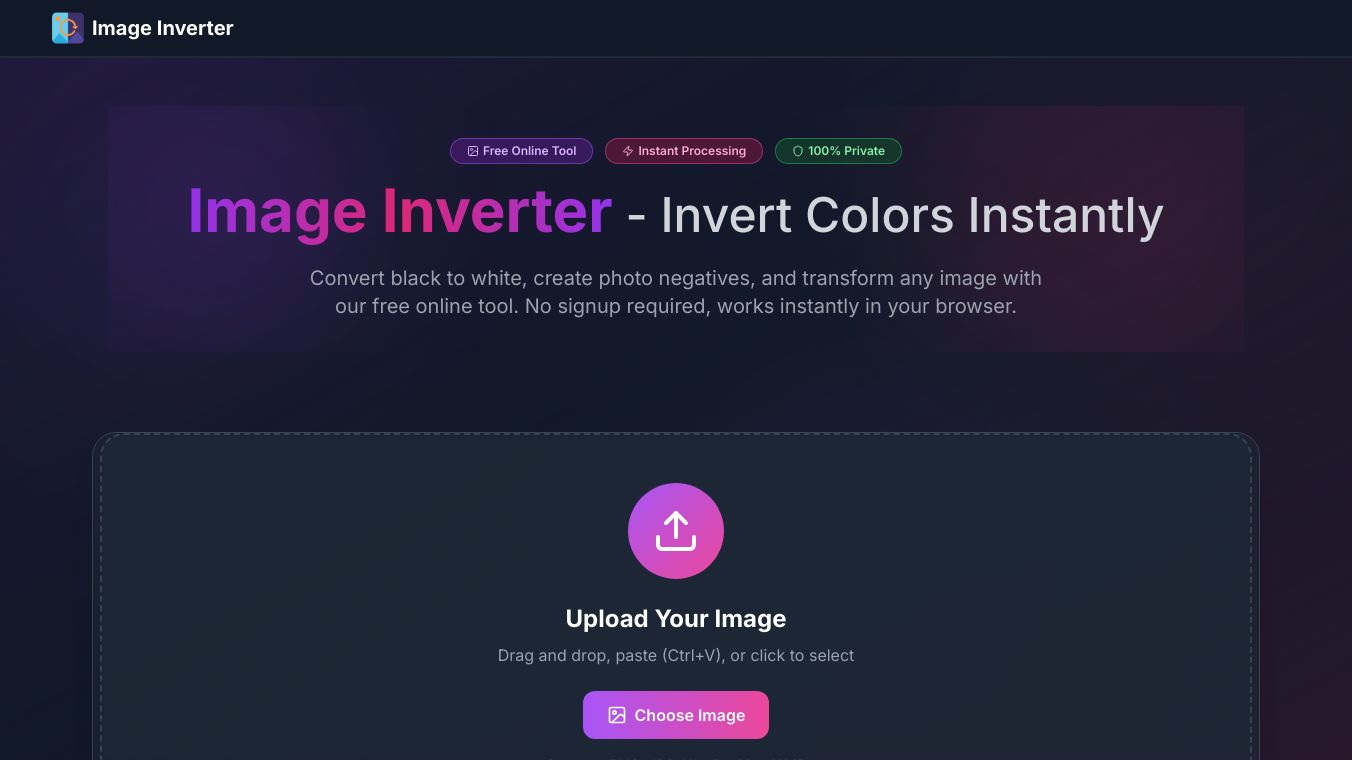





Image Inverter is a free online tool that lets you flip the colors of a picture right in your web browser. You don't need to sign up to use it. It's designed to be very easy to use. You can simply drag and drop your image onto the page, paste it using Ctrl+V, or click to choose it from your files. The tool works with common image types like PNG, JPG, and WebP, as long as they are not larger than 10MB.
Once you upload your picture, Image Inverter processes it right away. You can see your original picture next to the new, color-inverted one. When you are happy with the result, you can download the inverted image without losing any quality or changing its original format.
Benefits
Image Inverter makes it simple to change image colors instantly. It keeps your pictures looking sharp by maintaining their full resolution and transparency, especially for PNG files. Because it works in your browser, your images stay private and never leave your device. You can use it as much as you want for free on any device, including computers, tablets, and phones.
Use Cases
Photographers can use this tool to check if their pictures are too dark or too bright, which helps them understand if they took the photo with the right amount of light. Designers can quickly create different color styles for their work, like making a dark version of a design. Scientists and doctors might use it to see details in images like X-rays or satellite photos that are hard to spot otherwise. It can also show you what a picture would look like as a film negative before you print it.
Image Inverter is useful for many areas. In Design and Branding, it helps create dark mode graphics. Photographers use it for checking exposure. Web developers can test how different themes look quickly. Educators and researchers use it to find hidden patterns. It's also used in Print and Publishing for checking negatives and in Creative Arts for unique visual effects.
Pricing
Image Inverter is completely free to use.
Vibes
People really like Image Inverter. It has a high average rating of 4.9 out of 5 stars from over 50,000 reviews. Thousands of images are processed every day in just a few seconds, with perfect quality.
Additional Information
This tool has processed over 50,000 images daily, with each image taking an average of 0.3 seconds to process. It supports 6 different industry use cases and maintains 100% quality.
This content is either user submitted or generated using AI technology (including, but not limited to, Google Gemini API, Llama, Grok, and Mistral), based on automated research and analysis of public data sources from search engines like DuckDuckGo, Google Search, and SearXNG, and directly from the tool's own website and with minimal to no human editing/review. THEJO AI is not affiliated with or endorsed by the AI tools or services mentioned. This is provided for informational and reference purposes only, is not an endorsement or official advice, and may contain inaccuracies or biases. Please verify details with original sources.

 No Info



Comments
Please log in to post a comment.