HappyHorse - 4
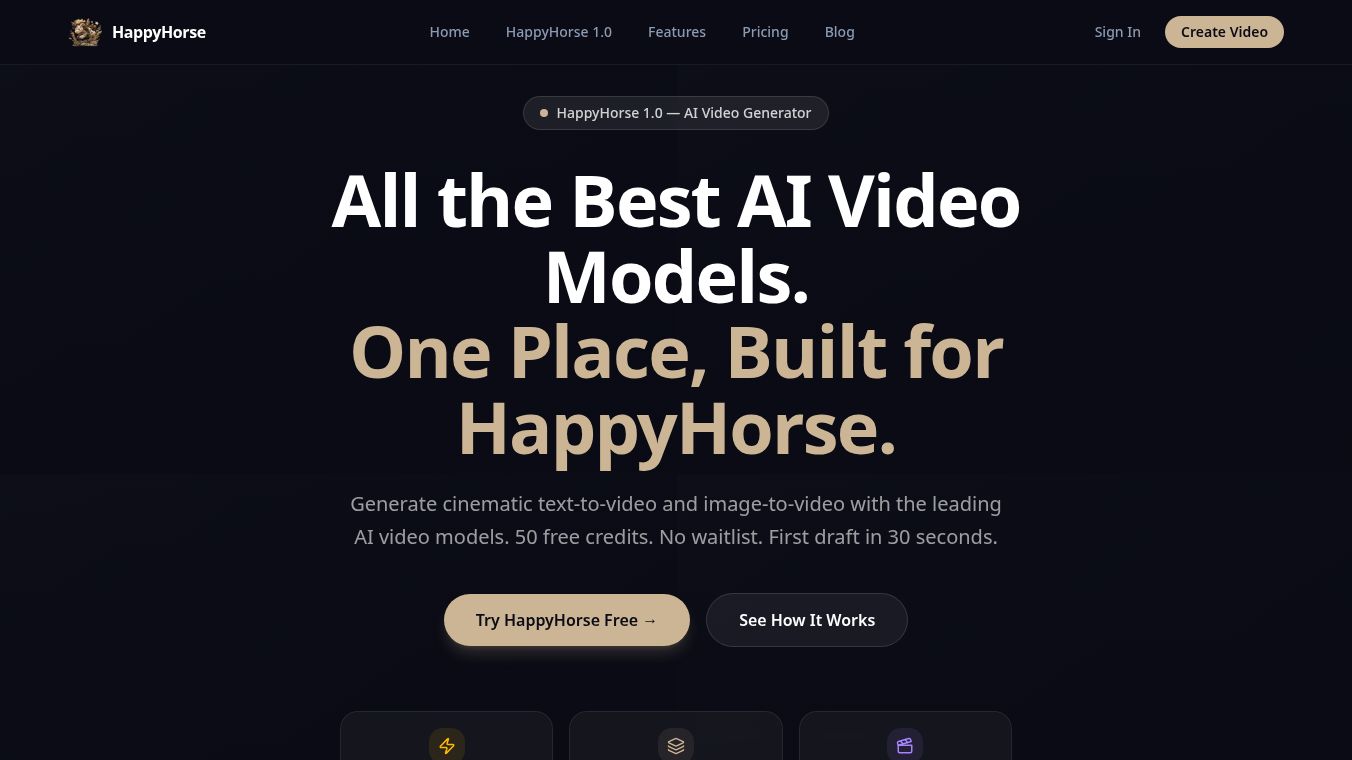





HappyHorse 1.0 is a new AI tool that helps people create amazing videos. It lets users combine different things like pictures, videos, sounds, and text to make professional-looking videos. This tool is useful for many things, such as making ads, teaching, or telling stories.
Benefits
HappyHorse 1.0 makes it easy to create videos by letting you use up to 9 images, 3 short videos, and 3 audio files all at once. You can also tell the AI to copy the way something moves, looks, or sounds from your uploaded files using simple words. It's great at keeping faces, clothes, and scenes looking the same across different parts of your video. You can even copy the camera movements and actions from another video to use in your own creation. Plus, it can make your video clips longer, connect different scenes smoothly, and edit parts of your video while keeping everything looking consistent. It can also create sound effects and background music that fit your video, or make visuals move to the beat of your uploaded music.
Use Cases
This tool is perfect for making advertisements and marketing videos, including product showcases and commercials. In education, it can turn lessons into visual stories, create animated explanations, or show historical events. Storytellers can use it to build unique narratives for short films or art projects. It's also great for making quick videos for social media by using popular styles and effects. Dancers and musicians can apply choreography or actions from reference videos to new scenes. Video editors can extend existing clips or combine scenes without starting over. Filmmakers can use it to plan shots by copying camera movements from references. Real estate agents can turn property photos into video tours. It can also create videos that sync perfectly with music.
Pricing
HappyHorse 1.0 offers different ways to pay. You can choose a subscription plan like Basic, Standard, or Pro, which are paid yearly and give you monthly credits. Or, you can buy credit packs like Starter, Creator, Professional, or Max, which you can use within a year. All these options give you access to AI Video, AI Music, and AI Images. The subscription plans offer extra perks like private video creation, an ad-free experience, faster processing, and better customer support.
Vibes
Creators love HappyHorse 1.0 because of its impressive ability to use references, its easy-to-use multi-modal input, and how consistently it generates characters and visuals. People also appreciate how easy it is to control with natural language, the helpful built-in audio tools, and how much time it saves by letting them extend videos.
Additional Information
The process of creating a video involves three simple steps: uploading your files, describing what you want in plain language, and then generating and refining your clips. The videos created are usually between 4 and 15 seconds long.
This content is either user submitted or generated using AI technology (including, but not limited to, Google Gemini API, Llama, Grok, and Mistral), based on automated research and analysis of public data sources from search engines like DuckDuckGo, Google Search, and SearXNG, and directly from the tool's own website and with minimal to no human editing/review. THEJO AI is not affiliated with or endorsed by the AI tools or services mentioned. This is provided for informational and reference purposes only, is not an endorsement or official advice, and may contain inaccuracies or biases. Please verify details with original sources.

Comments
Please log in to post a comment.