Gptimg2 AI
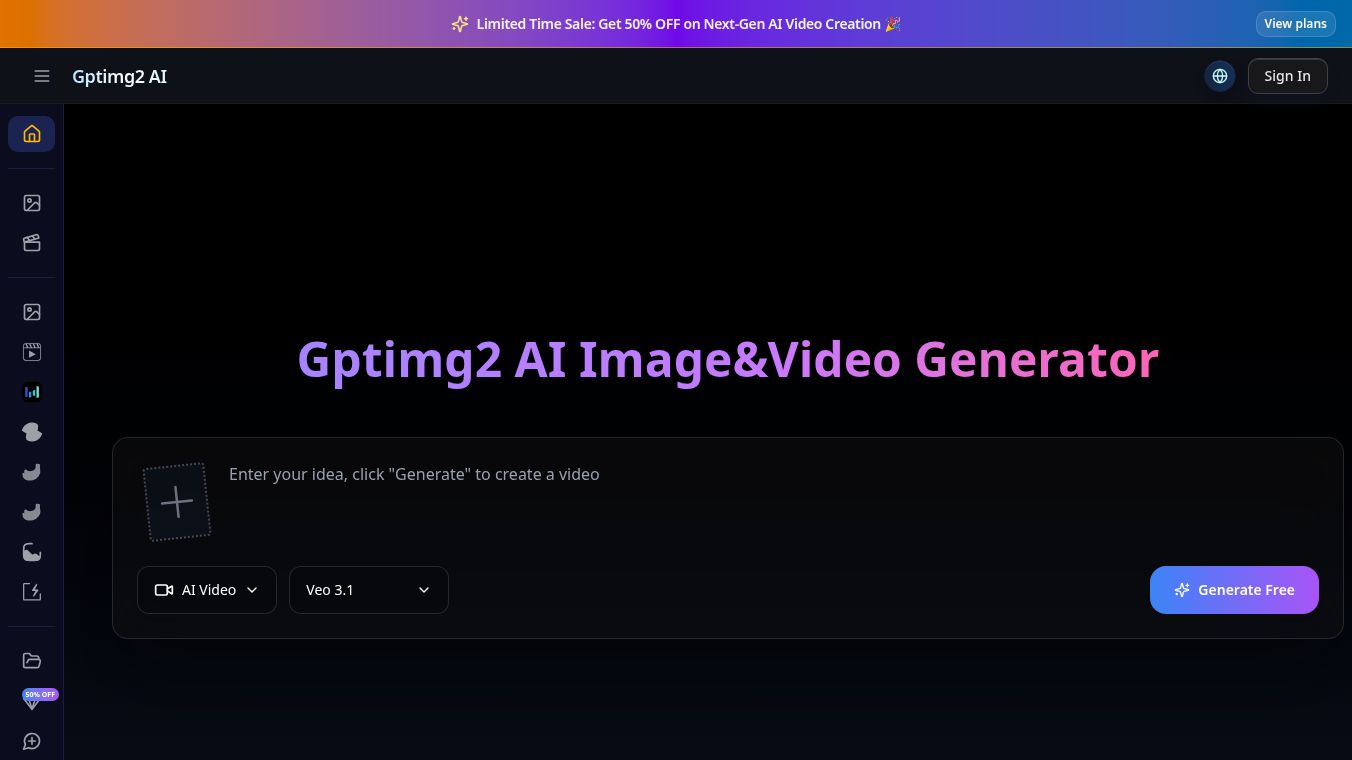





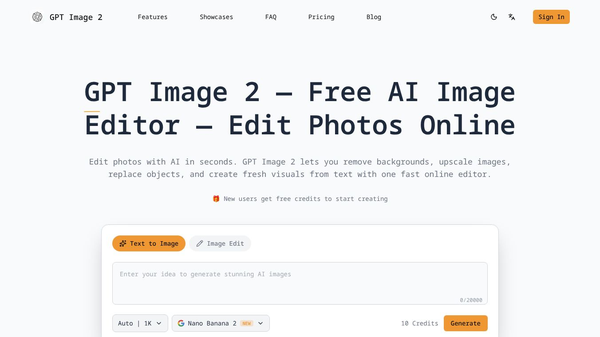
GPT Image 2 is a new tool from OpenAI that lets users create and edit images using just words. It works right in your web browser, so you don't need any special software or design skills. You can make high-quality pictures from text descriptions or change existing photos by simply describing what you want to do.
Benefits
GPT Image 2 can create images with a resolution of 2048x2048, which can be made even sharper up to 4K. This means your images will look great, even when printed large. It's also very good at putting readable text into images, working correctly over 95 percent of the time, and it supports many languages. You can edit photos using simple English sentences to change things like backgrounds or remove objects. A unique feature is its ability to keep a character's appearance the same across different images, which is helpful for stories or branding. The tool can also create images in many different styles, from realistic photos to cartoons, all based on your descriptions. If you use a paid plan, you get full rights to use the images for commercial purposes, like in ads or for selling products.
Use Cases
This tool is useful for many people. E-commerce businesses can use it to create new photos for their products. Marketing teams can quickly make eye-catching ads. Authors can create illustrations for their books. Developers can also use it to automate image creation through an API.
Pricing
GPT Image 2 offers a free option for basic use. There are also paid plans called Starter, Standard, and Pro that give you more credits, higher resolution options, and commercial usage rights. You can buy credits in packages, and they don't expire.
Vibes
Compared to other AI image tools like Midjourney and DALL-E 3, GPT Image 2 is noted for its high-resolution images, better text in images, and its ability to edit photos using natural language. It also offers an official API, which is something not all competitors provide.
Additional Information
Getting started is easy. You just need to type what you want, choose the size and quality, and then create or refine your image. The service is free to try, with paid plans available for more advanced features and commercial use.
This content is either user submitted or generated using AI technology (including, but not limited to, Google Gemini API, Llama, Grok, and Mistral), based on automated research and analysis of public data sources from search engines like DuckDuckGo, Google Search, and SearXNG, and directly from the tool's own website and with minimal to no human editing/review. THEJO AI is not affiliated with or endorsed by the AI tools or services mentioned. This is provided for informational and reference purposes only, is not an endorsement or official advice, and may contain inaccuracies or biases. Please verify details with original sources.
Comments
Please log in to post a comment.