Glance
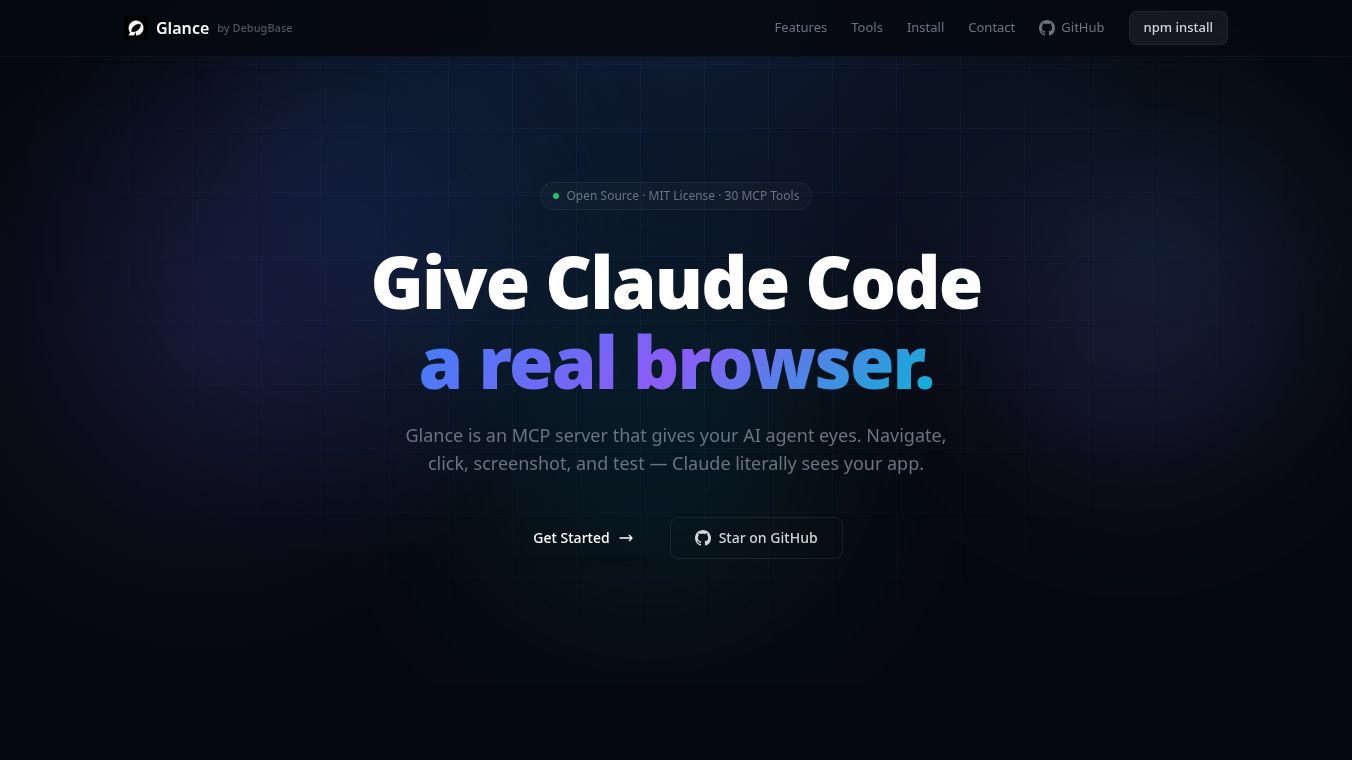





Glance is a smart tool that uses AI to help you control and test websites right from your computer's command line. It works with something called Claude Code to let you do things like click on buttons, take pictures of web pages, and check if your website works correctly, all without leaving your terminal.
Benefits
Glance gives you a lot of power over your web browser. It has many tools that let you see exactly what's happening on a webpage, take screenshots, and even record your whole session. This helps you find problems and make sure your website is working as expected. It can also check for visual differences, monitor network activity, and keep an eye on console messages, making it a complete package for testing.
Use Cases
This tool is great for developers and testers who need to check web applications. You can use Glance to automatically open a website, click on links, fill out forms, and take screenshots at different steps. It's also useful for running tests to make sure everything looks and works right, and for checking if there are any errors in the browser's console. You can even set up multi-step tests that run automatically.
Vibes
Glance has been used successfully in real projects like DebugBase and GitScribe AI, showing that it can reliably test web applications and achieve a high success rate for test scenarios.
This content is either user submitted or generated using AI technology (including, but not limited to, Google Gemini API, Llama, Grok, and Mistral), based on automated research and analysis of public data sources from search engines like DuckDuckGo, Google Search, and SearXNG, and directly from the tool's own website and with minimal to no human editing/review. THEJO AI is not affiliated with or endorsed by the AI tools or services mentioned. This is provided for informational and reference purposes only, is not an endorsement or official advice, and may contain inaccuracies or biases. Please verify details with original sources.


Comments
Please log in to post a comment.