GhostSnap





GhostSnap: A Comprehensive macOS Screenshot Utility
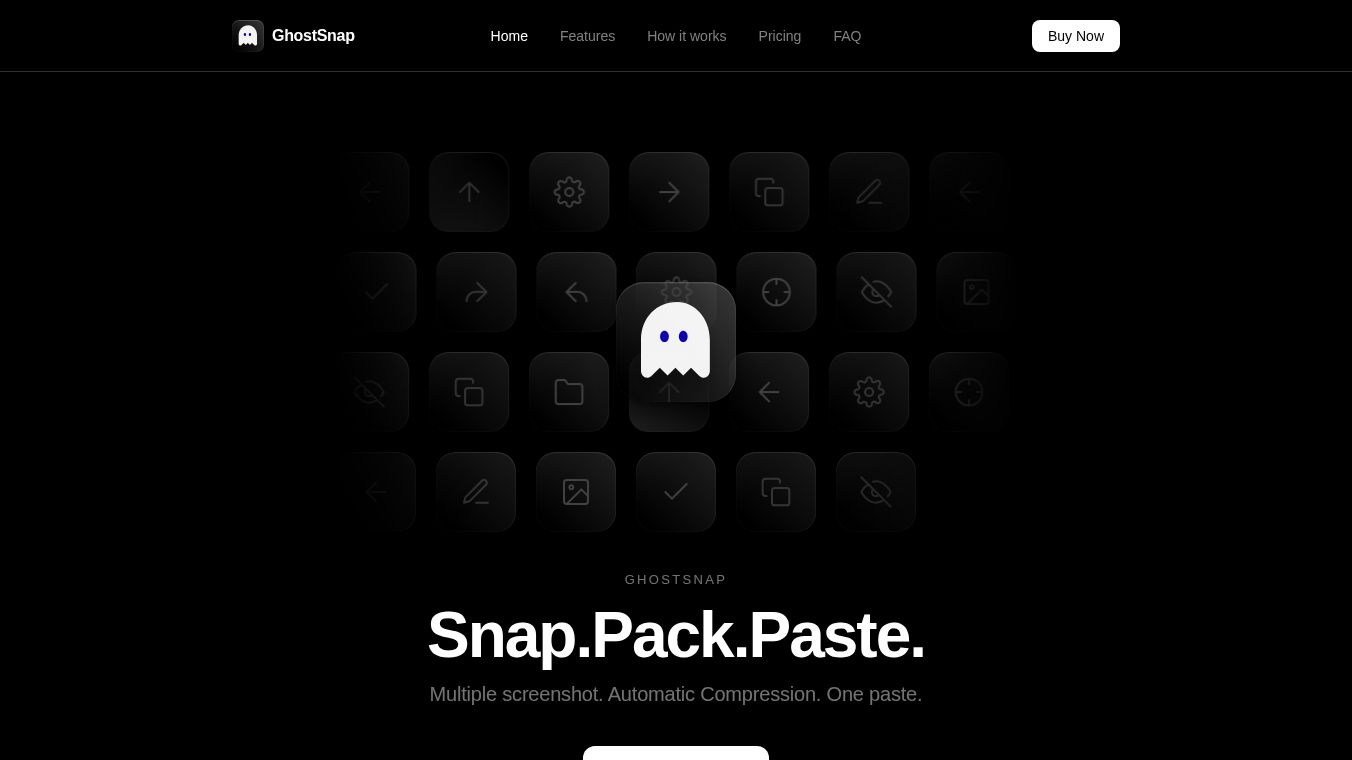
GhostSnap is a specialized tool for Mac computers that helps users capture and manage multiple screenshots quickly. It is designed for people who need to take many pictures of their screen at once without slowing down their work. The software handles the heavy lifting in the background so users can focus on their tasks.
Benefits
GhostSnap offers several powerful advantages for daily computer use. First, it allows users to take many screenshots at once using standard keyboard shortcuts. Instead of saving each image separately, the tool queues them up and lets you paste all the images into a document with a single command. This saves a lot of time for busy professionals.
The software also compresses images automatically by up to 80 percent without losing any quality. This means files are smaller and easier to share. Smaller files also cost less when you send them to artificial intelligence tools. Another major benefit is privacy. All processing happens on your own computer. No data leaves your device, which keeps sensitive information safe.
GhostSnap includes built-in tools to read text from images. You can drag and select specific areas on your screen to extract the written words instantly. The app also lets you add notes, draw arrows, or highlight parts of the image before you share it. These features reduce the need to use other separate programs.
Use Cases
This tool is perfect for teams and individuals who work with visual information constantly. Developers often use it to capture code snippets or error messages quickly for documentation. Designers can take screenshots of their work and add labels to show specific details to clients.
Content creators benefit from the ability to share images rapidly while keeping file sizes small. This is especially useful when sending files to AI chatbots where smaller images save money on usage limits. Businesses that handle high volumes of screen captures can streamline their workflows significantly. The tool works on both modern Apple Silicon chips and older Intel Macs.
Pricing (ONLY include if available)
GhostSnap is a paid product with no free version available. Users must purchase a license to use the software. The cost is a one-time payment rather than a recurring subscription. Buyers can purchase licenses for multiple Mac computers at the same time. The software comes with free updates after the initial purchase. It is not sold through the Mac App Store and must be downloaded directly from the official website.
Vibes (ONLY include if available)
There are no specific reviews or testimonials available in the provided information about how users feel about GhostSnap. The description focuses on the technical features and capabilities rather than user opinions or ratings.
Additional Information (ONLY include if available)
GhostSnap requires specific permissions to run properly. It needs access to the screen to capture images and access to clipboard functions to handle the batch pasting. The operating system must be macOS 13 or newer. The software uses Apple's built-in Vision framework to handle text extraction, which ensures compatibility and security. It is exclusively available for Mac users and does not work on Windows or other operating systems.
This content is either user submitted or generated using AI technology (including, but not limited to, Google Gemini API, Llama, Grok, and Mistral), based on automated research and analysis of public data sources from search engines like DuckDuckGo, Google Search, and SearXNG, and directly from the tool's own website and with minimal to no human editing/review. THEJO AI is not affiliated with or endorsed by the AI tools or services mentioned. This is provided for informational and reference purposes only, is not an endorsement or official advice, and may contain inaccuracies or biases. Please verify details with original sources.


Comments
Please log in to post a comment.