Free Gemini Omni
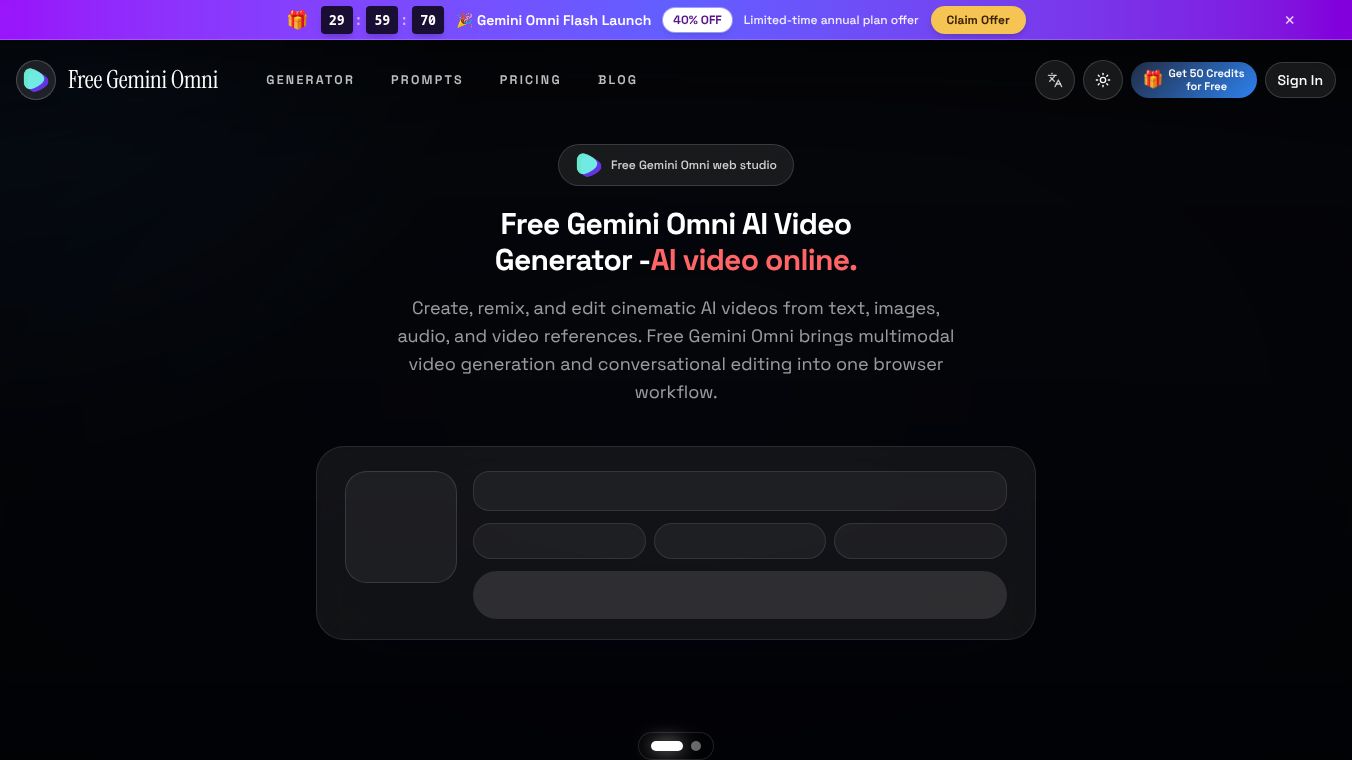





Is Gemini Omni Free? A Comprehensive Guide to Google's New Video Model
The question "Is Gemini Omni free?" is currently the most searched query regarding Google's new video generation model. The answer is yes, partly. Google has made the free access path broader than many realize, offering official ways to use the model at no cost while reserving advanced features for paid tiers.
Benefits
Google Gemini Omni Flash is available simultaneously across four official surfaces, with a mix of free and paid access. The free tier of Google Flow is available with any Google Account without requiring a subscription. It includes Gemini Omni Flash, Nano Banana Pro, and Veo 3.1. Features include text-to-video, frames-to-video, ingredients-to-video, video extension, and Scenebuilder. This is considered the most capable free entry point, providing the actual Omni Flash model inside a proper timeline editor for free, subject to usage limits. Gemini Omni is accessible at no cost directly within the YouTube Shorts interface. The YouTube Create mobile app also ships with Omni Flash for free. As a mobile-first editor, it is ideal for drafting projects on a phone before moving them into the full Google Flow editor. Even on the free tier, users get access to the real Gemini Omni Flash model, not a watered-down preview. Capabilities include multimodal input, combining text, image, video, and voice audio references into a single clip. Conversational editing allows multi-turn editing capabilities to change lighting, swap objects, or re-angle cameras. Every generated video includes an invisible SynthID watermark, which applies to both free and paid outputs. Usage limits reset over time. Some features, such as avatars and video-to-video editing, may vary by country.
Use Cases
Gemini Omni is free where it counts for getting started: Google Flow's free tier, YouTube Shorts, and YouTube Create all run Omni Flash at no cost. Paid plans exist for higher limits, pro tools, and the standalone Gemini experience. The recommended strategy is to draft for free and upgrade only when project demands necessitate it. Just trying it or hobby use should start on Google Flow's free tier or YouTube Shorts. No credit card is required for these options. Drafting on mobile is best done using the YouTube Create app. Brand-grade output, longer projects, or video-to-video editing requires upgrading to Google AI Plus or Pro. Studios or heavy 4K work should choose Google AI Ultra.
Pricing
Pricing varies by region, but the approximate 2026 structure is as follows. Google AI Plus is the entry tier, starting around US$7.99 per month. Google AI Pro is the most common creator tier, bundling Gemini 3.1 Pro, YouTube Premium Lite, and 5 TB of storage. Google AI Ultra is roughly US$100 to $200 per month, featuring 4K upscaling, the highest limits, and Deep Think. Early testing indicates that two Omni Flash generations can consume approximately 86% of an AI Pro daily quota. Users are advised to plan retries carefully and utilize in-chat editing to stretch their credits.
Vibes
The bottom line is that Gemini Omni is free where it counts for getting started. Google Flow's free tier, YouTube Shorts, and YouTube Create all run Omni Flash at no cost. Paid plans exist for higher limits, pro tools, and the standalone Gemini experience. The recommended strategy is to draft for free and upgrade only when project demands necessitate it.
Additional Information
Access via the standalone Gemini app is restricted to users aged 18+ who hold a Google AI Plus, Pro, or Ultra plan in regions where the app is offered. Users on the free Gemini tier have video generation with Omni gated. While the free tier is generous, it has caps. Upgrading unlocks creation-grade tools, higher resolution upscaling, and increased limits. The free tier includes Gemini Omni Flash with usage limits using only a Google Account. Google AI Plus offers creation tools, 1080p upscaling, and video-to-video editing. Google AI Pro adds AI credit top-ups, Gemini 3.1 Pro, YouTube Premium Lite, and 5 TB storage. Google AI Ultra provides 4K upscaling, the highest limits, Deep Think, YouTube Premium, and 20 TB+ storage.
This content is either user submitted or generated using AI technology (including, but not limited to, Google Gemini API, Llama, Grok, and Mistral), based on automated research and analysis of public data sources from search engines like DuckDuckGo, Google Search, and SearXNG, and directly from the tool's own website and with minimal to no human editing/review. THEJO AI is not affiliated with or endorsed by the AI tools or services mentioned. This is provided for informational and reference purposes only, is not an endorsement or official advice, and may contain inaccuracies or biases. Please verify details with original sources.

Comments
Please log in to post a comment.